
The Problem
After a recent VS Code extension auto-update, I noticed that the Stylelint auto-fix feature stopped working.
The Fix
Disable VS Code's auto-update for extensions and install an older version of the Stylelint extension.
What is Stylelint
Installing the older VS Code extension
1. Download the older extension 0.87.6 (paired with stylelint 13.13.1)
Download link
Or downgrade through the UI.
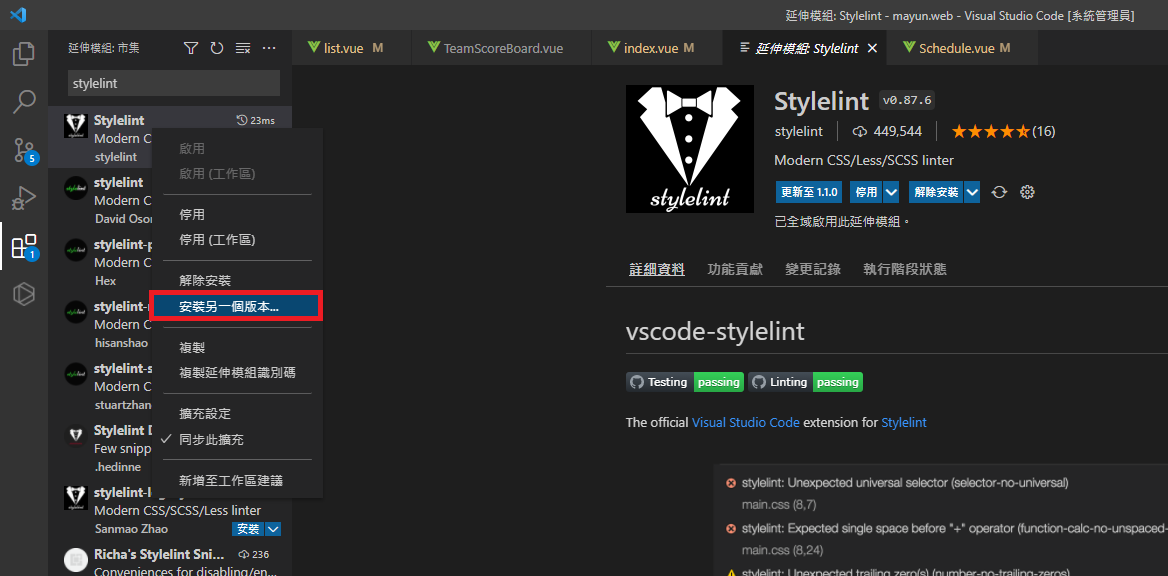
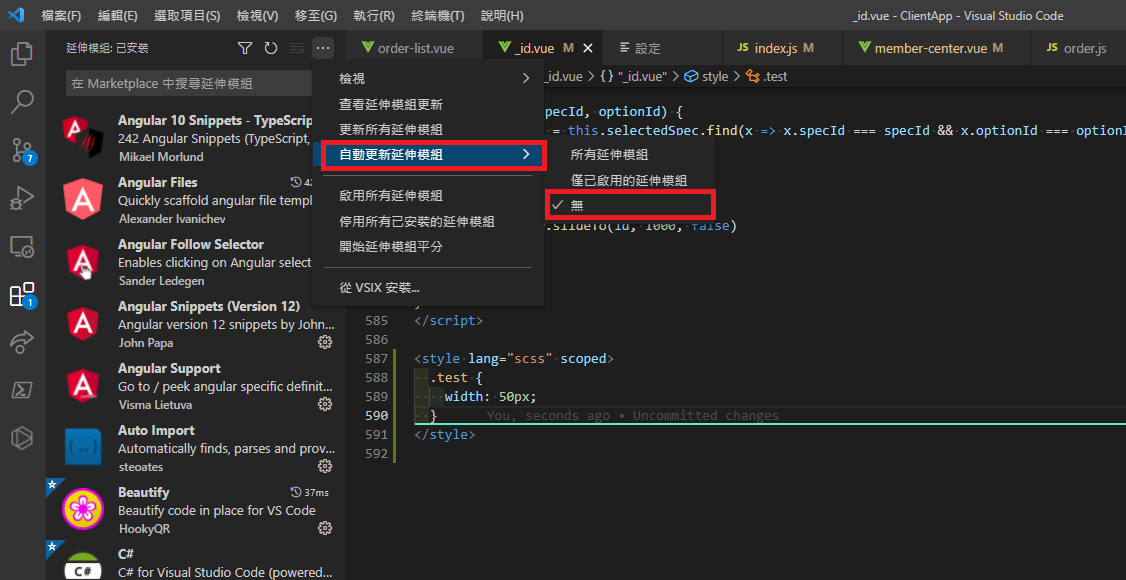
2. Disable auto-update for the extension
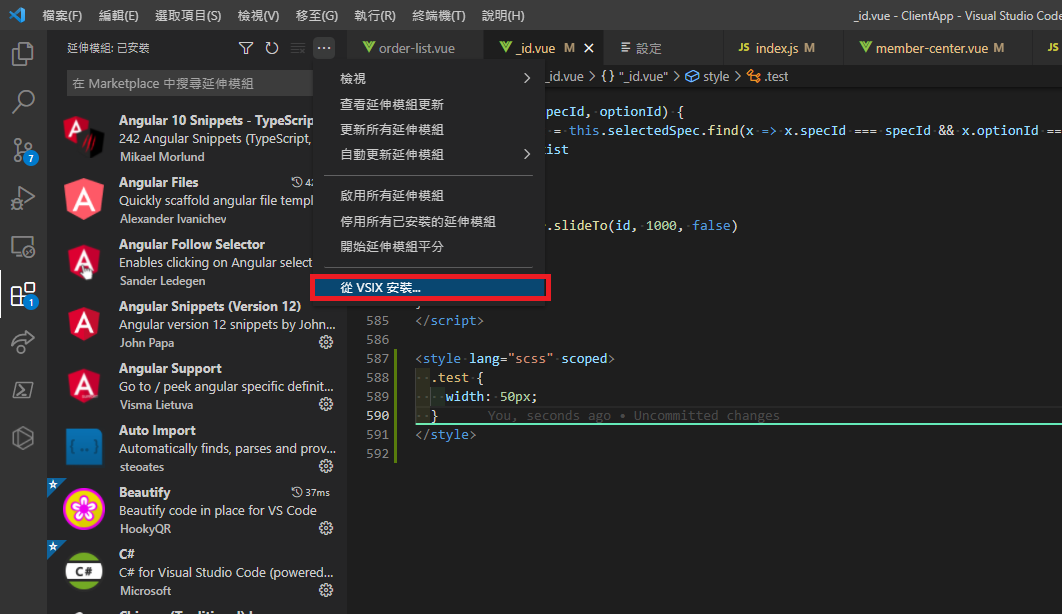
3. Install via VSIX
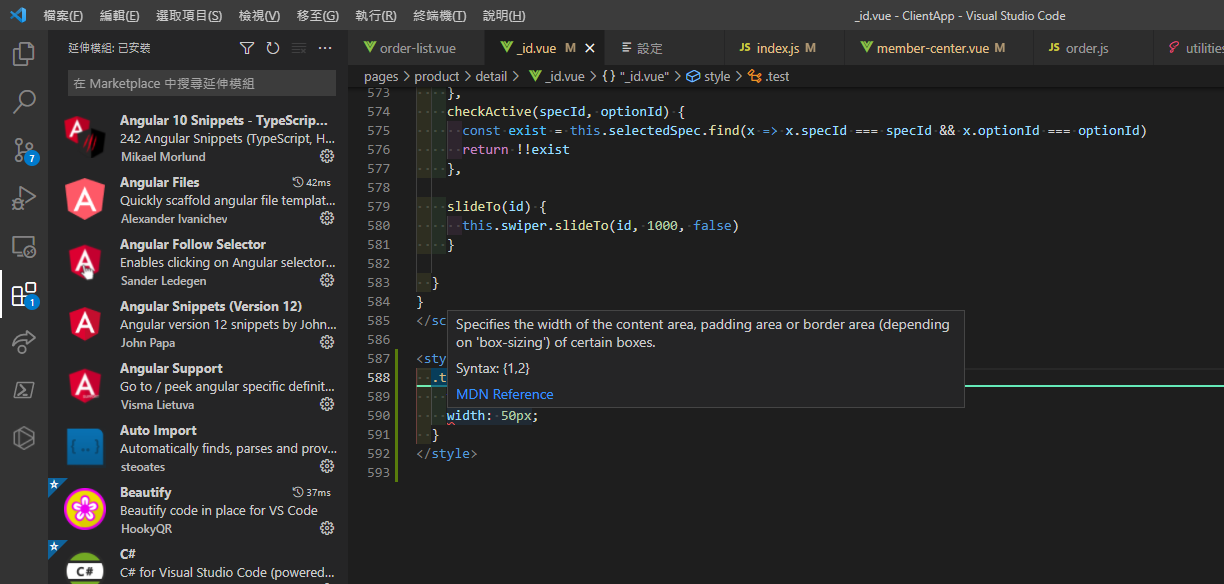
4. Stylelint auto-fix is back to normal


Comments