
What is Kong?
Kong is a high-performance API Gateway built on Nginx and OpenResty. Its core is written in Lua and it provides features like reverse proxying, API management, and plugin management/extension. It also inherits the advantages and characteristics of Nginx. Kong primarily uses PostgreSQL to store its configuration but also supports a database-less (DB-less) mode. It offers a native RESTful API for management, making it very suitable for scenarios requiring a single entry point for APIs and API subscriptions.
What can Kong do?
- Load balancing (reverse proxy)
- Unified API entry point (API Gateway)
- Supports multi-environment and version deployments
- API usage statistics and billing
- Security authentication (API Key, JWT, OAuth2, etc.)
Core Features
- Makes managing and deploying RESTful APIs simple and efficient
- Supports API version control and authorization
- Allows setting request limits (Rate Limiting) based on user levels
- Based on its Nginx architecture, no service restart is needed when changing configurations
- A powerful plugin mechanism for extending functionality or custom development
Official Documentation
https://docs.konghq.com/gateway/latest/
Similar Tools
- Apache APISIX
- Tyk
- NGINX Plus (Commercial)
Deploying Kong API Gateway (Docker with DB version)
version: '3.8'

services:
  kong-database:
    image: postgres:13
    container_name: kong-database
    environment:
      POSTGRES_USER: kong
      POSTGRES_DB: kong
      POSTGRES_PASSWORD: kong
    ports:
      - "5432:5432"

  kong-migrations:
    image: kong:3.6.0
    command: kong migrations bootstrap
    environment:
      KONG_DATABASE: postgres
      KONG_PG_HOST: kong-database
      KONG_PG_PASSWORD: kong
    depends_on:
      - kong-database

  kong:
    image: kong:3.6.0
    container_name: kong
    environment:
      KONG_DATABASE: postgres
      KONG_PG_HOST: kong-database
      KONG_PG_PASSWORD: kong
      KONG_ADMIN_LISTEN: 0.0.0.0:8001
      KONG_ADMIN_GUI_URL: http://localhost:8002
      KONG_ADMIN_GUI_API_URL: http://localhost:8001
    ports:
      - "8000:8000"   # Proxy
      - "8443:8443"   # Proxy SSL
      - "8001:8001"   # Admin API
      - "8002:8002"   # Kong Dashboard
    depends_on:
      - kong-database
      - kong-migrations
Startup command:
docker-compose up -d
Open Dashboard: http://localhost:8002
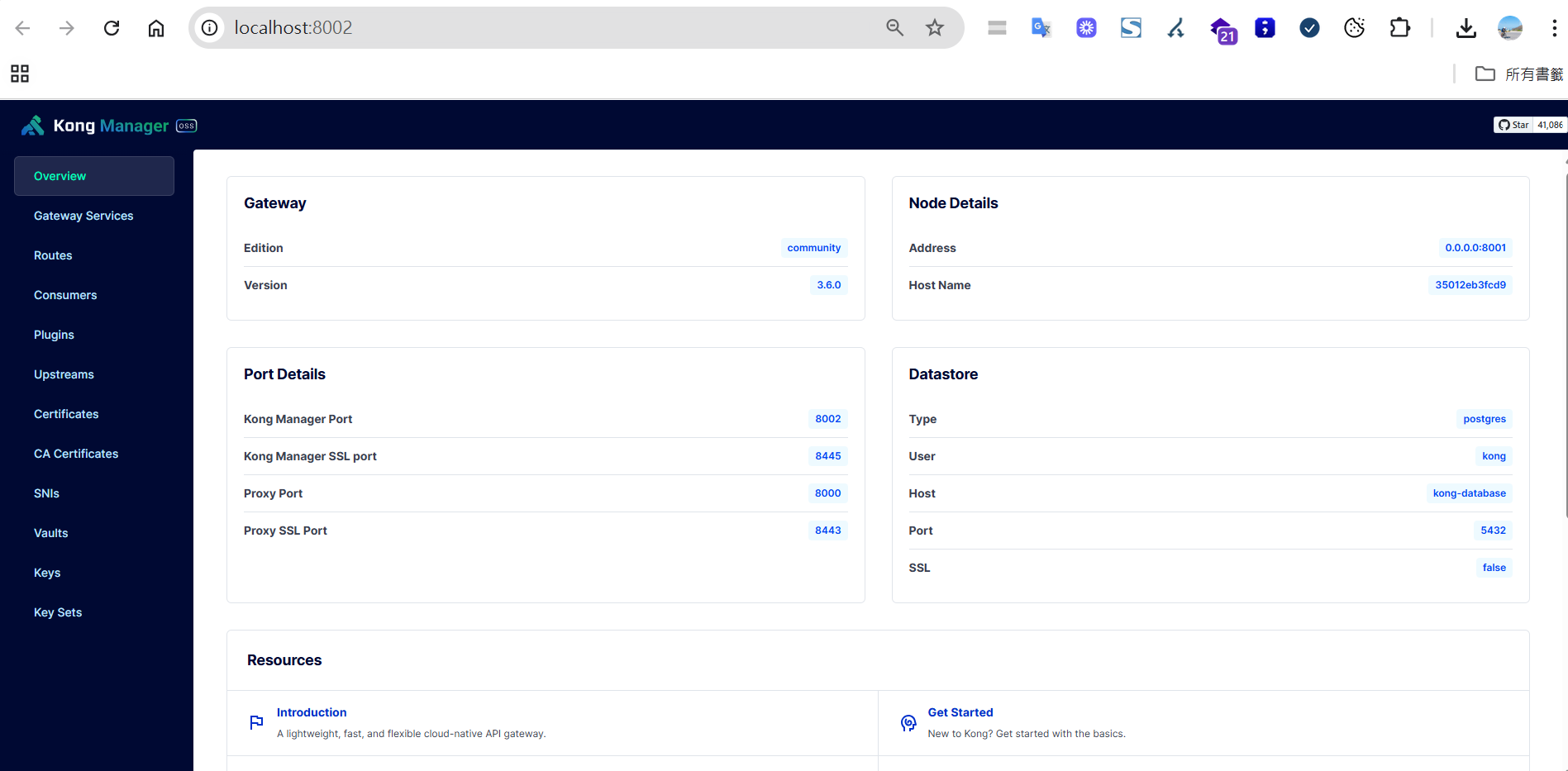
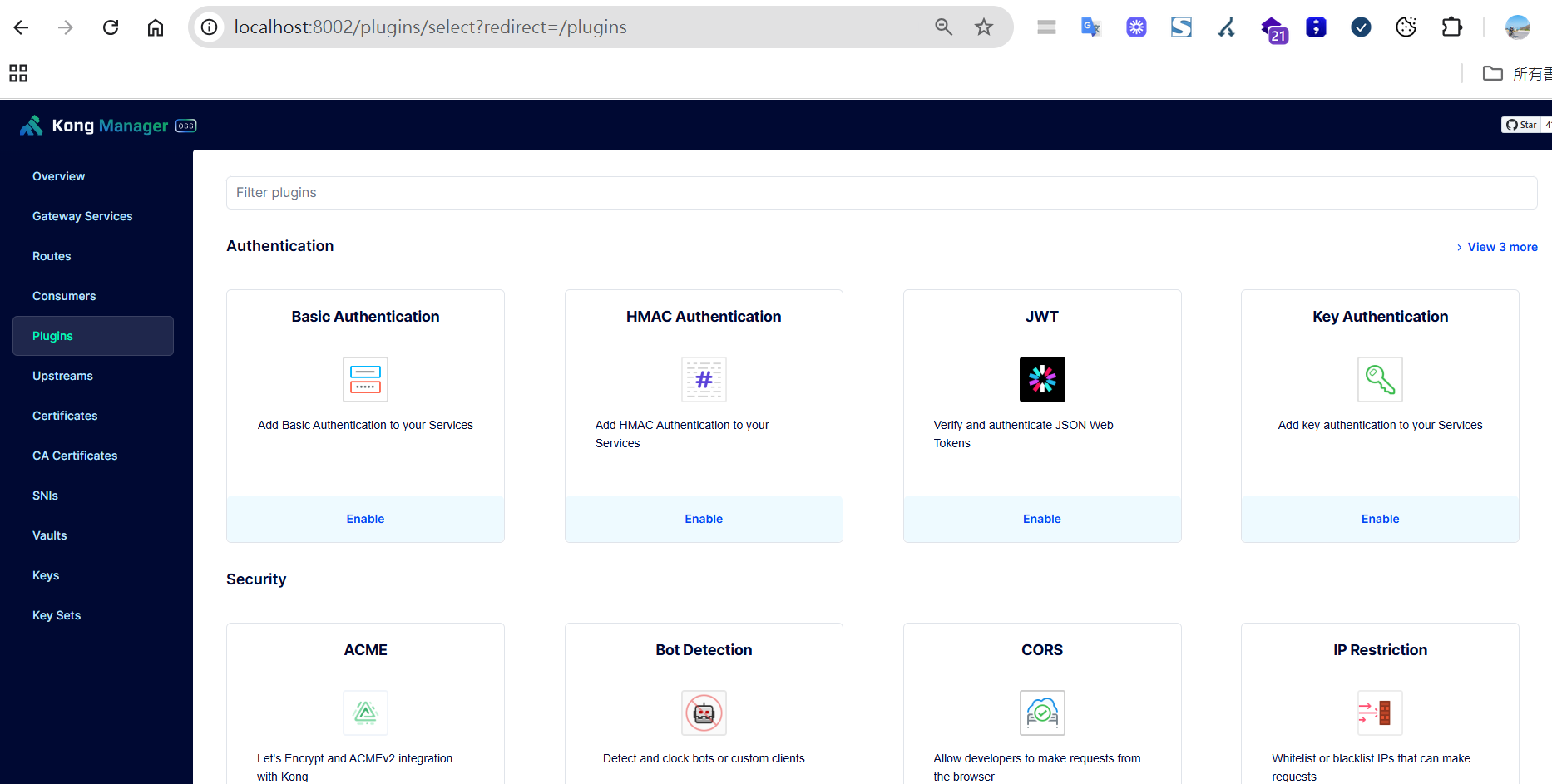
Many convenient plugins are installed by default, and you can add your own extensions if needed.
Common Port Descriptions
| Port | Purpose | Protocol | Description |
|---|---|---|---|
8000 | Proxy (HTTP) | HTTP | External API request entry point |
8443 | Proxy (HTTPS) | HTTPS | Encrypted request entry point |
8001 | Admin API | HTTP | Manages routes, services, plugins, etc. |
8002 | Kong Dashboard | HTTP | Graphical management interface |
Quick Test - Creating a Reverse Proxy
Create a service:
POST http://localhost:8001/services
Content-Type: application/json

{
  "name": "my-service",
  "url": "https://blog.markkulab.net/"
}
Create a route:
POST http://localhost:8001/services/my-service/routes
Content-Type: application/json

{
  "paths": ["/blog"]
}
Test result:
http://localhost:8000/blog -> https://blog.markkulab.net/
Load Balancing Strategies
| Strategy Name | Description | Open Source Support |
|---|---|---|
| Round-robin | Distributes requests sequentially | ✅ |
| Weighted round-robin | Distributes requests based on weight | ✅ |
| Least-connections | Prioritizes the server with the fewest connections | ❌ (Requires Enterprise Edition) |
Notes:
- Supports health checks to automatically remove faulty nodes.
- Supports dynamic target discovery via DNS.
Advanced Notes:
- Health Checks: Kong has a built-in health check mechanism that automatically detects the status of backend services. It removes unhealthy nodes and adds them back once they recover.
- Dynamic Target Discovery: Supports dynamic DNS resolution, so Kong doesn't need to be restarted when backend service IPs change.
- Multi-Target Management: You can configure multiple targets for the same service and dynamically adjust their weights.
Rate Limiting
By using Consumers and Key Auth in conjunction with the Rate Limiting plugin, you can set different request frequencies based on user levels.
| Level | Limit |
|---|---|
| Basic Member | 5 requests per minute |
| Bronze | 5 requests per second |
| Silver | 10 requests per second |
| Gold | 30 requests per second |
| Platinum/Project | 50 requests per second |
Basic workflow:
- Create a Consumer
- Create a key-auth credential
- Apply the rate-limiting plugin
Example:
curl -i -X POST http://localhost:8001/consumers \
  --data "username=gold"

curl -i -X POST http://localhost:8001/consumers/gold/key-auth

POST /consumers/gold/plugins
{
  "name": "rate-limiting",
  "config": {
    "second": 30,
    "policy": "local"
  }
}
...
Include the key in the API request:
GET /your-api
apikey: <your-key>
Advanced Notes:
- Multiple Policies: Supports various storage policies like
local,cluster, andredis(external Redis), suitable for different scales.- Custom Responses: You can customize the response message and HTTP status code for when the limit is exceeded.
- Integration with Authentication: It's recommended to use it with plugins like key-auth or JWT to set different limits for different user groups.
Performance and Stress Testing
Official Benchmarks: On a single 8 vCPU machine, QPS can reach 100,000-200,000 with latency under 10ms.
Detailed Report: Kong Gateway Performance Benchmark
For higher traffic scenarios, consider hardware appliances (like F5).
High Availability (HA) Architecture
       ┌──────────────┐
     │ LoadBalancer │
     └─────┬────────┘
      ┌────┴───────┐
 ┌────▼────┐   ┌────▼────┐
 │ Kong #1 │...│ Kong #N │
 └────┬────┘   └────┬────┘
      └────┬────┬───┘
           │    │
       ┌─────────────┐
       │ PostgreSQL  │
       └─────────────┘
Advanced Notes:
- Database High Availability: For PostgreSQL, it's recommended to use a master-slave replication or a cluster solution to avoid a single point of failure.
- Multiple Kong Nodes: You can horizontally scale Kong nodes and use a load balancer to achieve high availability and elastic scaling.
- Configuration Synchronization: Configuration is automatically synchronized between Kong nodes to ensure consistent API management.
Stress Testing Tool: K6
Installation:
npm install -g k6
Test script:
import http from 'k6/http';
import { sleep } from 'k6';

export default function () {
  http.get('http://localhost:8000/v1/users');
  sleep(1);
}
Execution:
k6 run script.js
Issues Encountered During Implementation
- A route can only have one configuration, but this can be worked around using route prefixes.
- When calculating combined traffic, if some subsystems use different domains, you have to set up separate traffic calculations for them.


Comments