
Hands-On SEO Part 3 - Rendertron, Google's Dynamic Rendering Tool for SEO
Background
Modern dynamic websites rely heavily on JavaScript and Ajax-based technologies, but these are not particularly friendly to Google's search crawler. According to Google's official documentation, the crawler understands HTML structures very well, but still has trouble crawling JavaScript and Ajax. To improve crawler-friendliness, Google still recommends serving content as HTML.
What is Rendertron
Rendertron is a project developed by the Google Chrome team using Node.js and Puppeteer. It can be used to solve any dynamic website content that search engines cannot crawl. However, advanced scenarios such as virtual lists, lazy loading, and more granular browser interactions are not supported out of the box, but the source code is open and quite easy to modify, so you can extend it yourself.
How Rendertron Works
The web server inspects the search engine bot's user agent and forwards the request to your self-hosted Rendertron server. Rendertron then either serves a cached page or fires up Puppeteer to crawl the page on demand.
Simulate a Google bot visiting your site
https://render-tron.appspot.com/render/your-site
https://render-tron.appspot.com/render/https://www.letgo.com.tw/
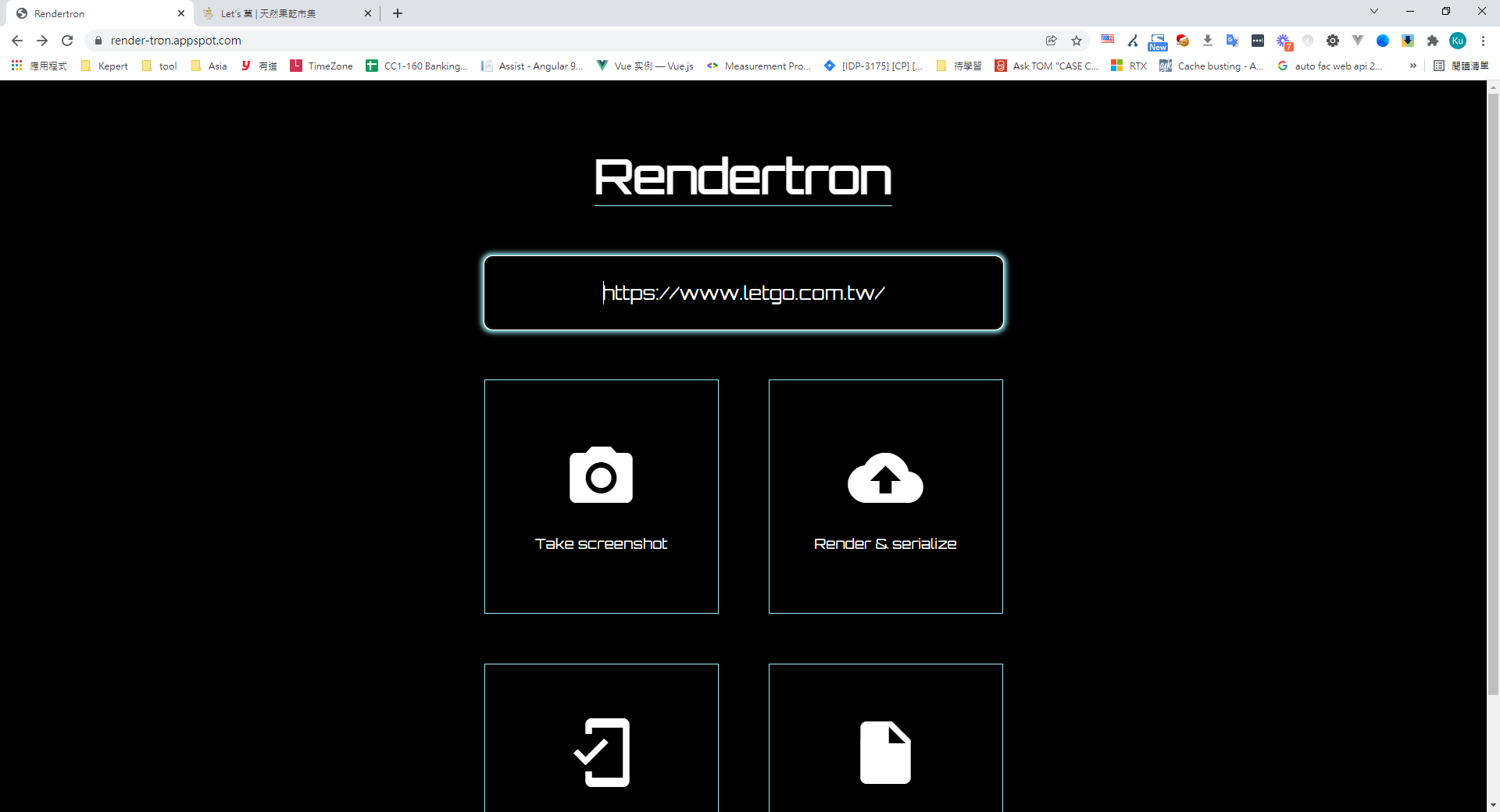
Enter the URL you want to render
The rendered page is returned to the client

Next, download and start the Rendertron service
// Clone the source
git clone https://github.com/GoogleChrome/rendertron.git
// Install dependencies
npm install
// Build
npm run build
// Run the service
npm run start
Configure Nginx to forward common search engine bot requests to the Rendertron host
location / {
    try_files $uri @prerender;
}
location @prerender {
    set $prerender 0;
    if ($http_user_agent ~* "googlebot|yahoo|bingbot|baiduspider|yandex|yeti|yodaobot|gigabot|ia_archiver|facebookexternalhit|twitterbot|developers\.google\.com") {
        set $prerender 1;
    }
    if ($args ~ "_escaped_fragment_|prerender=1") {
        set $prerender 1;
    }
    if ($http_user_agent ~ "Prerender") {
        set $prerender 0;
    }
    if ($prerender = 1) {
        rewrite .* /render/$scheme://$host$request_uri? break;
        proxy_pass http://localhost:3000; #You can use our own hosted Rendertron
    }
    if ($prerender = 0) {
        rewrite .* /index.html break;
    }
}


Comments