
How Google Collects User Information
Google primarily uses cookies to track users. However, if a user browses a page using different devices or browsers, it's impossible to track them as the same person.
To solve this problem, Google launched Google Signals in 2018. Leveraging its vast ecosystem of products and users, Google uses these services to gather more user information.
- Obtain demographic, interest, and gender-related information.
- Cross-device reports (more accurately identify if it's the same user).
- Advertising reporting features (collect additional relevant information).
- Remarketing in conjunction with Google Analytics.
P.S. This only takes effect when Google Signal users have enabled Personalized ads.
History of GA
2006: GA launched 2012: GA SDK launched (for web analytics) 2014: Google acquired Firebase (for app analytics, real-time database) 2016: Google Firebase launched (for app analytics) 2019: Firebase integrated with GA 2020: Renamed to GA4 (merging Firebase and GA) 2023/07/01: Universal Analytics (UA) sunset
Impact on Technical Staff
Changes in GA Tagging Implementation (Data layer => gtag)
<script async src="https://www.googletagmanager.com/gtag/js?id=G-xxxxx"></script>
<script>
  window.dataLayer = window.dataLayer || [];
  function gtag(){dataLayer.push(arguments);}
  gtag('js', new Date());

  gtag('config', 'G-xxxxx');
</script>
Enhanced Ecommerce Reports (Parameters passed are different)
Fewer Built-in Reports, Encouraging Use of Custom Reports and Long-term Trend Observation
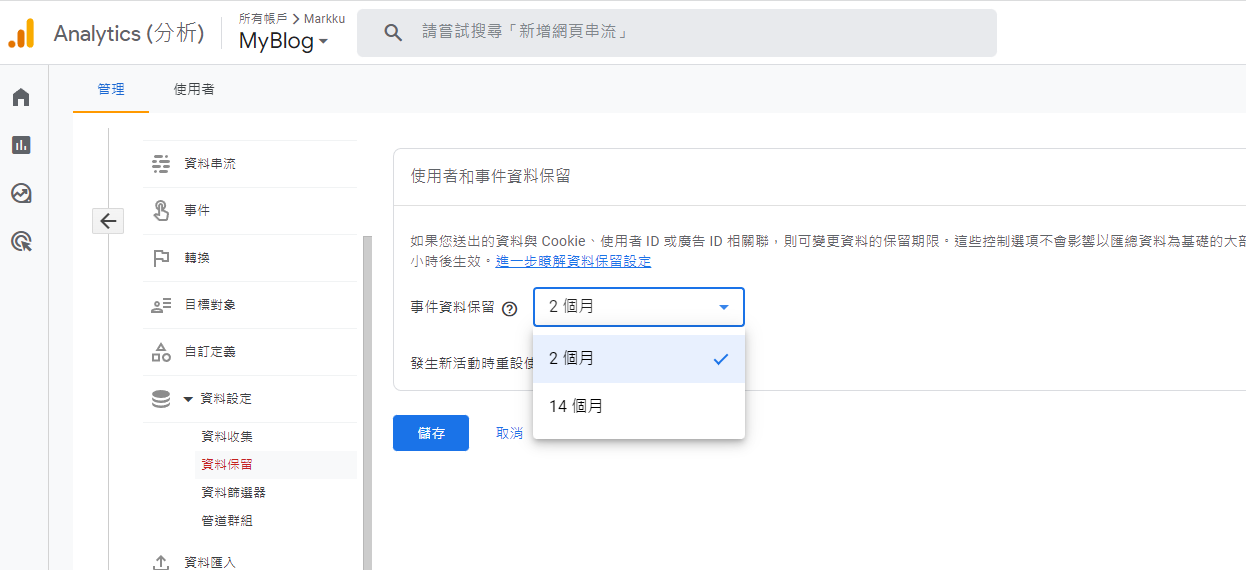
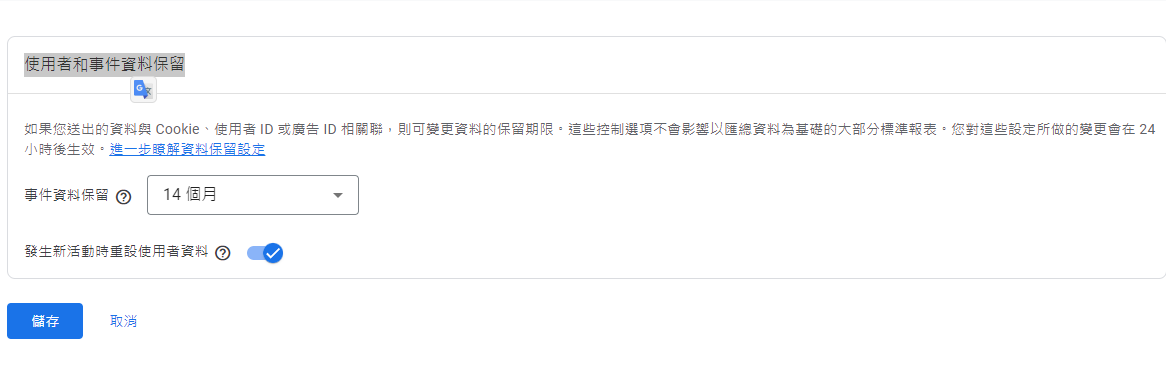
Event data is retained for 2 months by default > Can be adjusted to 14 months (default is 2 months, paid plans can extend this)
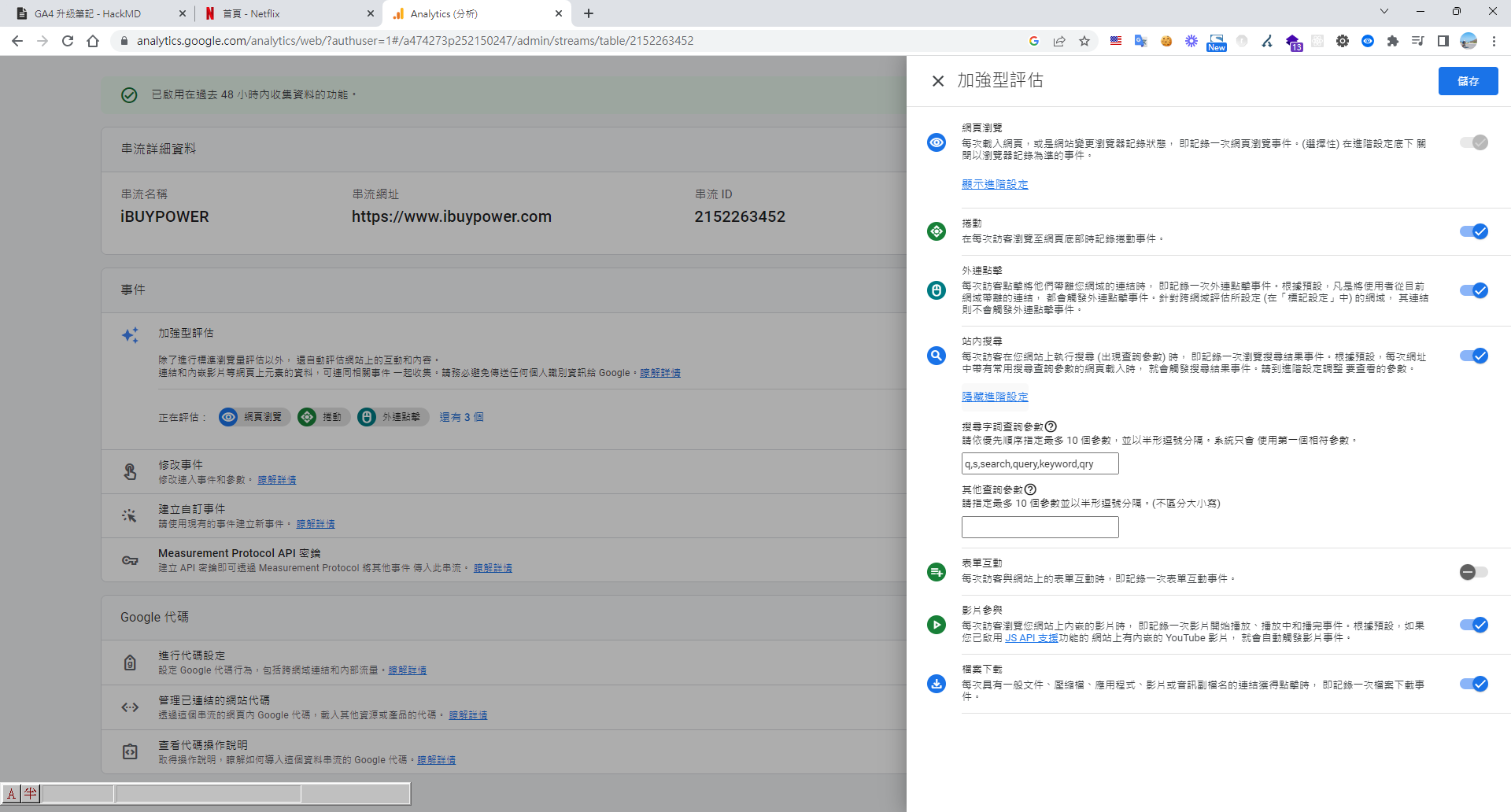
Previously, Universal GA only tracked page views. Now, there's Enhanced Measurement.
It additionally collects data on scrolls, outbound clicks, site search (query parameters must be configured), video engagement (playback duration), and file downloads (whether anyone downloads).
Admin > Data Streams > Enhanced measurement > Enabled by default, settings can be configured based on your website.
Data Collection
Google Signals data collection - Enabled by default. It identifies if different devices belong to the same user by checking if the user is logged into Chrome or other Google-related sites, which helps determine age, gender, and other user identity information.
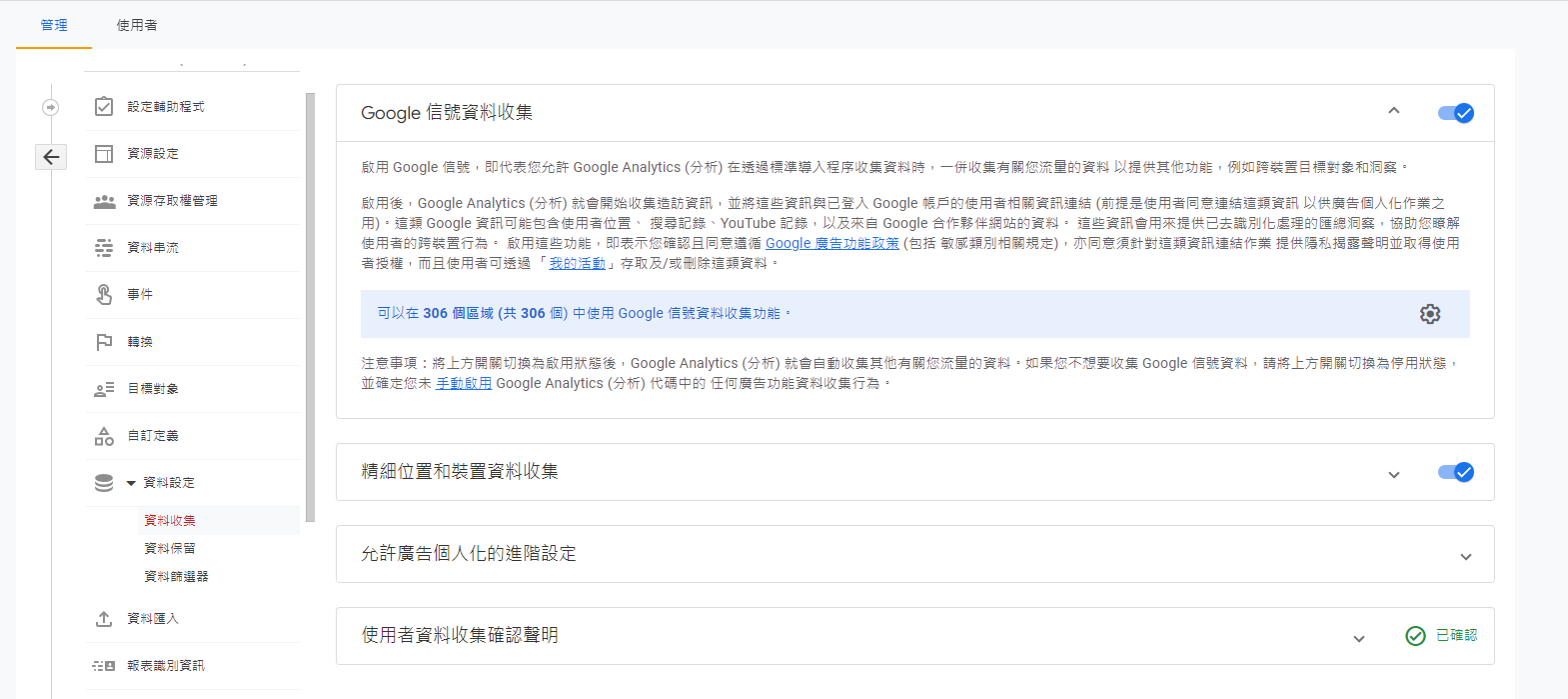
GA4 enables cross-device tracking, as third-party cookies will be phased out in 2024. The new GA4 solves this using "User-ID" and "Google Signals." User-ID is used to track logged-in users, while enabling Google Signals allows for cross-device tracking even for non-logged-in users, enabling precise ad targeting.
Property - Advanced Settings
In the "Property" column, click "Data Streams."
Click the web data stream.
In the web stream details, click "Configure tag settings."
Click "Show all."
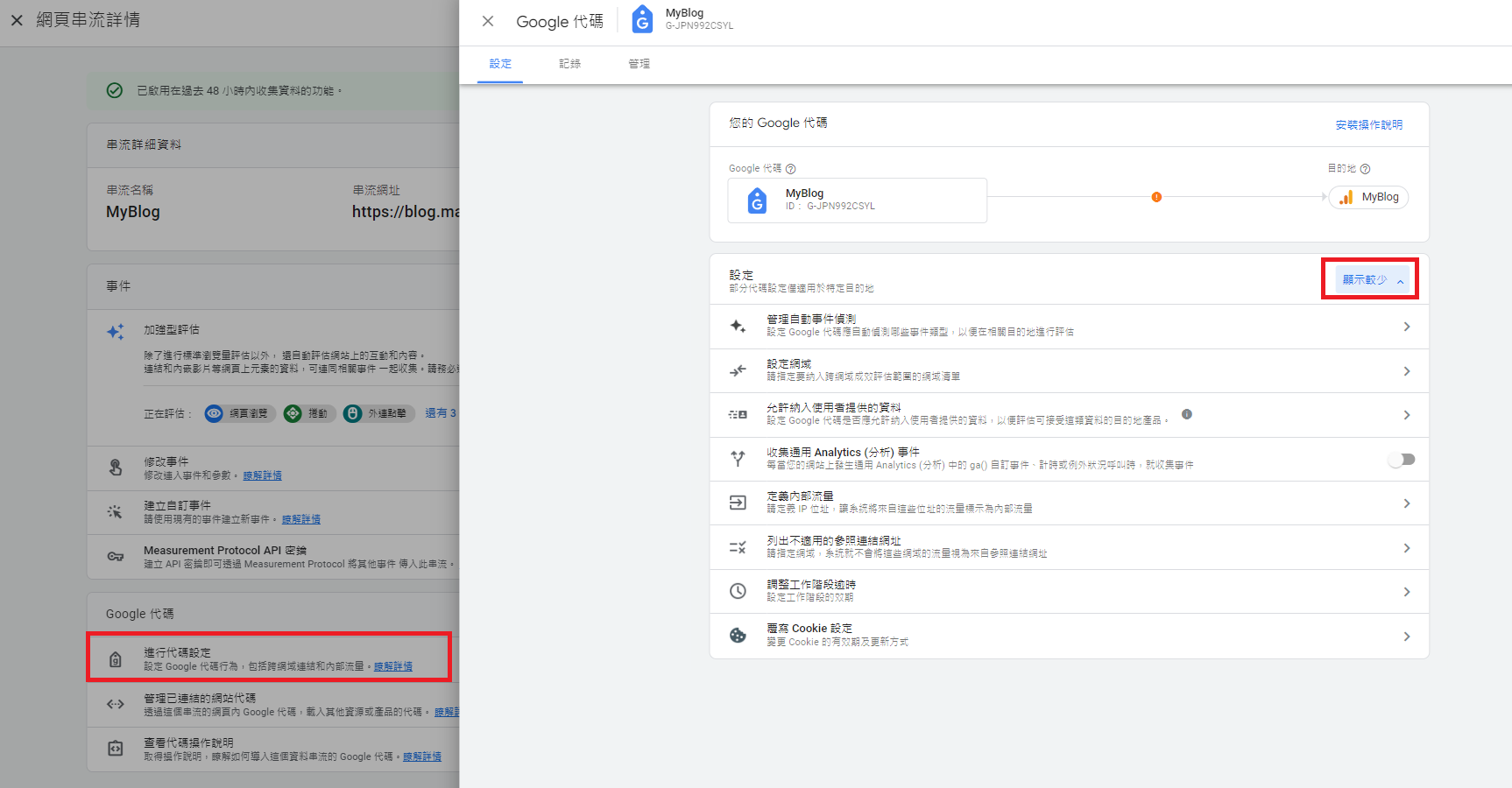
Cross-domain measurement - for tags on two websites,
If you have tags on two websites, this prevents the same user from being counted twice when navigating between them. Go to Configure your domains > Add condition.
Define internal traffic - Exclude internal office IP addresses from GA4 reports.
List unwanted referrals - When a user is redirected away from and then back to your site, it can affect report display. E.g., payment gateway redirect pages.
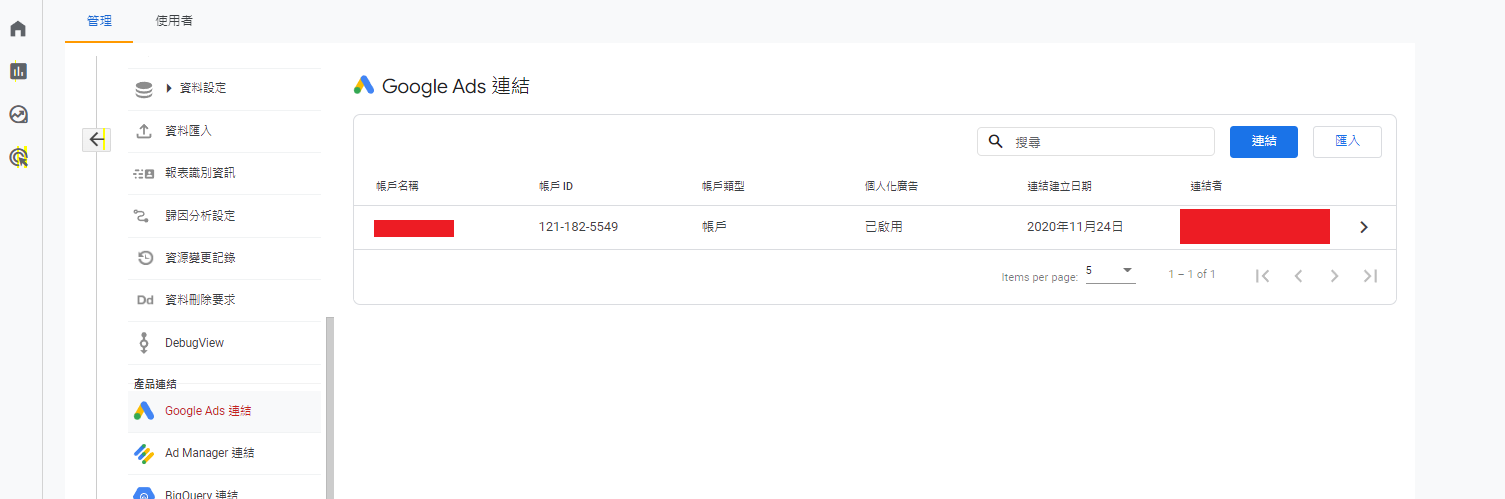
Link Google Ads
By linking your Google Ads account to your Analytics property, you can see the full customer cycle. This includes everything from how users interact with your marketing (e.g., seeing or clicking ads) to how they ultimately complete the goals you've set on your site (e.g., making a purchase, consuming content).
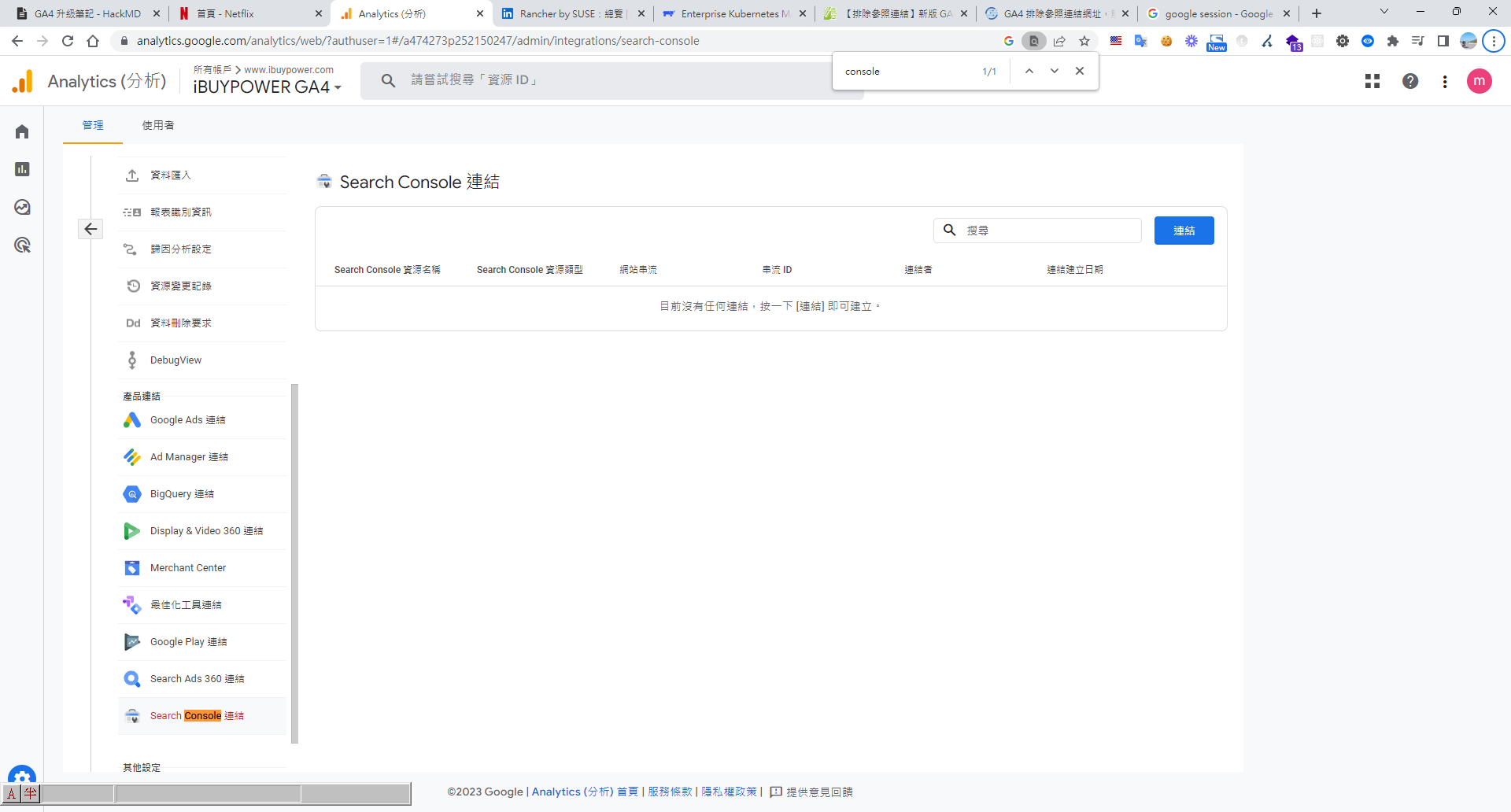
Link Google Search Console
After integrating with Search Console, you can analyze organic search data related to your website. For example, you can see your site's ranking in search results, which queries lead to clicks, and how these clicks translate into user behavior (e.g., which landing pages are more engaging and how many users convert).
Insights Engine
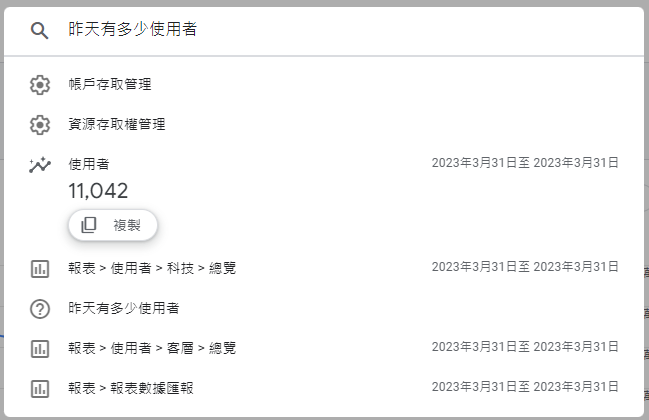
- How many users were there yesterday?
- New users yesterday
- Top pages yesterday
- Month-over-month user growth
- How much revenue was generated yesterday?
- Average session duration yesterday
Reports - (Four main sections)
- Acquisition: How users get to your site.
- Engagement: What users do on your site.
- Monetization: The site's revenue status (requires developers to implement enhanced ecommerce code to populate data).
- Retention: How many are new vs. returning users.


Comments