
Using PowerShell to download Google Sheets and generate i18n JSON files
Problem
As enterprise architectures grow more complex, different roles and applications often need to maintain the same set of translation files during development.
How it works
Google Sheets gives you collaborative editing for free. By exporting the sheet as CSV and downloading it locally, PowerShell can read the CSV, transform it into i18n JSON objects, and write them out.
First, use Google Sheets to enable collaboration
-
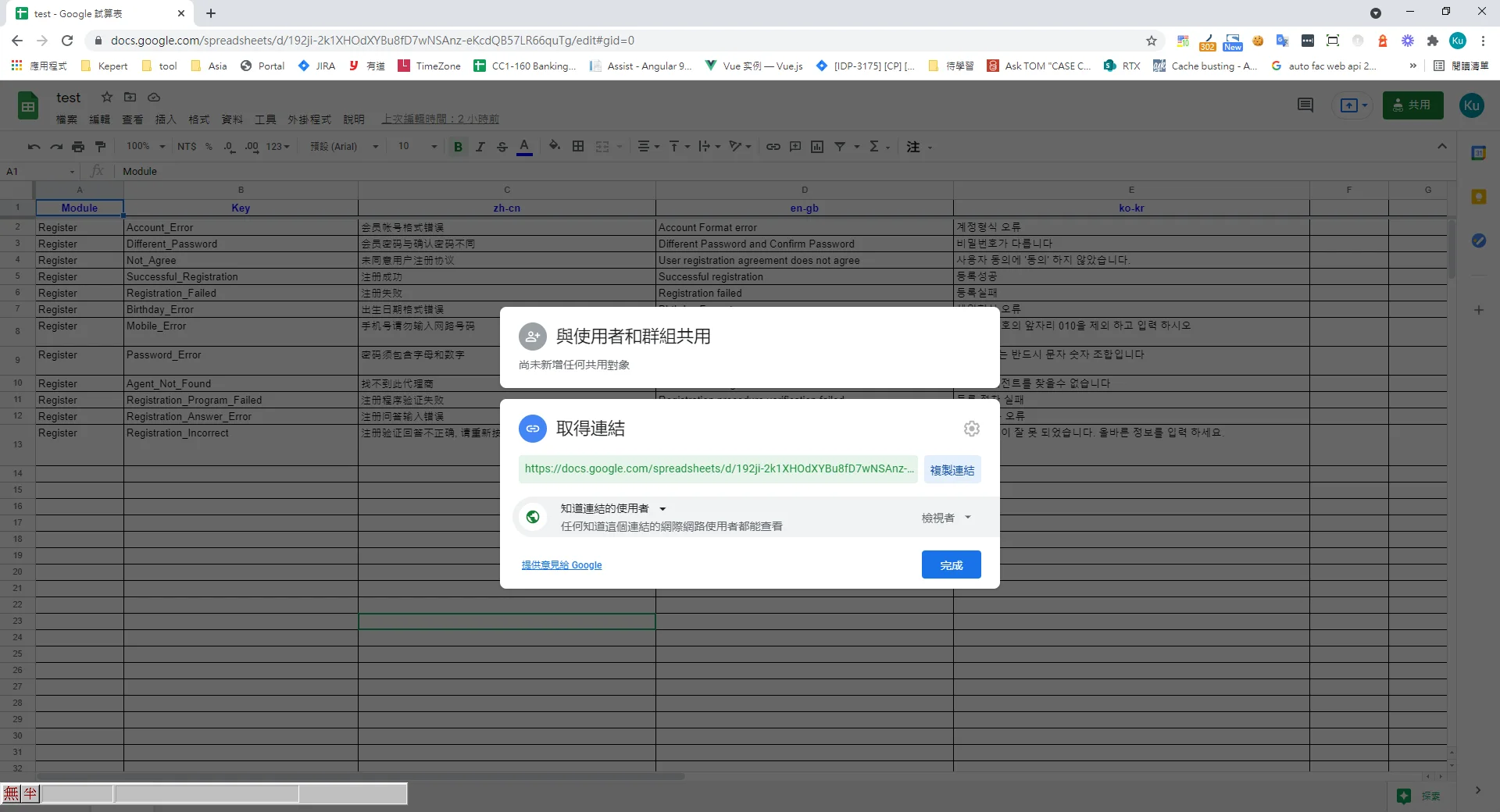
Create a new Google Sheet
https://docs.google.com/spreadsheets/d/192ji-2k1XHOdXYBu8fD7wNSAnz-eKcdQB57LR66quTg -
Set the share permissions so that anyone with the link can access it
Write the PowerShell script
$filepath = './Rawi18nFile.csv'

& {
 (new-object net.webclient).downloadfile('https://docs.google.com/spreadsheets/d/192ji-2k1XHOdXYBu8fD7wNSAnz-eKcdQB57LR66quTg/export?format=csv', $filepath)
}

$translate = @{}

$NewCsvData= Import-CSV $filepath  | Foreach-Object{

    foreach ($property in $_.PSObject.Properties)
    {
		if($property.Name  -eq 'Module' )
		{
			$module =	$property.Value
			continue
		}

		if($property.Name -eq 'Key')
		{
			$key =	$property.Value
			continue
		}

		$mainKey ="$module.$key";

		if (!$translate.ContainsKey($property.Name)) {
			$translate[$property.Name]= @{}
		}

		 $translate[$property.Name][$mainKey]  = $property.Value
    }
}

forEach($lang in $translate.Keys){
	$translate[$lang] | ConvertTo-Json  | % { [System.Text.RegularExpressions.Regex]::Unescape($_) } | new-item -force  "./output/$lang.json"
}
Result
-
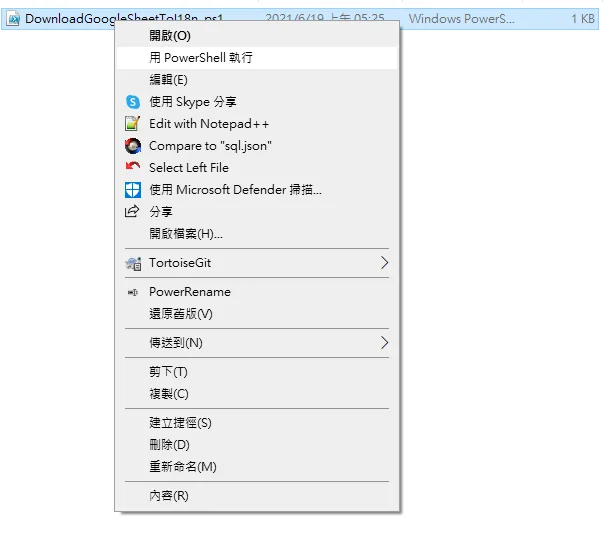
Right-click > Run with PowerShell
-
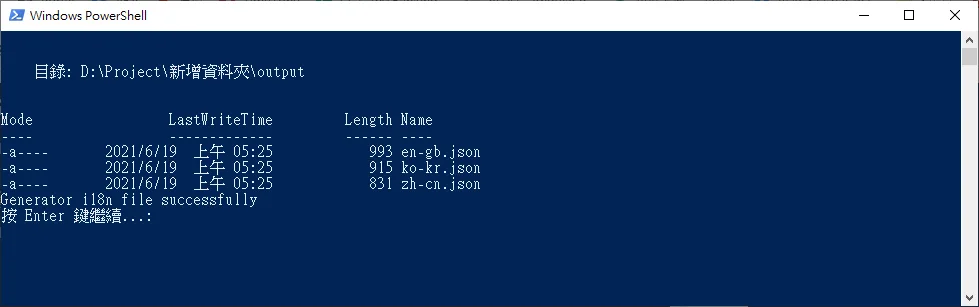
PowerShell reports success
-
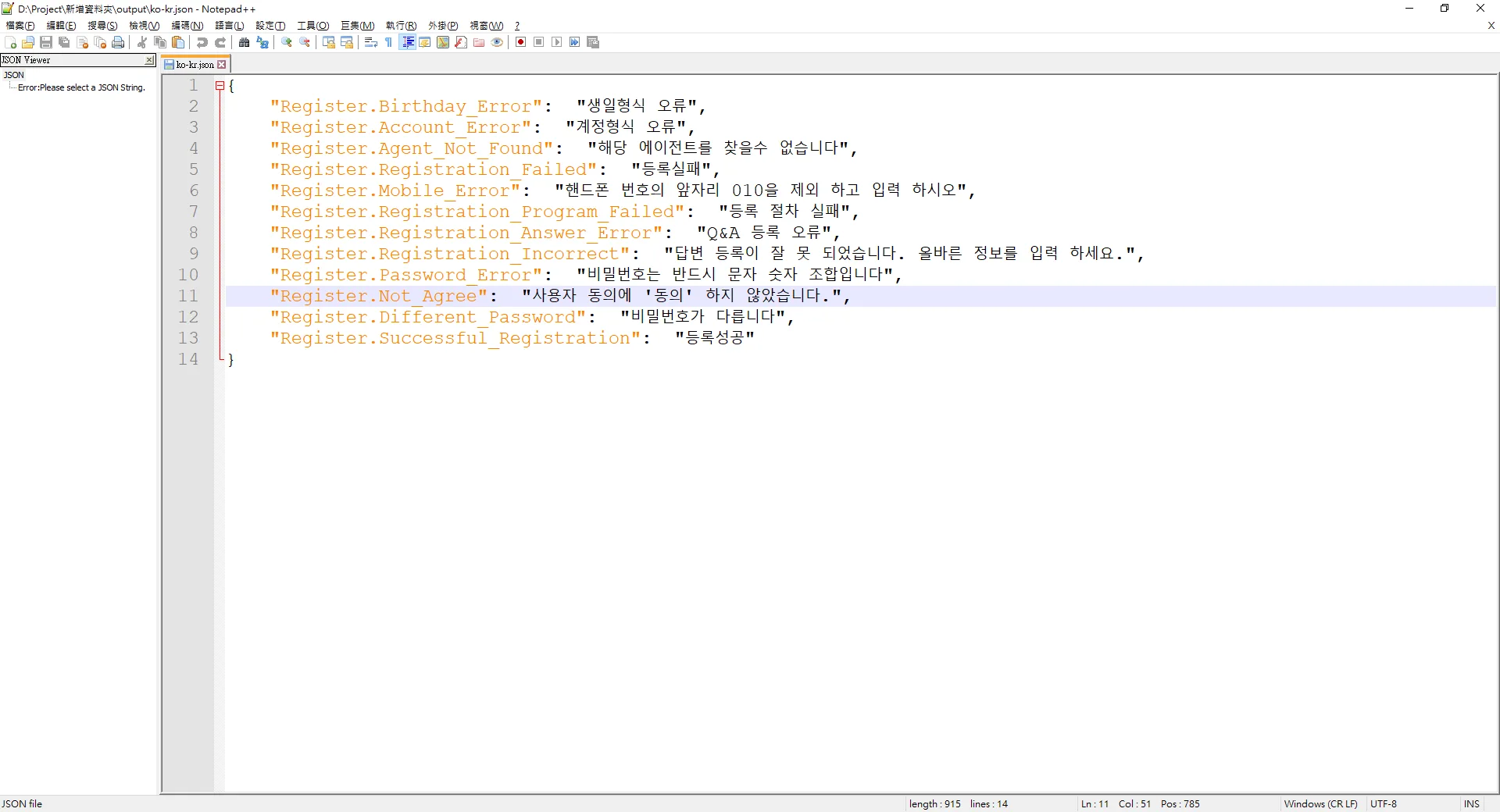
The i18n locale files appear in the output folder


Comments