
The Problem
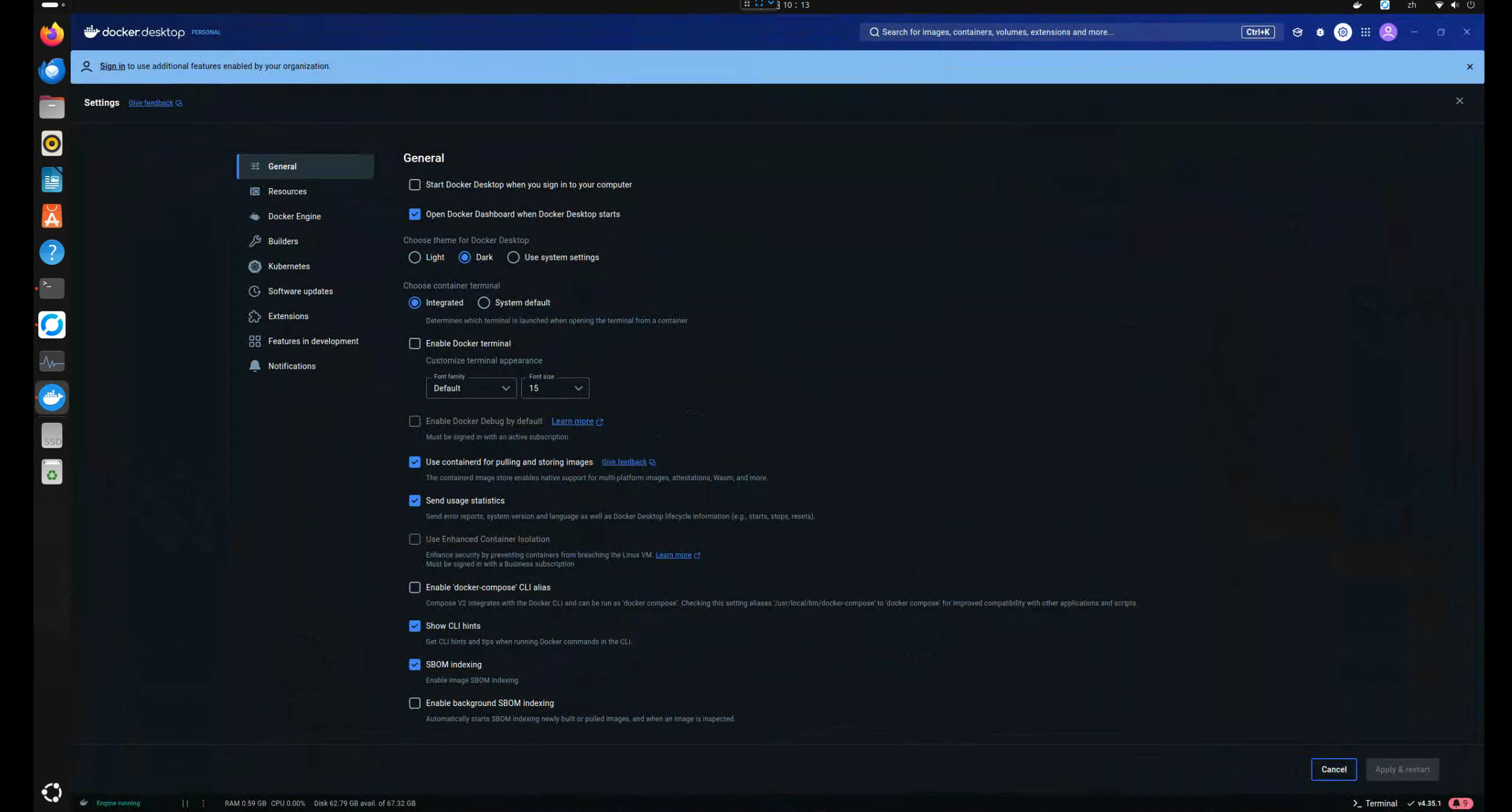
Initially, I installed Docker and Docker Desktop on Ubuntu. However, I found that no matter how I configured the remote access and deployment port (port 2375), I couldn't get it to work. I ended up removing everything and reinstalling.
Differences Between Windows and Linux Docker Desktop
On Windows, you can easily enable port 2375 to manage a remote Docker server by checking the "Expose daemon on tcp://localhost:2375 without TLS" option in the Docker Desktop settings. However, this option doesn't exist in the Linux version. If you install Docker Desktop first, you might run into the same issue I did: not being able to find the dockerd daemon.
Environment Setup
More and more cloud services are running on Linux servers. Given Linux's lightweight and stable nature, it doesn't require high-spec hardware. So, I repurposed an old computer (Intel 8700 + 1060 GPU) as an experimental machine. I installed Ubuntu 22.04.5 LTS on it to study various cloud platforms. For easier management, I installed Ubuntu Desktop and set up RustDesk for convenient remote maintenance.
First, Install Docker on Ubuntu
// 1. 更新系統的軟體

sudo apt update
sudo apt upgrade

// 2. 安裝必要的相依套件

sudo apt install -y apt-transport-https ca-certificates curl software-properties-common

// 3. 加入 Docker 官方的 GPG 金鑰

curl -fsSL https://download.docker.com/linux/ubuntu/gpg | sudo gpg --dearmor -o /usr/share/keyrings/docker-archive-keyring.gpg

// 4. 新增 Docker 的軟體庫

echo "deb [arch=$(dpkg --print-architecture) signed-by=/usr/share/keyrings/docker-archive-keyring.gpg] https://download.docker.com/linux/ubuntu $(lsb_release -cs) stable" | sudo tee /etc/apt/sources.list.d/docker.list > /dev/null

// 5. 更新軟體包列表並安裝 Docker

sudo apt remove --purge docker-ce docker-ce-cli containerd.io
sudo apt install docker-ce docker-ce-cli containerd.io

// 6. 檢查 Docker 是否安裝成功

sudo systemctl status docker
sudo systemctl start docker
sudo docker run hello-world
Modify Docker's auto-start configuration.
sudo vim /lib/systemd/system/docker.service
Modify the ExecStart line, adding -H fd:// -H tcp://0.0.0.0:2375 to the end.
ExecStart=/usr/bin/dockerd -H fd:// --containerd=/run/containerd/containerd.sock -H fd:// -H tcp://0.0.0.0:2375
 Restart the service.
sudo systemctl daemon-reload
sudo systemctl enable docker.service
sudo systemctl restart docker.service
sudo systemctl status docker.service
Allow Port 2375 Through the Firewall
sudo ufw allow 2375
...
Test (from another computer)
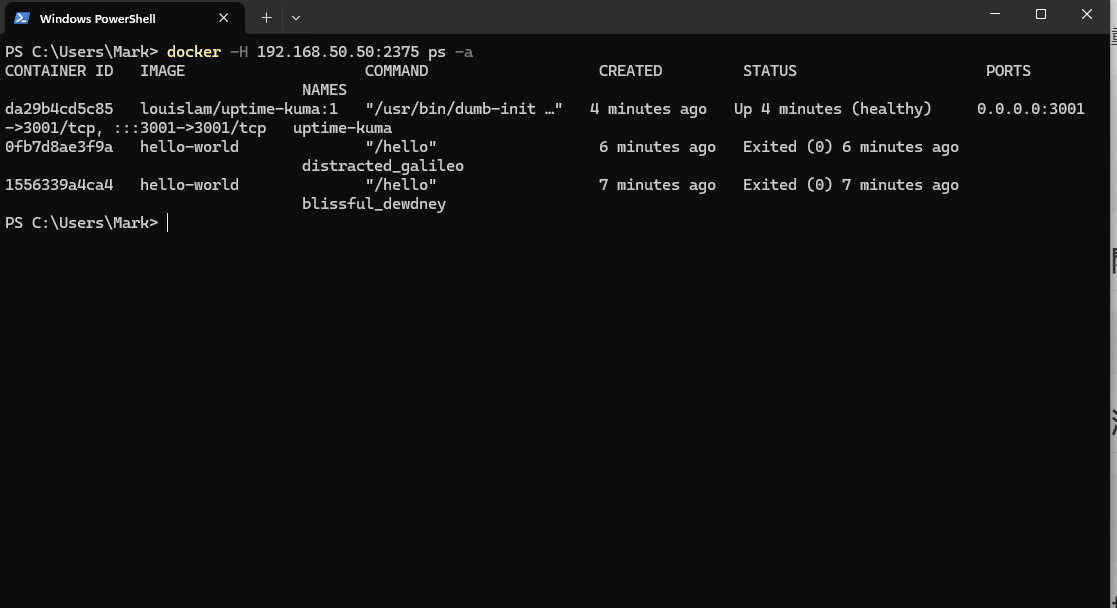
docker -H 192.168.50.50:2375 info
docker -H 192.168.50.50:2375 ps
Conclusion
I ran some experiments and found that containers created via commands through port 2375 are not visible in Docker Desktop. If you want to use Docker Desktop, it might conflict with your existing Docker environment. It seems that Docker and Docker Desktop are not meant to be used together.


Comments