
Background
I recently came across several sites that had SEO implemented but it wasn't actually working. So I put together some notes on how to verify whether SEO is functioning in a way that Google's crawler can index.
Method 1: The Most Immediate Approach — Simulate a Crawler Visit
Install the user-agent-switcher extension from the Chrome Web Store
Check Google's documentation to learn the user-agent strings Googlebot uses to crawl your site
Current Googlebot user-agent strings
Mobile:
Mozilla/5.0 (Linux; Android 6.0.1; Nexus 5X Build/MMB29P) AppleWebKit/537.36 (KHTML, like Gecko) Chrome/41.0.2272.96 Mobile Safari/537.36 (compatible; Googlebot/2.1; +https://www.google.com/bot.html)

Desktop:
Mozilla/5.0 (compatible; Googlebot/2.1; +https://www.google.com/bot.html)

"or"

Mozilla/5.0 AppleWebKit/537.36 (KHTML, like Gecko; compatible; Googlebot/2.1; +https://www.google.com/bot.html) Safari/537.36
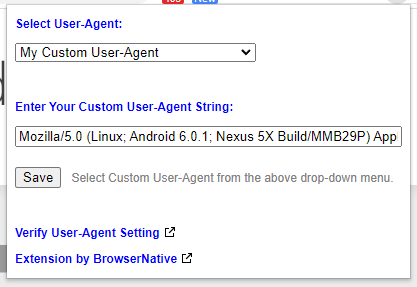
Use the user-agent-switcher extension to simulate a Googlebot visit to your site
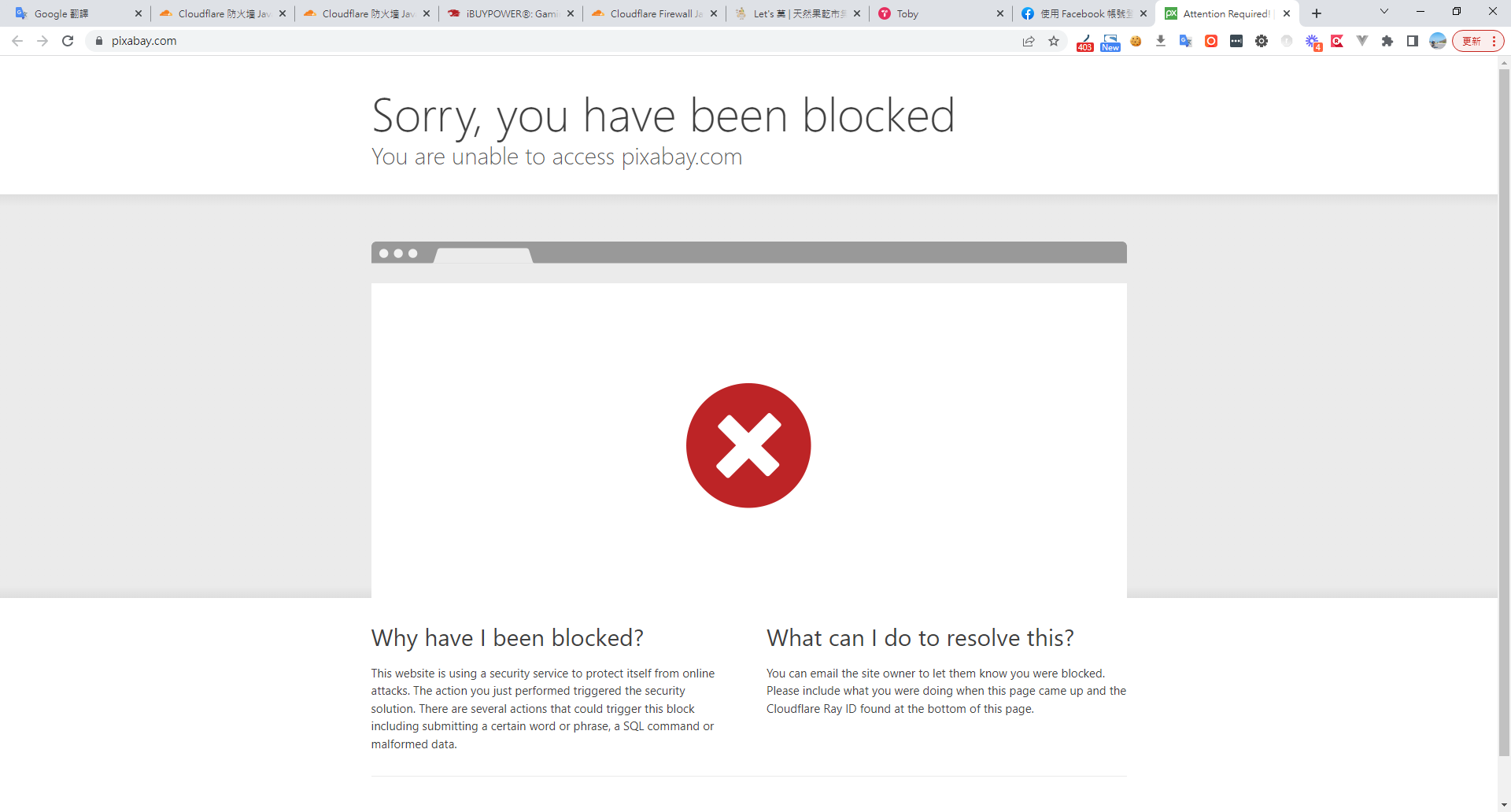
I found that Cloudflare was blocking the request
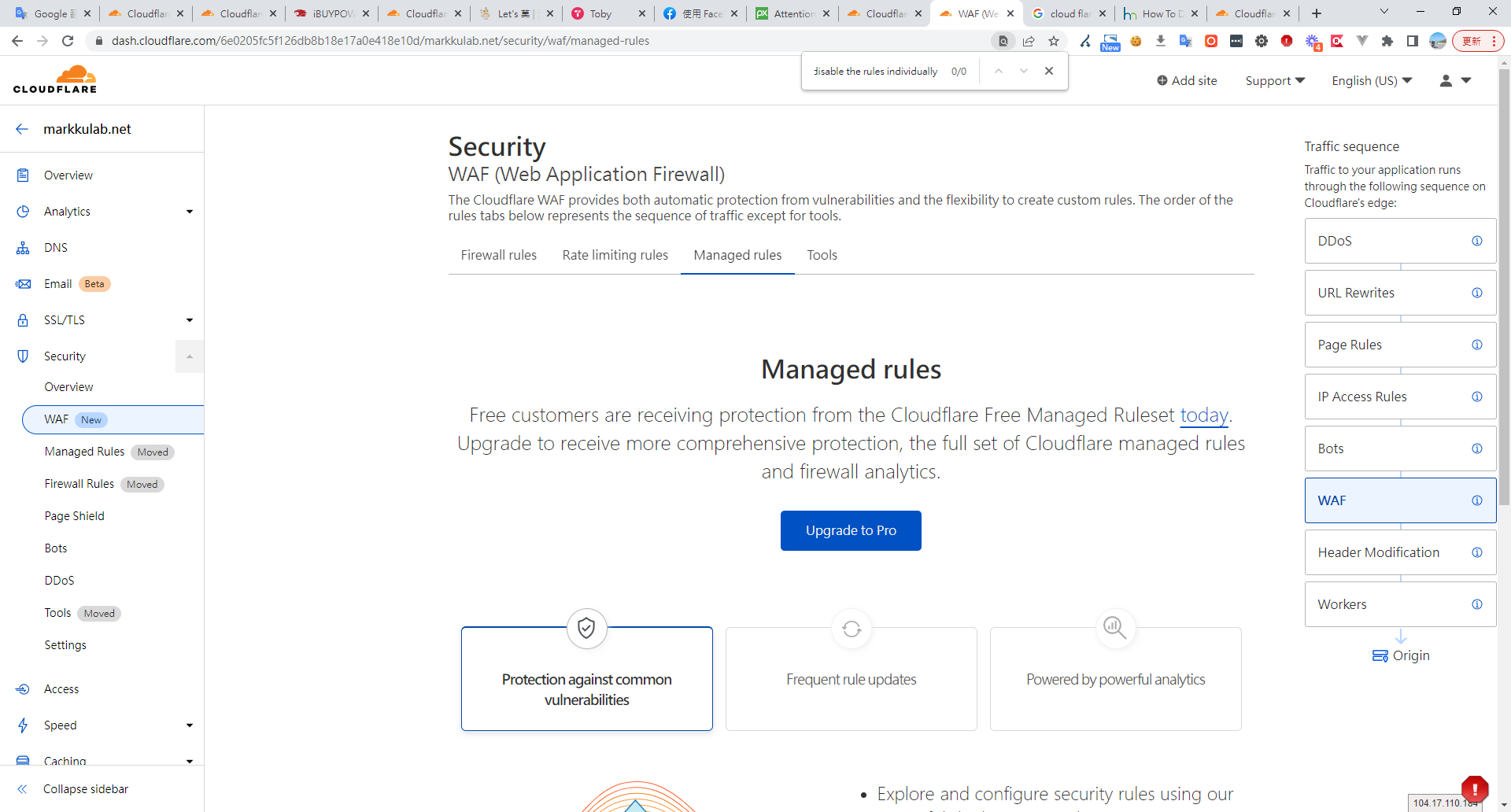
Based on a Cloudflare community thread, the issue appears to be caused by managed firewall rules
Workaround
As @cs-cf said, the best thing to do is to disable the rules individually so you don't lose all the other Cloudflare Specials benefits.

Step-by-step
Click the Firewall tab
Click the Managed Rules sub-tab
Scroll to Cloudflare Managed Ruleset section
Click the Advanced link above the Help
Change from Description to ID in the modal
Search for 100035 and check carefully what to disable
Change the Mode of the chosen rules to Disable
Rules matching the search
100035 - Fake google bot, based on partial useragent match and ASN
100035B - Prevent fake bingbots from crawling
100035C - Fake google bot, based on exact useragent match and DNS lookup
100035D - Fake google bot, based on partial useragent match and DNS lookup
100035U - Prevent fake BaiduBots from crawling
100035Y - Prevent fake yandexbot from crawling
A seventh rule related to fake bots was deployed during the incident:

100035_BETA - Fake google bot, based on partial useragent match and ASN
Note: the free plan doesn't allow managing these rules — this appears to be a default behavior of the Pro plan
If SEO is working correctly, the page will render normally

Method 2: Verify Whether the Page Has Been Correctly Indexed by Google
This method is not immediate — you need to wait for Google to crawl and index your page.
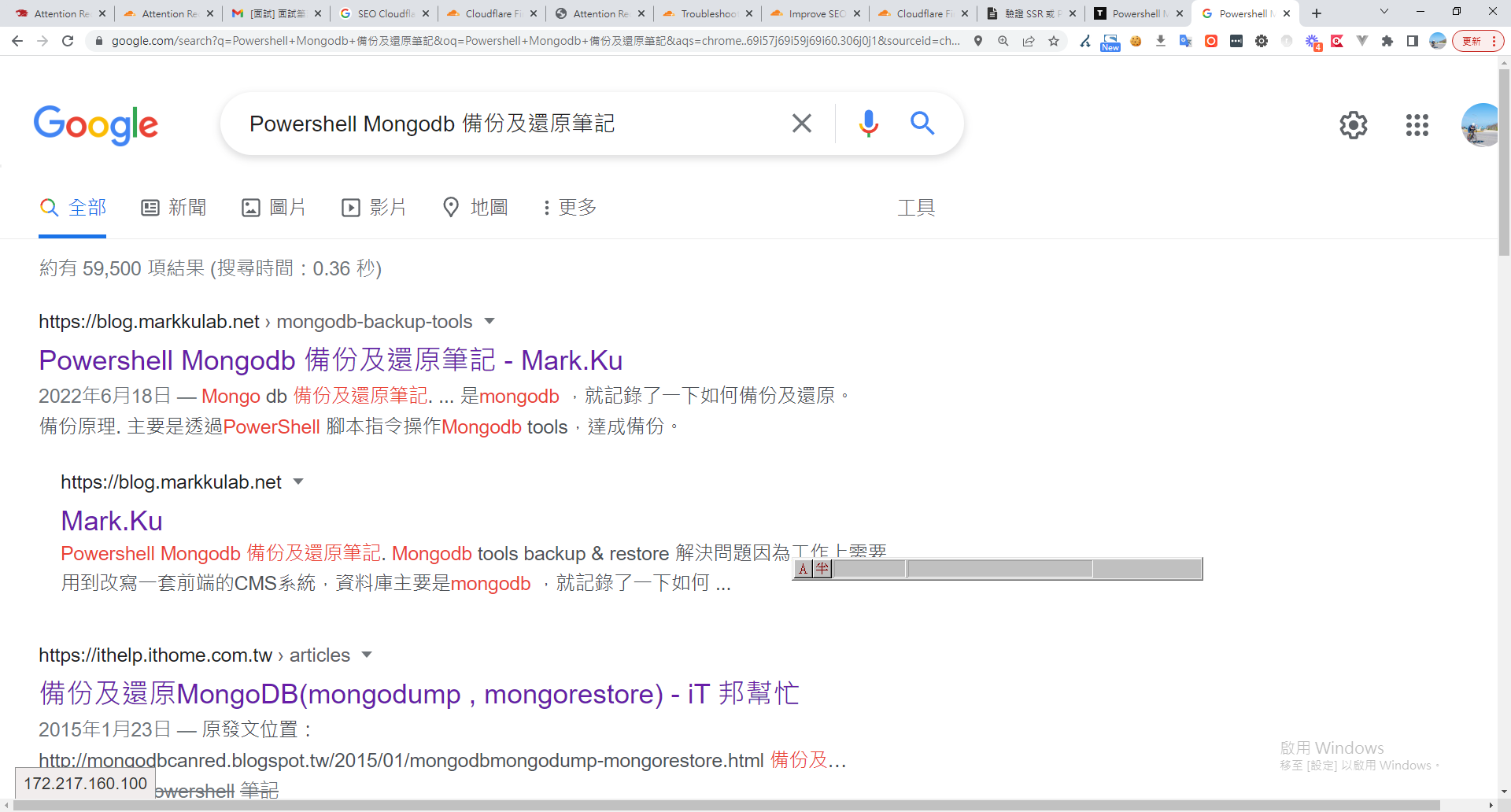
Grab the description from the page's HTML <head> and search for it in Google
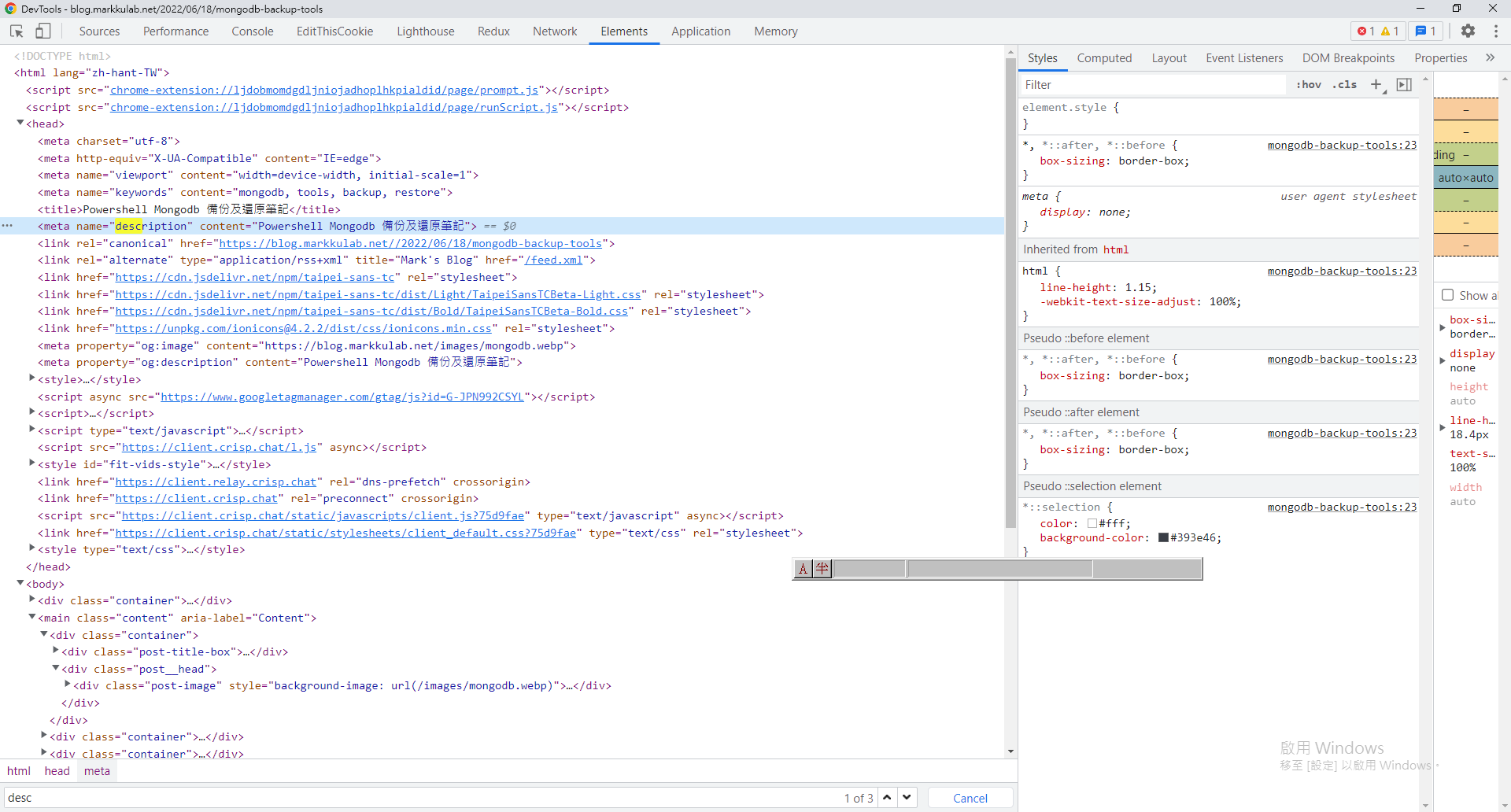
Check whether the page was indexed correctly
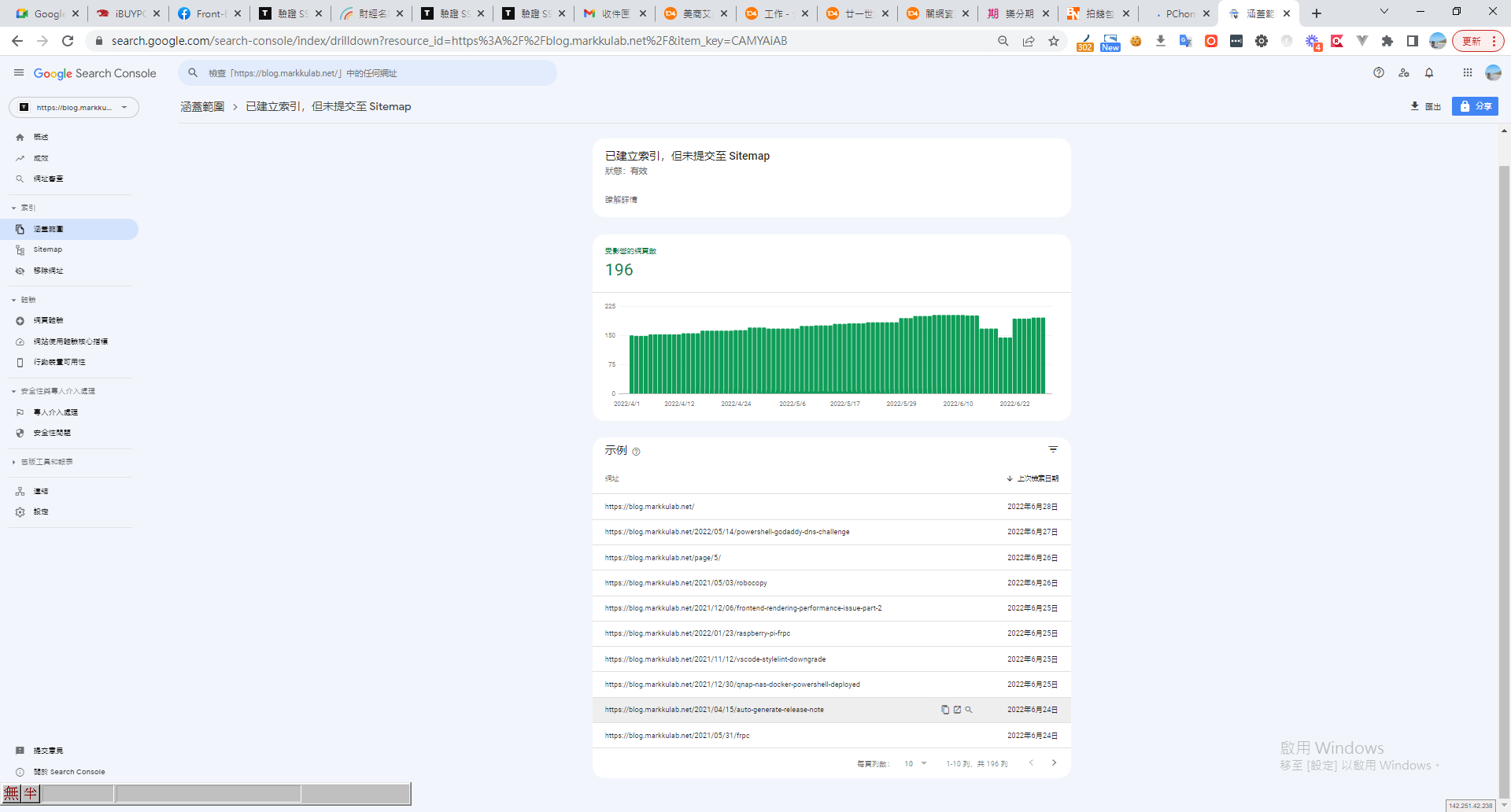
Method 3: Check Indexing Status in Google Search Console
Bonus Tip
Chrome DevTools > More tools > Network conditions > uncheck "Use browser default." There are several predefined user agents available to choose from, including Googlebot.


Comments