
MongoDB Tools: Backup & Restore
The Problem
At work, I needed to modify a front-end CMS that primarily uses MongoDB. I'm documenting the backup and restore process here.
How it Works
The backup is performed by using PowerShell script commands to operate MongoDB Tools.
Download and Install MongoDB Tools
https://www.mongodb.com/try/download/database-tools
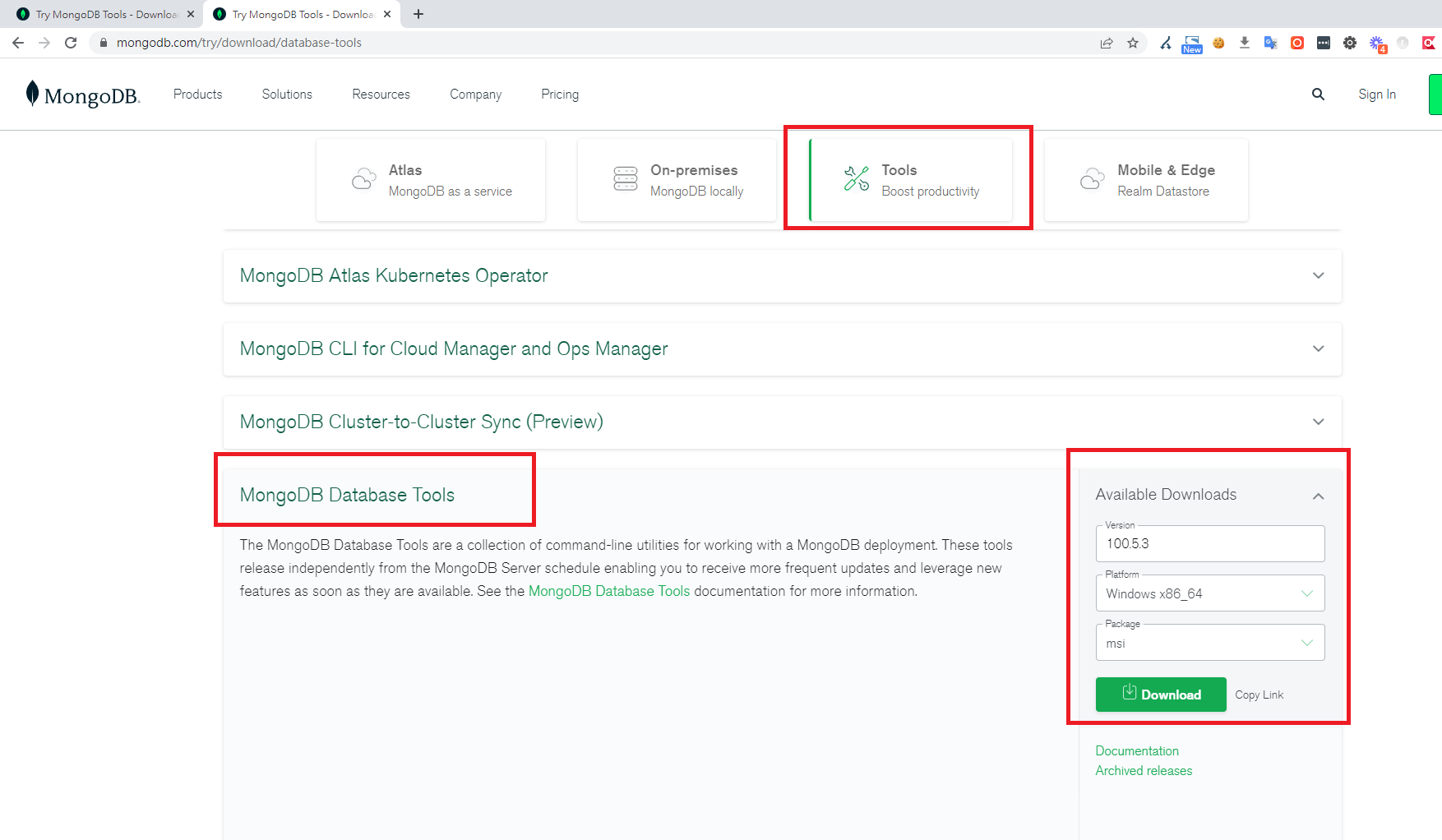
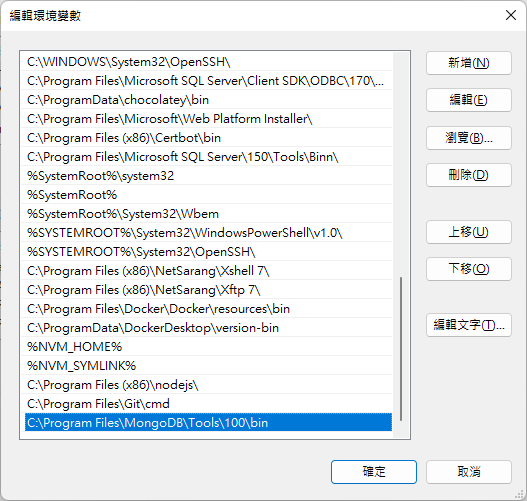
After installing Database Tools, add the following path to your system's PATH environment variable: C:\Program Files\MongoDB\Tools\100\bin
C:\Program Files\MongoDB\Tools\100\bin
Backup Command
mongodump --host 127.0.0.1 --port 27017 --authenticationDatabase admin --username mark --password pass.1234 --out ./test
P.S. If you don't specify an authentication database, it defaults to admin.
Restore Command
mongorestore --host 127.0.0.1 --port 27017 --authenticationDatabase admin --username mark --password pass.1234 ---directoryperdb ./test


Comments