
The Problem
We have one system cloned into many separate sites, each with its own independent database. In the past, deploying database scripts meant manually running them against each database one by one. This post walks through how to use PowerShell to deploy a release's SQL scripts to all those databases in one shot.
Approach
PowerShell reads a database config file (site.json) and a SQL script manifest (sql.json), then uses sqlcmd to execute the scripts against each database.
Install the sqlcmd Utility (SQL Server command-line tool)
-
Download from the official documentation: https://docs.microsoft.com/zh-tw/sql/tools/sqlcmd-utility?view=sql-server-ver15
-
Open PowerShell and test that
sqlcmdworks:
& sqlcmd -S "(local)\instance1" -U a -P a -i "c:\temp\sql.sql"

# To call a Win32 executable you want to use the call operator & like this:
Create Config Files
- Create a database config file (
site.json)
{
	"servers": [
		{
			"name": "site1",
			"server": "192.168.1.32",
			"db": "CMS",
			"user": "mark",
			"password": "123",
			"switch": "on"
		},
		{
			"name": "site2",
			"server": "192.168.1.31",
			"db": "CMS2",
			"user": "mark",
			"password": "123",
			"switch": "on"
		}
	]
}
- Create a SQL script manifest (
sql.json)
{
	"20210605": [
		{
			"filename": "1.sql",
			"desc": "create customer table"
		},
		{
			"filename": "2.sql",
			"desc": "create customer2 table"
		}
	],
	"20210608": [
		{
			"filename": "3.sql",
			"desc": "create customer3 table"
		},
		{
			"filename": "4.sql",
			"desc": "create customer4 table"
		}
	]
}
Write the PowerShell Script
$sitejson = Get-Content './site.json' | Out-String | ConvertFrom-Json
$sqljson = Get-Content './sql.json' | Out-String | ConvertFrom-Json

$releaseNo = Read-Host 'Please Enter ReleaseNo'
Write-Host $sqljson."$releaseNo"

foreach ($site in $sitejson.servers)
{
	$n = $site.name
	$s = $site.server
    $d = $site.db
    $u = $site.user
    $p = $site.password
	$switch = $site.switch
	# Write-Host "$s,$d,$u,$p "

	if($switch -eq 'on')
	{
	 Write-Host "Start DB deploy - $n($s)"
	foreach ($sql in $sqljson."$releaseNo")
	{
		$filename=$sql.filename;
		Write-Host "execute $filename"

		& sqlcmd -S "$s" -d "$d" -U $u -P $p -f 950 -i  "./$filename"

	}
	Write-Host "Finish DB deploy - $n($s)"
	Write-Host ""
	}
}

pause
How to Use
- Right-click
RunSql.ps1and select "Run with PowerShell".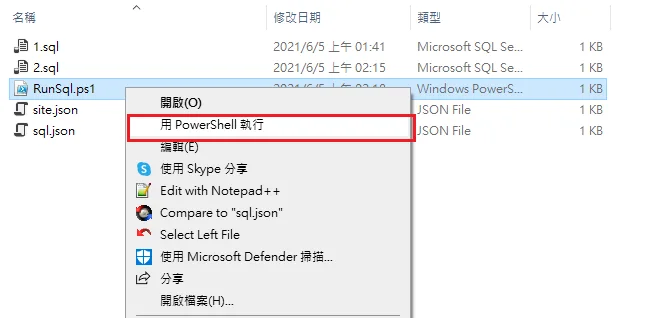
- Enter the Release No you want to deploy, as defined in
sql.json.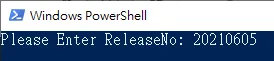
- Successful SQL script execution.
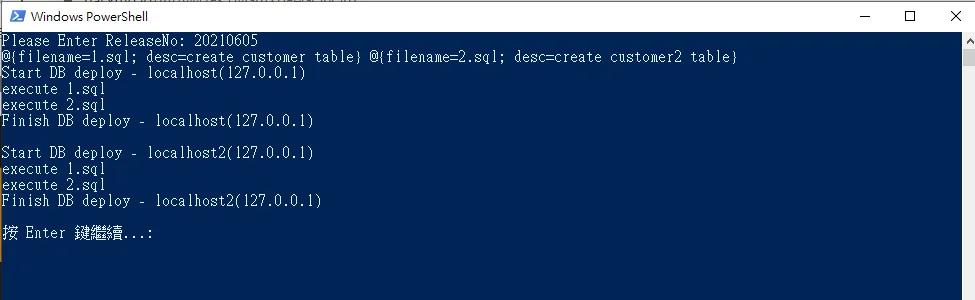
Note: Failed SQL script execution looks like this: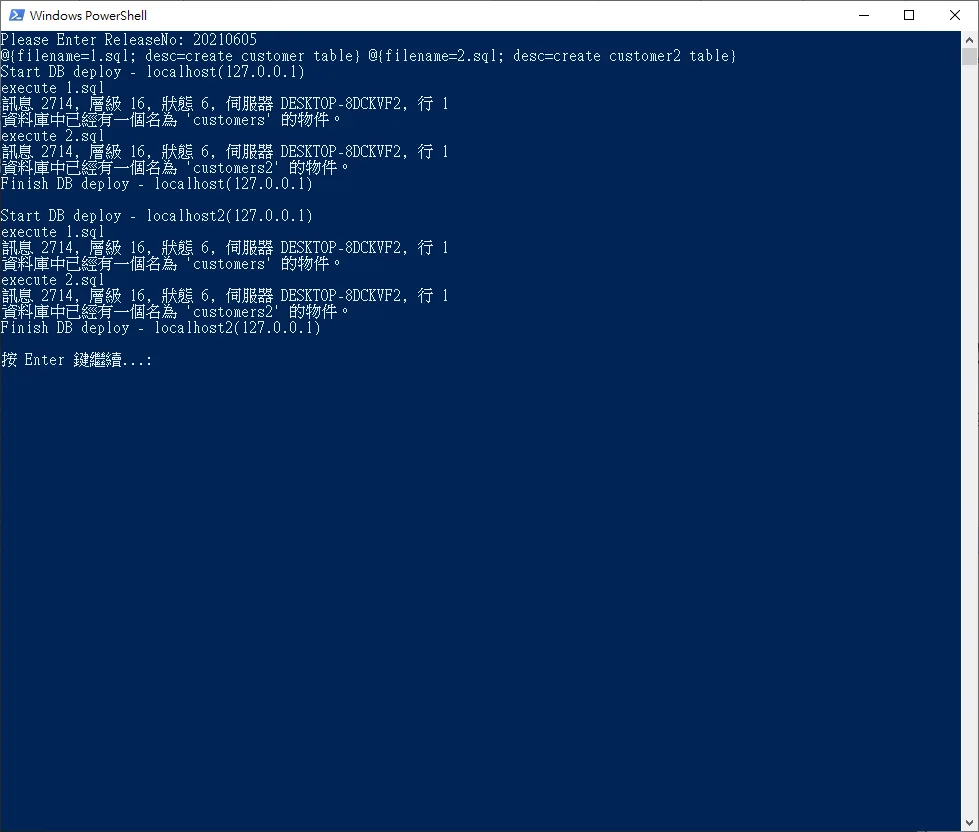


Comments