
Problem
In some cases, certain pages need to display a large amount of data at once and users do not want pagination. But because the dataset is so big, the rendering and execution can momentarily freeze the browser or make it stop responding.
Root cause
After investigating the example above repeatedly, here is what I found:
- The page jank comes from rendering too much DOM at the same time.
- Too many DOM nodes on a single page will also stutter on lower-spec computers or phones.
- Because our frontend framework is Vue, more components mean more Virtual DOM. Whenever the data changes, components may also be triggered to re-render.
Solutions
1. Time-sliced rendering - since the jank is caused by rendering too much DOM at once, we can use setTimeout to render in batches.
- The downside: while setTimeout makes the initial paint feel fast, you can immediately see the first screen of data on every refresh, but when you scroll fast, the page will flicker or briefly go white.
2. Scroll-based rendering (lazy loading) - render a few more rows each time the scrollbar moves.
- Lazy loading is not the same as a virtual list / virtual scrollbar. A virtual list only renders the rows in the visible range each time.
- When the dataset is large, it still ends up rendering too much DOM and the browser stutters.
- Even though there are a thousand rows, the scrollbar only grows as you scroll down, so the bar's proportion looks off and is awkward to drag.
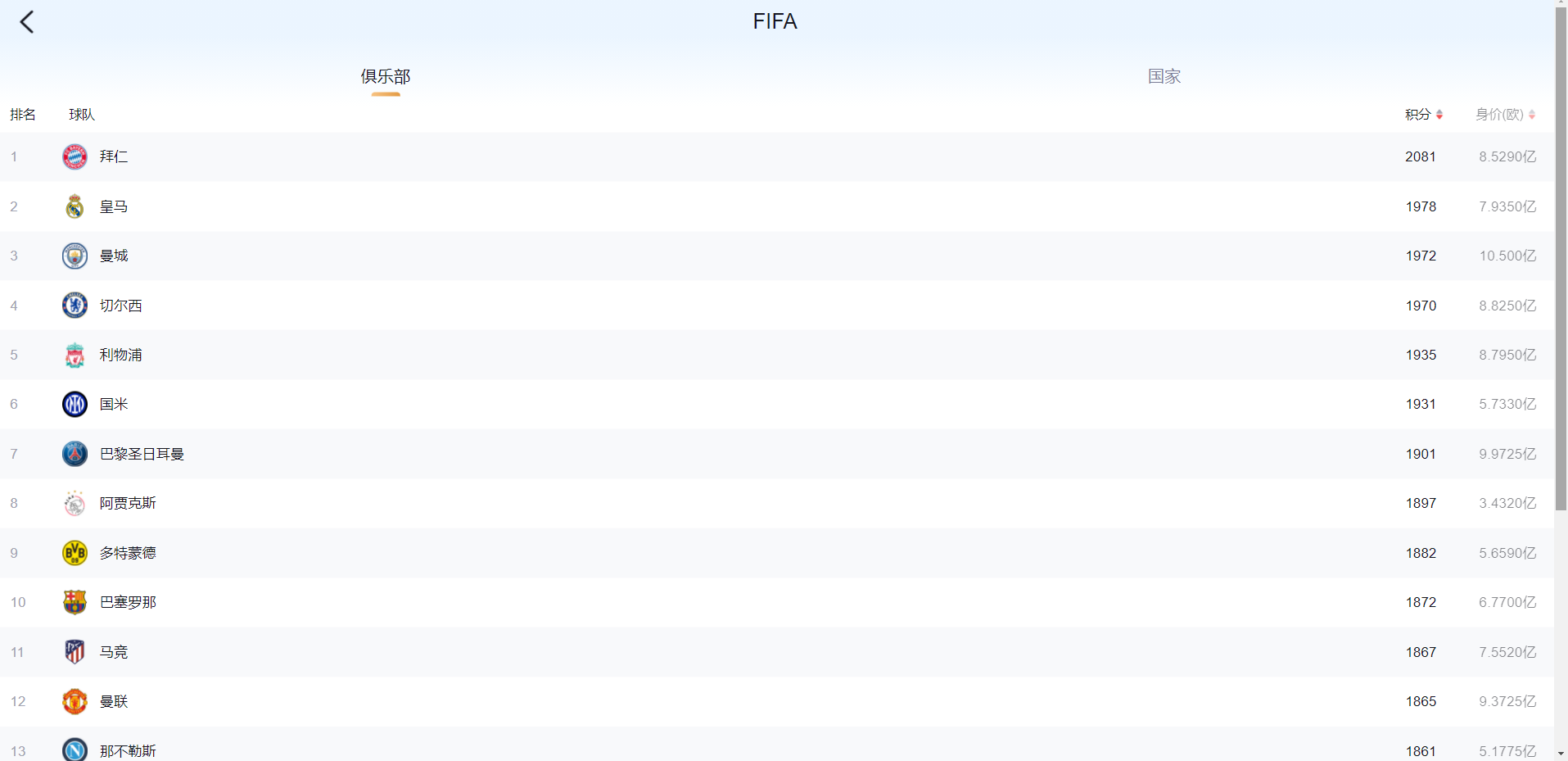
3. Segmented rendering - based on the row count and item height, build a virtual scrollbar. Render only the visible range; rows beyond it do not produce extra DOM. Here is a summary of the options for segmented scrolling:
- Clusterize.js library
- Virtual scrolling (Vue-virtual-scroller) library
- Vue virtual list component Sample link
- Build your own paginated rendering component
Takeaways
Given our situation - a sports score-comparison site where the client did not want pagination but needed 1000-2000 matches displayed at once - segmented rendering ended up being the recommended approach.
About infinite scroll: the frontend was crazy about infinite scroll for a while, but it does not actually fit most situations. It can work well for social networks, but not for general scenarios. Today, fewer sites still rely on infinite scroll.
- Users have a hard time finding their target.
- Bad for accessibility.
- Bad for SEO.
- Position drifts when navigating back.
Extras
- Additional rendering optimizations
- Shrink object size and strip unnecessary properties (Limit unnecessary data passing).
- Filter out data you do not need.
- Render Once - if part of a component's content never changes, use the v-once directive so that piece renders only once.
References
Reference link Reference link Reference link Reference link Reference link Reference link


Comments