
Problem
Most websites these days need HTTPS for one reason or another. When you start out, free HTTPS certificates are tempting — Let's Encrypt is the most well known. But these certificates are only valid for three months, and renewing or reapplying every quarter is tedious. Whether you're going through the ACME HTTP challenge, the DNS challenge (for wildcards), or extending certs through nginx, it gets old fast.
If you want a wildcard certificate like *.abc.com, you must pass the DNS challenge, which is even more painful. So I wrote a script that quickly grabs a free Let's Encrypt cert.
DNS verification flow
A quick recap of the DNS challenge flow:
- Request the verification content from Let's Encrypt.
- Add the TXT record specified by Let's Encrypt to your DNS host.
- Retrieve the certificate.
- Remove the TXT record from the host.
The idea behind the implementation
Larger domain registrars like GoDaddy and Cloudflare both support API tokens, so you can update DNS records via a script.
Domain providers that don't support DNS updates via API
For .tw domains, buying through GoDaddy or Cloudflare costs roughly NT$300 more per year than Taiwanese registrars. But most local registrars don't support modifying DNS through an API key. So I host my domains' DNS at GoDaddy for free, which makes it easy to script changes via API.
Writing the PowerShell script
Adjust the PowerShell execution policy
Set-ExecutionPolicy RemoteSigned
Install the Posh-ACME module
Install-Module -Name Posh-ACME
GoDaddy script (godaddy-dns-challenge.ps1)
Set-PAServer "LE_Prod"

$pArgs = @{GDKey="輸入Godaddy API KEY";GDSecret="輸入Godaddy Secret"}

 New-PACertificate *.letgo.com.tw -FriendlyName *.letgo.com.tw -PfxPass password01 -AcceptTOS -Contact [email protected] -DnsPlugin GoDaddy -PluginArgs $pArgs

Get-PACertificate | fl *
Cloudflare script (cloudflare-dns-challenge.ps1)
Set-PAServer "LE_Prod"
$secToken = "輸入你的 Cloud Flare API 金鑰"
$pArgs = @{ CFToken = $secToken }
New-PACertificate *.letgo.com.tw -FriendlyName *.letgo.com.tw -PfxPass password01 -AcceptTOS -Contact [email protected] -DnsPlugin CloudFlare -PluginArgs $pArgs
Get-PACertificate | fl *
Tools for monitoring certificate expiry
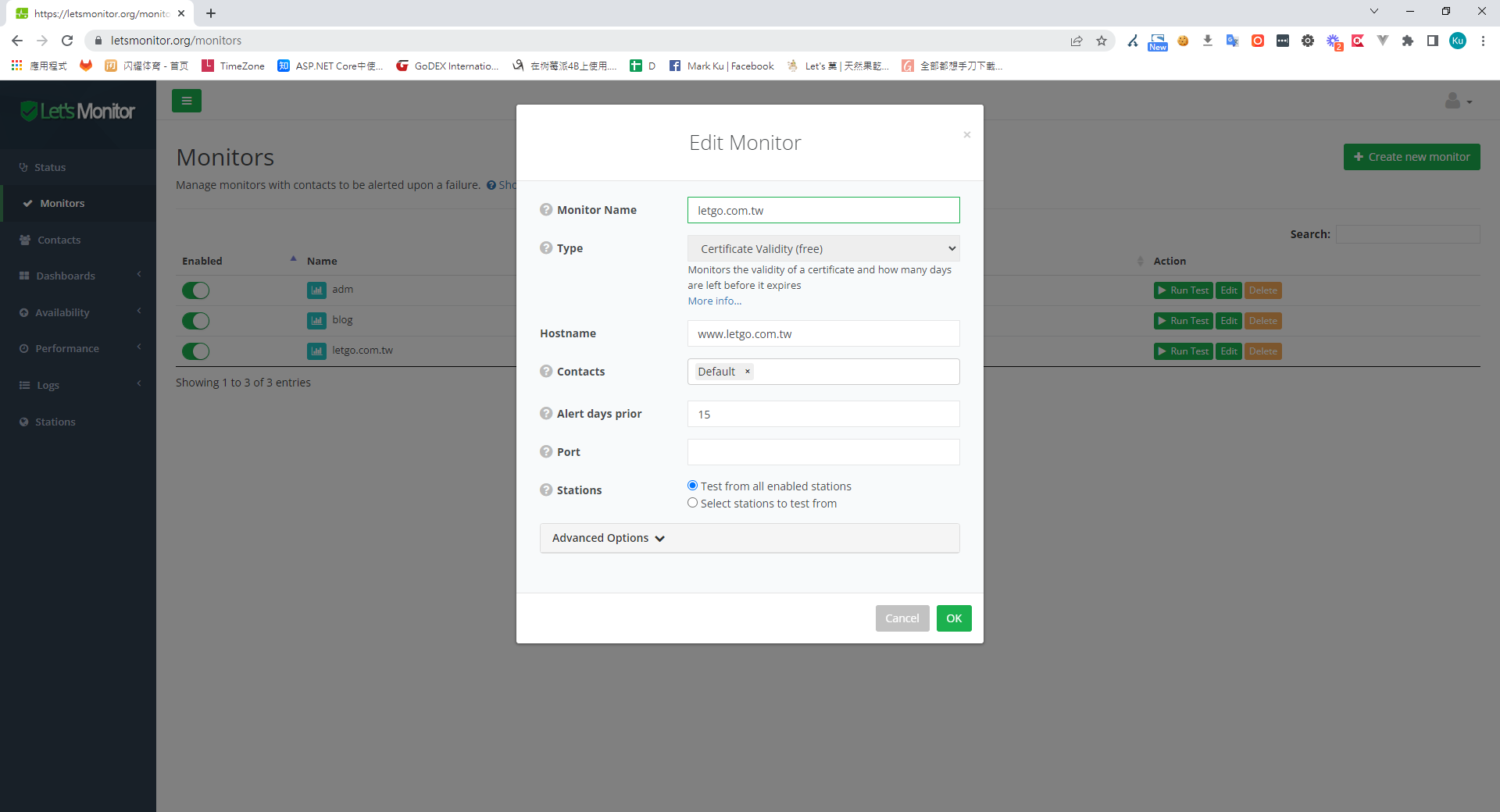
Besides uptime-kuma — which I've covered in a previous post and which can warn you 7, 14, or 21 days before a cert expires — LetsMonitor also provides free SSL expiry monitoring and alerts. It makes a decent backup option.
Conclusion
Using a large domain provider's API to script the Let's Encrypt DNS challenge is genuinely convenient. Pair it with a scheduled task and you could probably manage a thousand machines without breaking a sweat. Free HTTPS certificates without spending a dime — hard to beat.
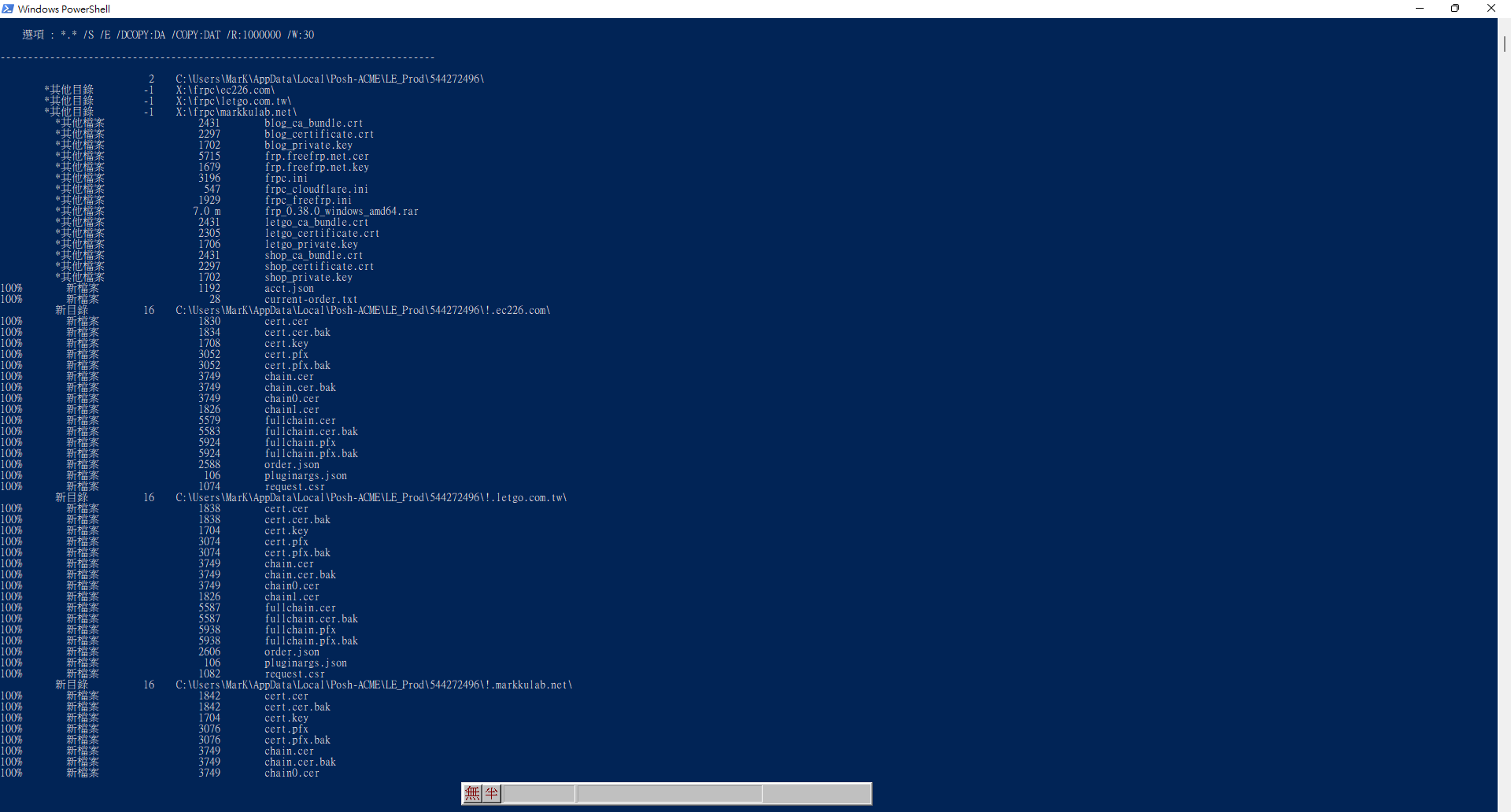
Execution screenshot


Comments