
React Learning Notes
Key to the Success of the React Framework
The Problem with Two-Way Binding
Two-way binding primarily changes the UI dynamically by changing the data. As applications grow larger, two-way binding is often unnecessary and instead causes performance overhead, making data increasingly difficult to manage.
Angular - AngularJS's approach led to too many derivative problems, which is why Angular 2 and later also adopted a one-way data flow.
Vue - A one-way data flow framework. v-model is just syntactic sugar to reduce the code needed to control data flow. It allows user actions to update the bound value through a one-way data flow, and this bound value is then updated on the page through a render update.
One-Way Rendering
Data and the interface are bound together, much like a function: the same input parameters will always produce the same component output.
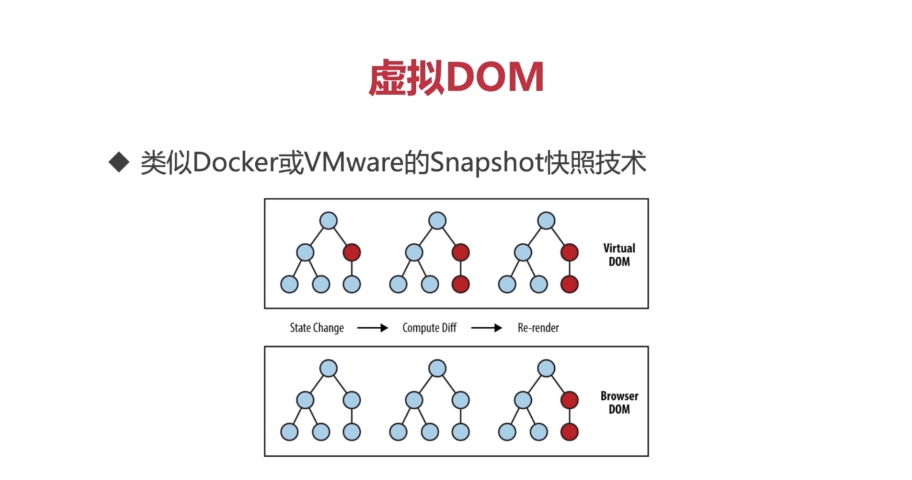
Virtual DOM
Manipulating the browser's DOM is expensive. JavaScript simulates a DOM abstraction layer to achieve partial render updates with minimal cost.
Componentization
An application is built from countless components. Components themselves are independent, complete, and freely composable, which enables:
- Consistency
- A unified visual style
- Better collaboration in software development
React and XSS
{html} => When rendered in a JSX template, XSS-related characters are converted into encoded strings. If you need to render raw HTML, you must use dangerouslySetInnerHTML, but be careful when doing so.
import React from "react";
import logo from "./logo.svg";

import Robot from "Robot";
import "App.css";

function App() {
  let html = "<img alt='rebot' src='./images/GDZ.png'} />";
  let jsHack = "javascript: alert('123')";

  let user = { name: "hannah </script><script>alert(1);//" };

  return (
    <div className="App">

      <span dangerouslySetInnerHTML={{ __html: user.name }} />
      <a
        className="App-link"
        href="https://reactjs.org"
        target="_blank"
        rel="noopener noreferrer"
      >
        Learn Reactaa
      </a>
      {/* <Robot id="GDZ.png?set=set3" email="edaad" name="mark" /> */}
      <a href={jsHack}>JShACK</a>
      {html}
    </div>
  );
}

export default App;
Methods for Using CSS in React
1. Directly import the entire CSS file
import './index.css'
<div className="app" />
P.S. Importing this way can cause global CSS pollution.
2. Write CSS within the component
import React from "react";

class Header extends React.Component {
	style1 = {
		background: 'red',
		height: '25px'
	};

  render() {
    return (
		<div  style={this.style1}>
			123
		</div>
    );
  }
}

export default Header;
3. CSS-in-JS (Modular import with JSS)
A characteristic of CSS-in-JS is that the resulting CssName in the final render is dynamically generated. The benefit is that you can import and use CSS only when it's needed.
Declare the CSS module.
global.d.ts
declare module "*.module.css" {
    const classes: { [key: string]: string}
    export default classes
}

declare module "*.module.scss" {
    const classes: { [key: string]: string}
    export default classes
}
import style from './index'
<div className={styles.app}>
VS Code IntelliSense for CSS-in-JS (Install the TypeScript CSS Modules plugin)
npm install typescript-plugin-css-modules --save --dev
Modify the tsconfig.json config file and add plugins
{
  "compilerOptions": {
    "target": "es5",
    "lib": [
      "dom",
      "dom.iterable",
      "esnext"
    ],
    ...

    "plugins": [
      {
        "name": "typescript-plugin-css-modules"
      }
    ]
    ...
	...
   "include": [
	"global.d.ts"
   ]
   ...
  },
}
Add VS Code configuration (.vscode/settings.json)
{
	"typescript.tsdk": "node_modules/typescript/lib",
	"typescript.enablePromptUseWorkspaceTsdk": true,
	"typescript.tsserver.pluginPaths": ["typescript-plugin-css-modules"]
}
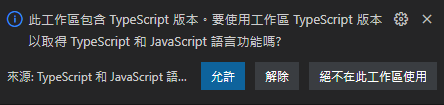
At this point, VS Code will show a prompt. Click "Allow," restart VS Code, and you will have autocompletion for CSS modules.
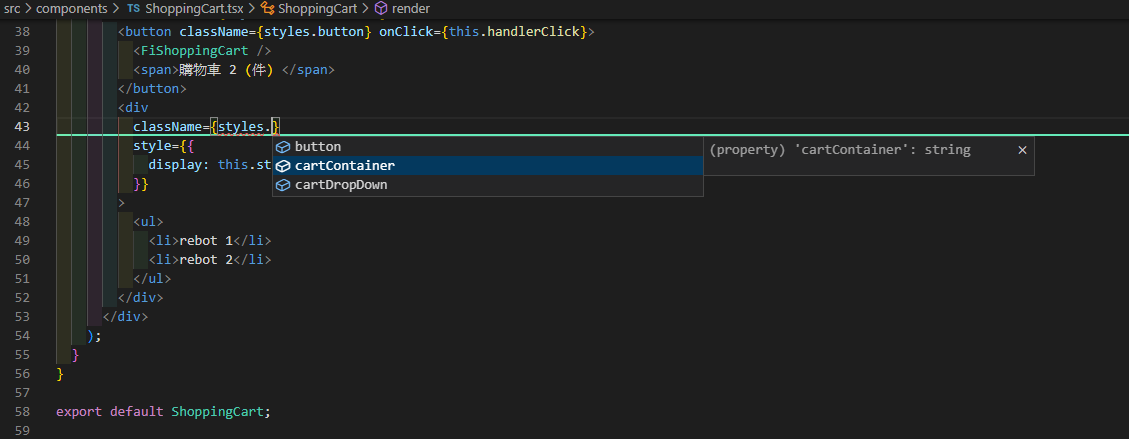
Autocompletion Feature
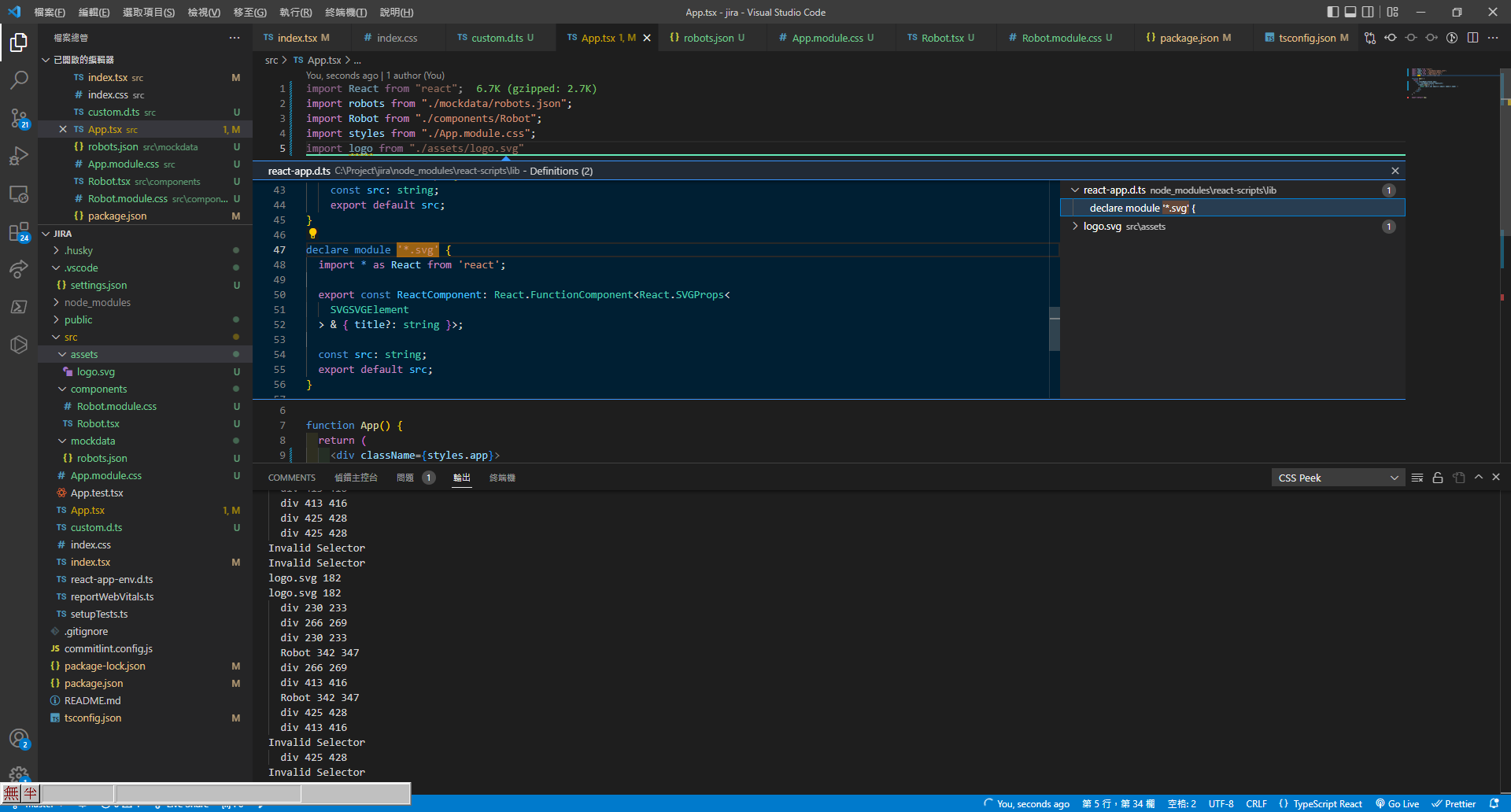
 P.S. Looking at React's internals, you'll find that image formats and other types of React modules are already declared by default, so you can just import them directly.


Comments