Mark Ku's Blog
Open in ChatGPTOpen in Claude

歡迎收聽 Mark 的技術雜談,我是主持人璦廷。在團隊協作中,你是否覺得用傳統工具管理知識總有些力不從心呢? 過去許多團隊習慣使用 OneNote,但往往無法完全滿足工程師的需求。今天,讓我們來看看一款免費開源的現代化知識庫軟體:Wiki.JS。 這個重點值得注意,Wiki.JS 不僅支援 Docker 輕鬆佈署,編輯功能也非常強大。它支援多種編輯器,能直接在文件中插入流程圖與留言討論。在管理層面,它整合了企業常用的 Teams 等多種社群登入,並提供非常細緻的群組權限設定,確保內部資料的安全與隱私。 此外,它還能串接流量分析工具,幫助我們掌握團隊的閱讀熱區。Wiki.JS 底層採用 Vue 與 Node.js 開發,搭配 MySQL 資料庫,擁有極高的客製化彈性與豐富的外掛生態。 總結來說,Wiki.JS 是一個能大幅提升知識共享效率的優秀平台。不妨思考看看,你們團隊目前的知識庫,是否也到了該升級的時候了呢?

Podcast ConversationAI dialogue version of this article · Mandarin audio
Audio for this article is powered by VoAIVoAI

Context

Many companies and departments face challenges in effectively sharing data and knowledge. We used to use OneNote, but received feedback from many engineers that it wasn't the ideal tool. While searching for a better solution, I discovered Wiki.js.

Cost

Wiki.js supports collaborative maintenance by multiple users at no extra cost. It's open-source and supports Docker deployment.
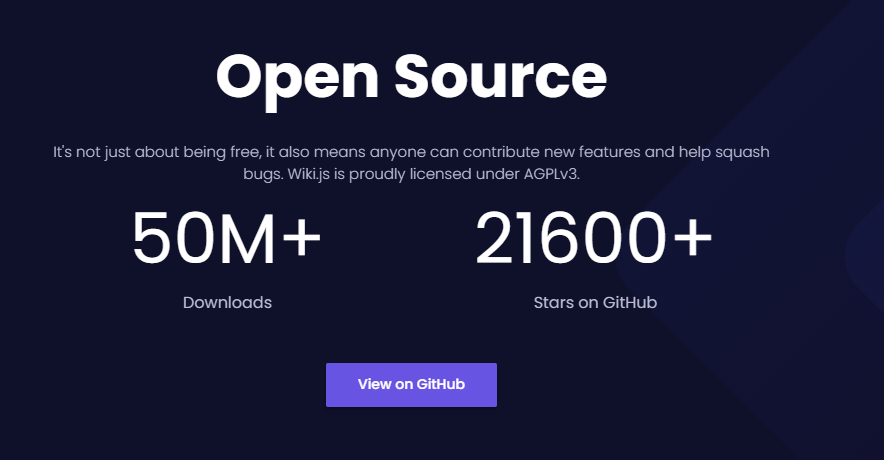
Wiki.js Open Source details: 50M+ downloads, 2160

Who's Using It?

Logos of Cloudflare, DigitalOcean, GitHub, Netlify, and other services

A Complete Ecosystem

Wiki.js integrations with AWS, Git, Azure, Google Cloud, OpenID, Facebook logos

Feature Highlights

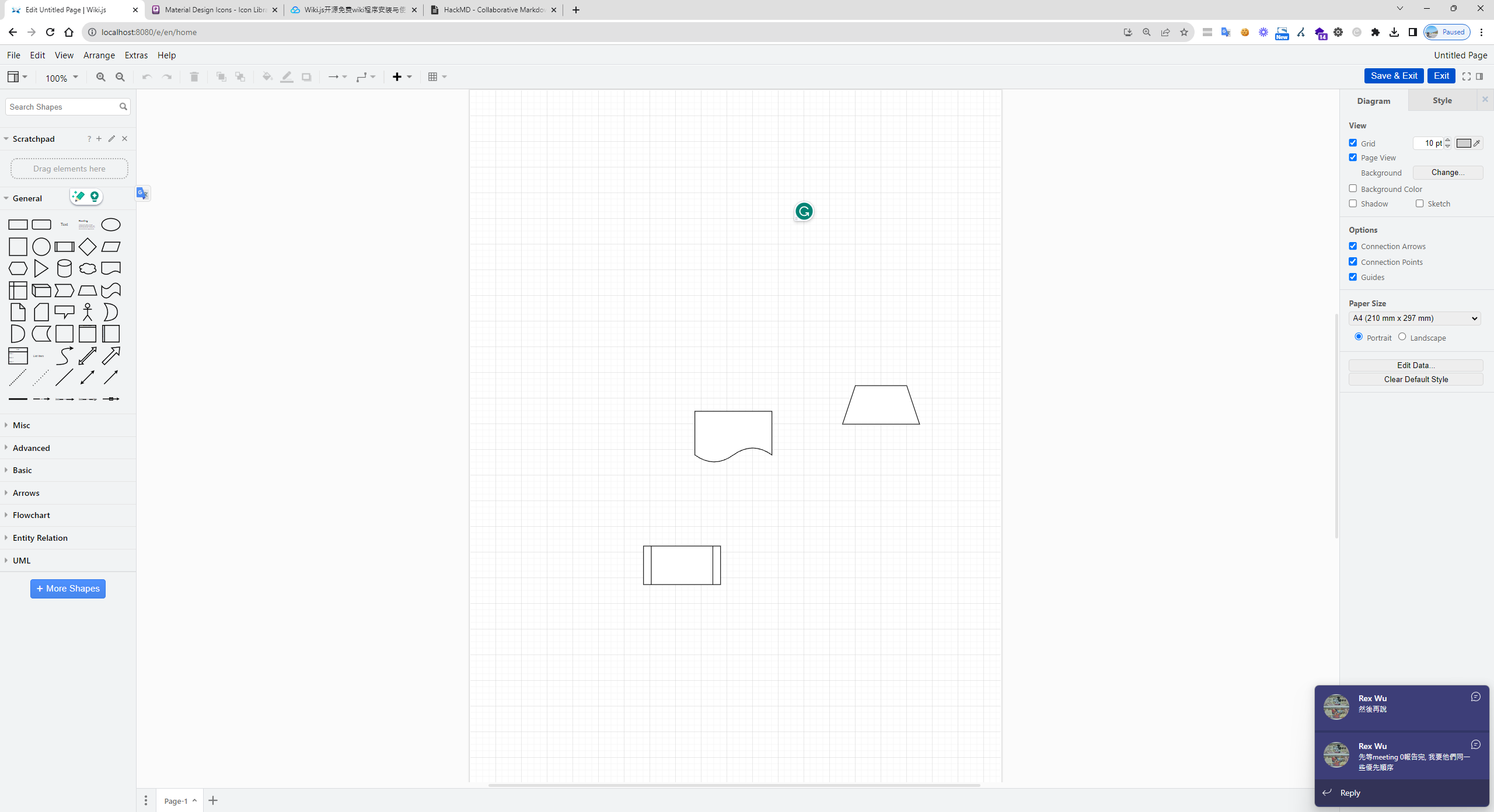
Flowcharts: Can be displayed directly within documents.
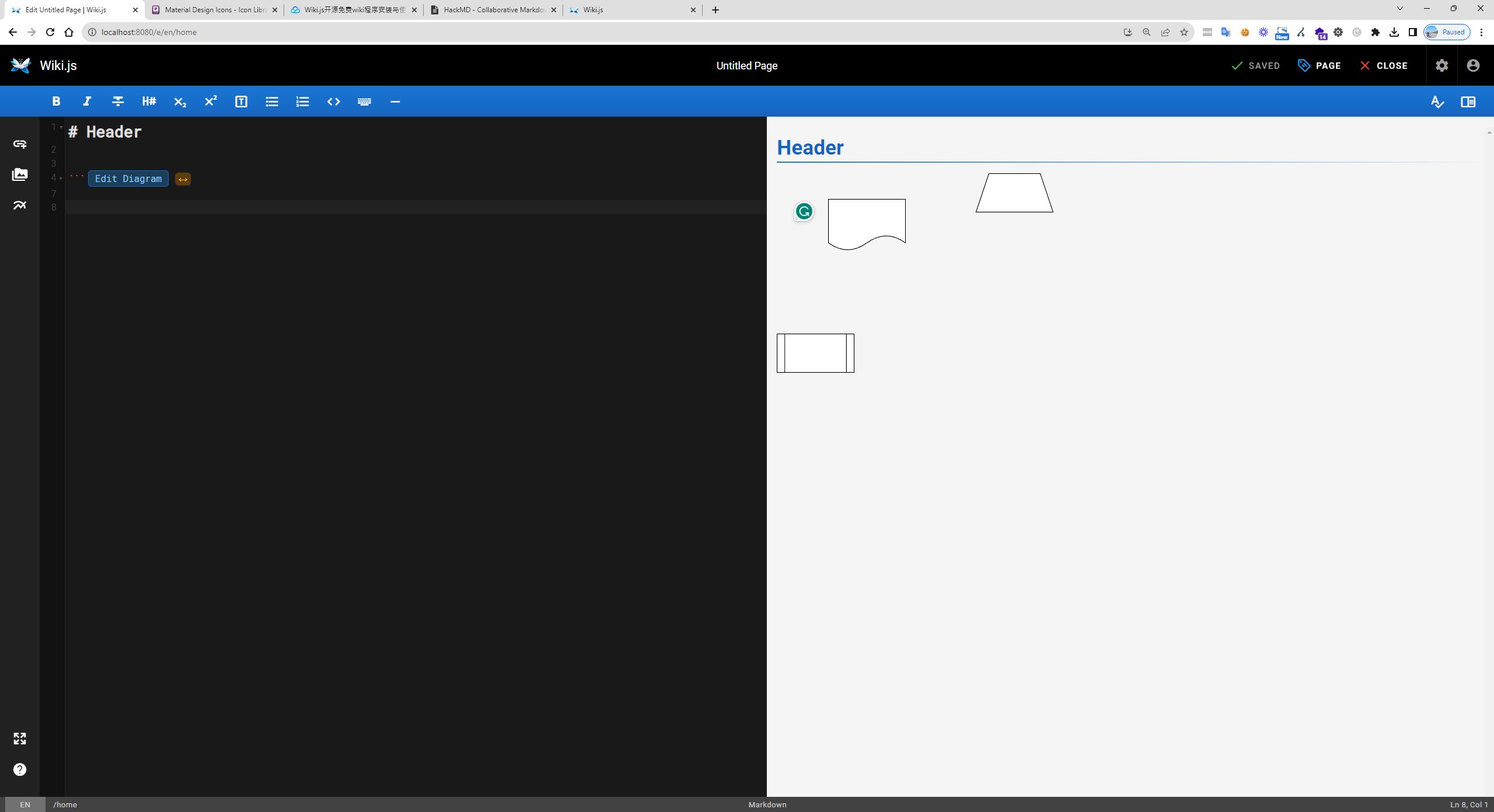
Wiki.js split editor showing markdown and flowchart preview

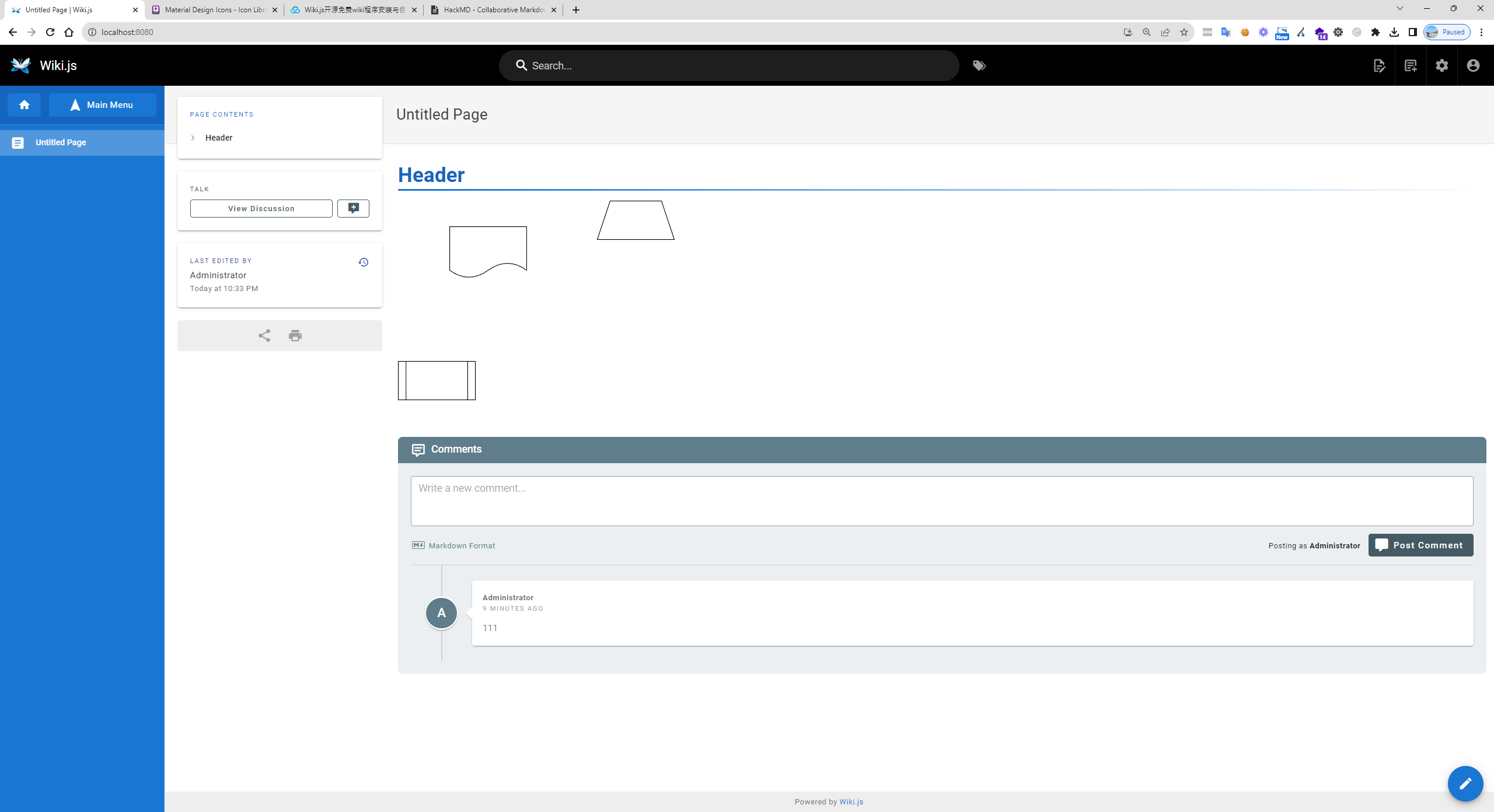
Commenting: Discussions can take place below the document.
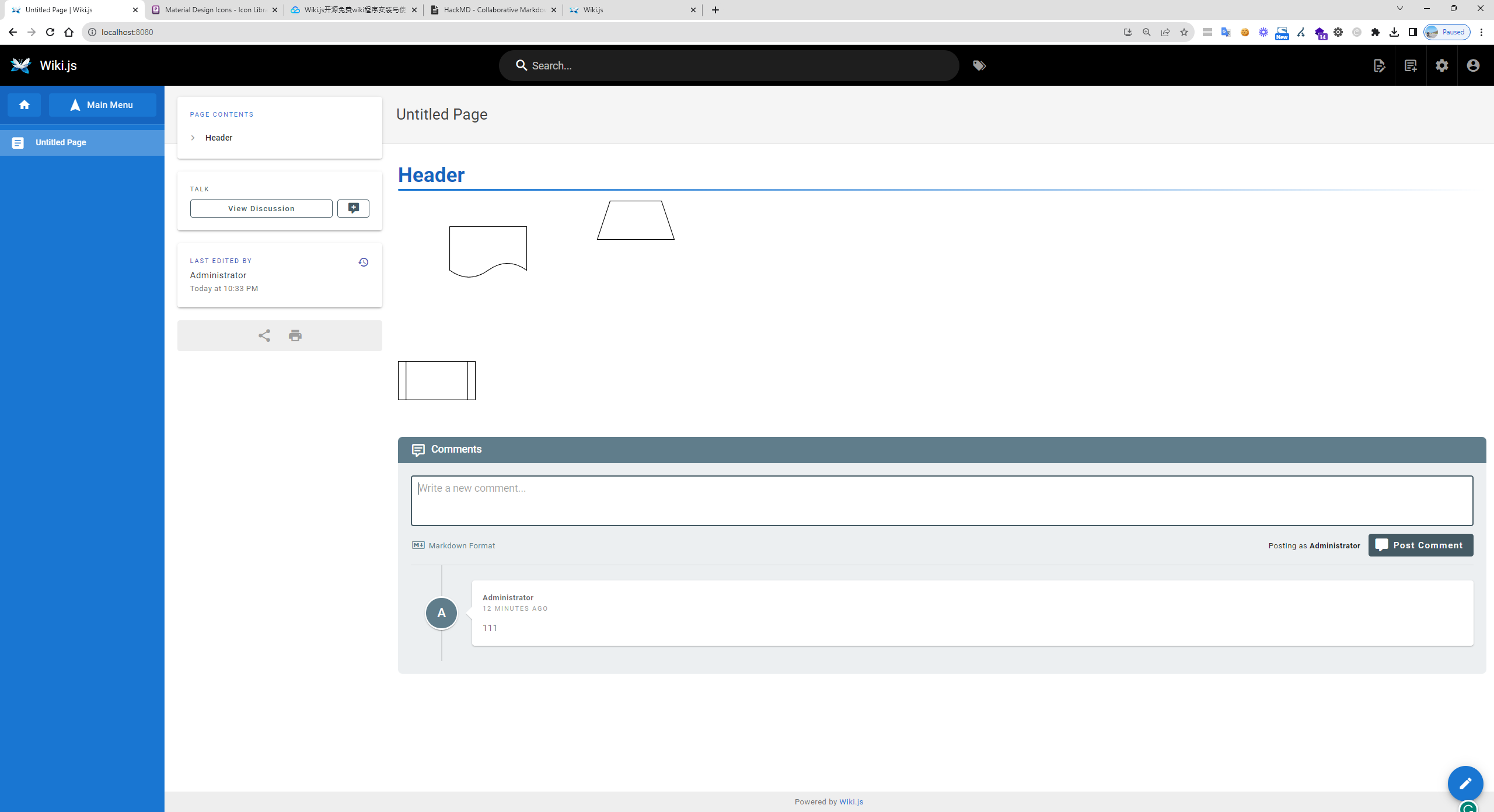
Wiki.js document with flowchart shapes and comments section

Editing Interface: The interface is very similar to HackMD, but it supports multiple editors and even allows you to insert flowcharts. You can double-click to edit directly, but you have to click "Save" in the top-right corner to save your changes.
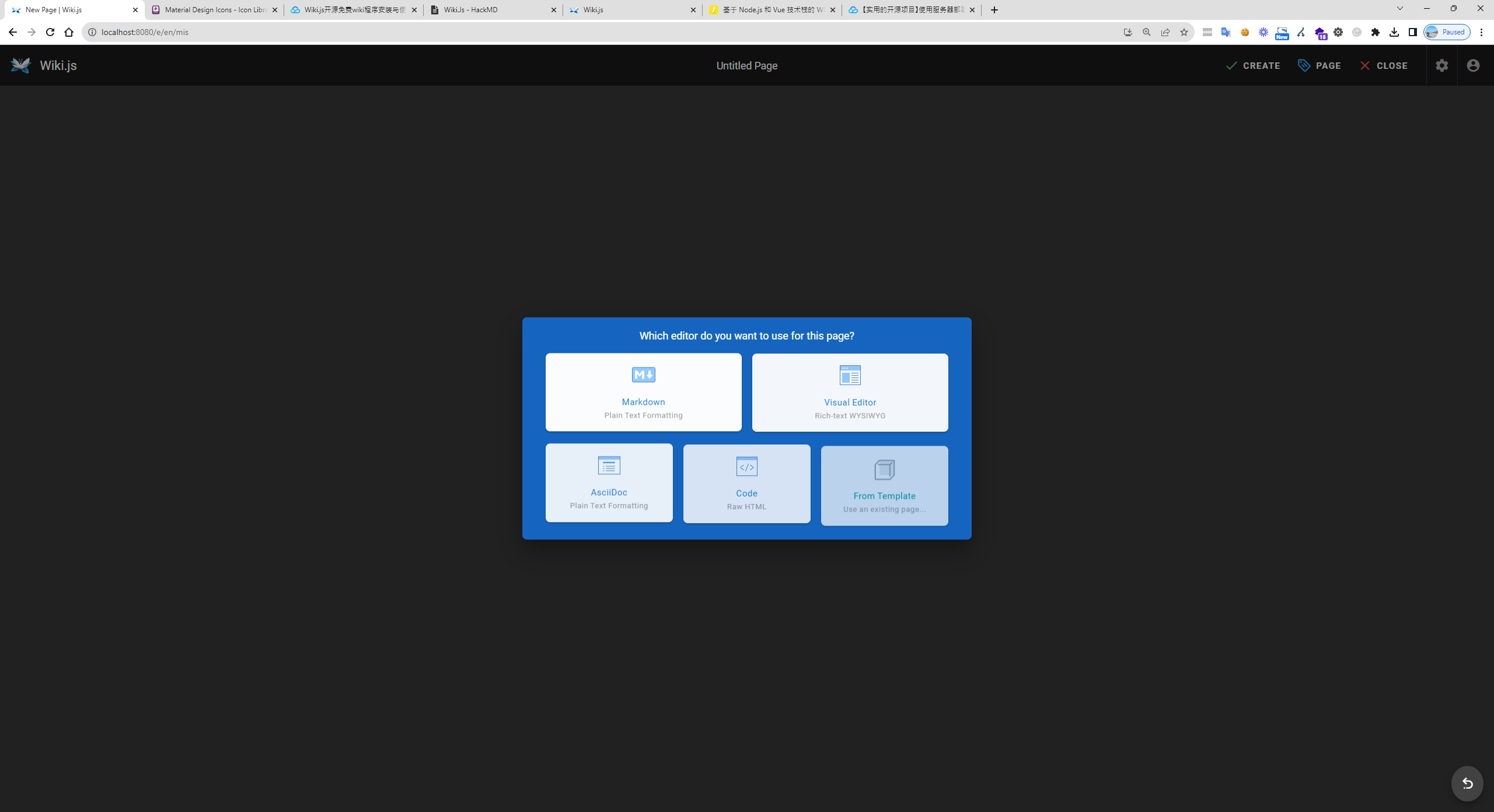
Wiki.js editor selection dialog with Markdown and Visual Editor options
Wiki.js editor displaying flowchart shapes and a comment section
Wiki.js flowchart editor with shapes, grid, and diagram options

Social Integration: Can integrate with various social logins, and even supports company Teams accounts.
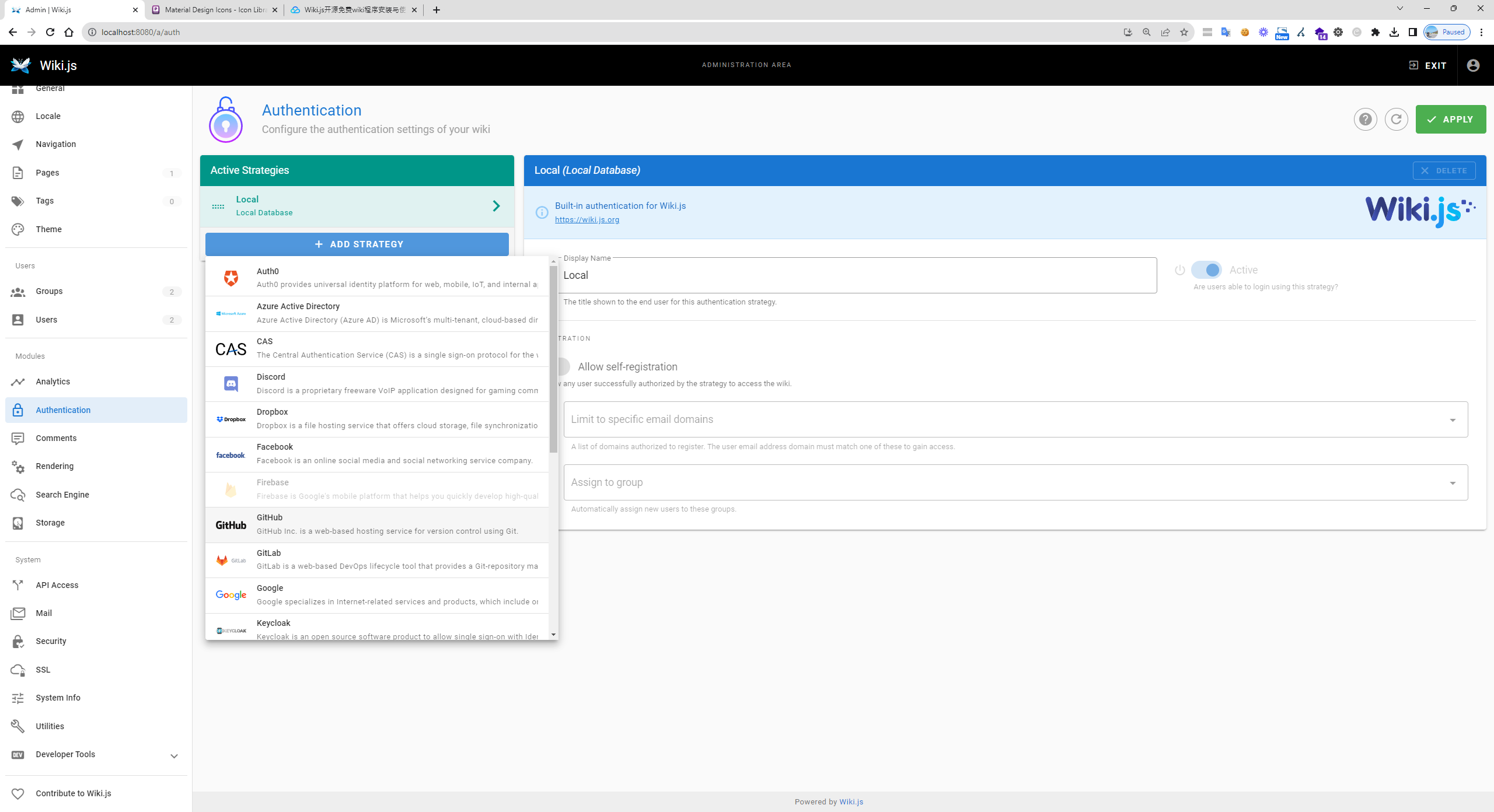
Wiki.js authentication settings showing local strategy and integration options

Group Permissions and Login Settings: Supports group-based access permissions and allows setting a login URL.
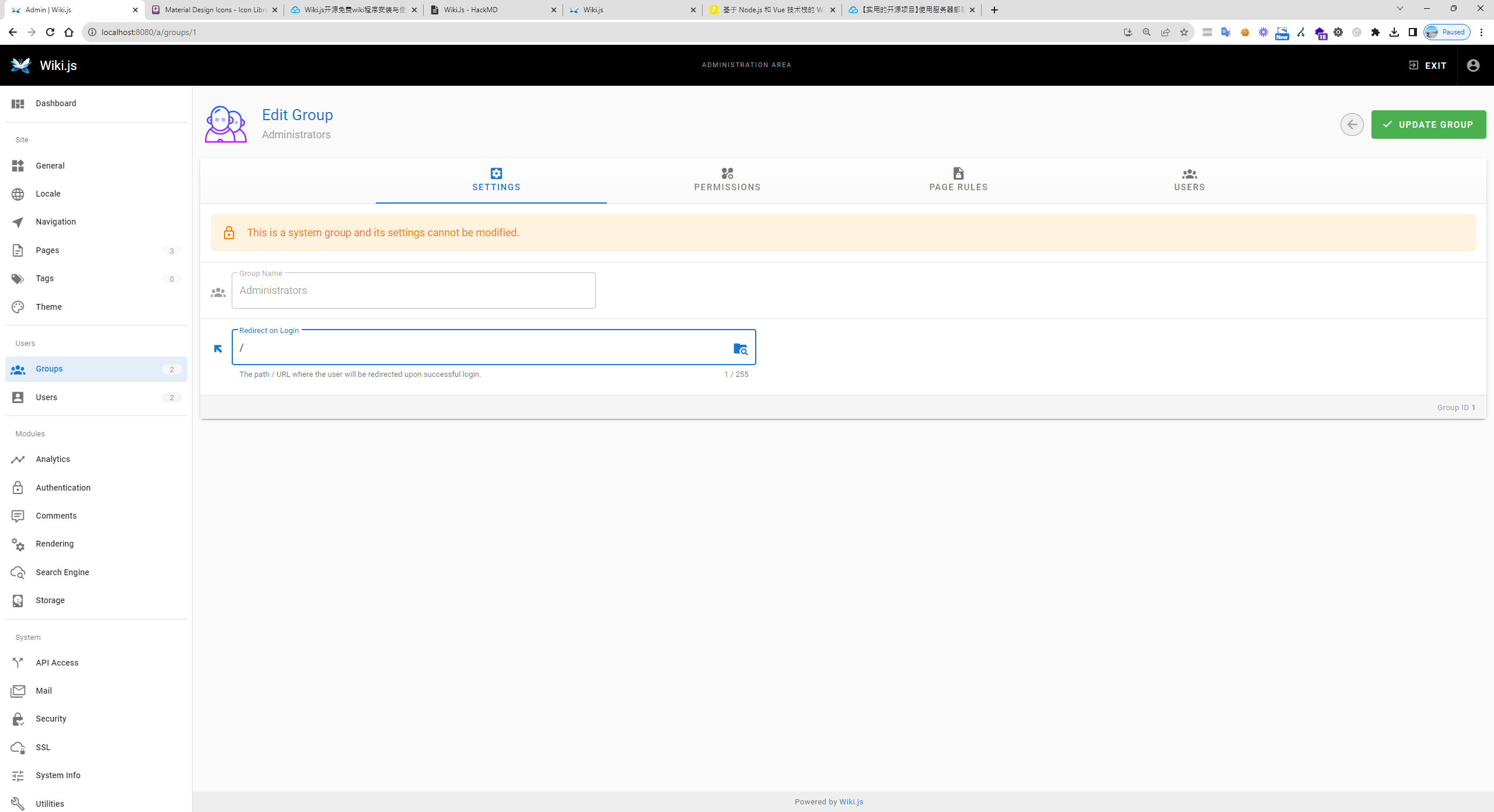
Wiki.js admin interface showing unmodifiable system group settings for Administr

Granular Permission Management: You can not only set basic access permissions but also configure more in-depth access rights for each group.
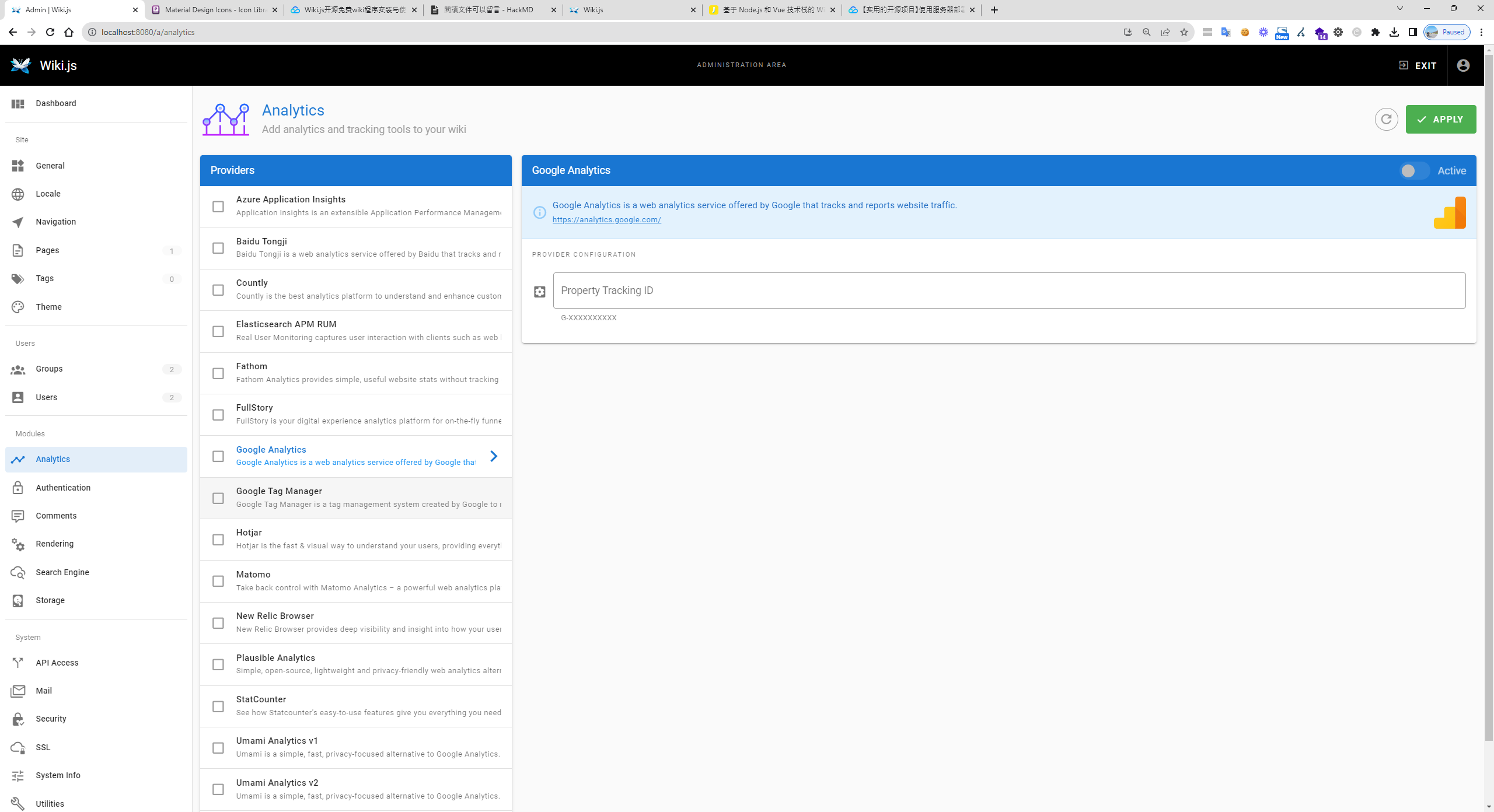
Wiki.js analytics settings showing Google Analytics configuration

Traffic and Heatmap Analysis: Wiki.js is compatible with and supports various traffic analysis tools, such as Hotjar, to help you gain deep insights into user behavior.
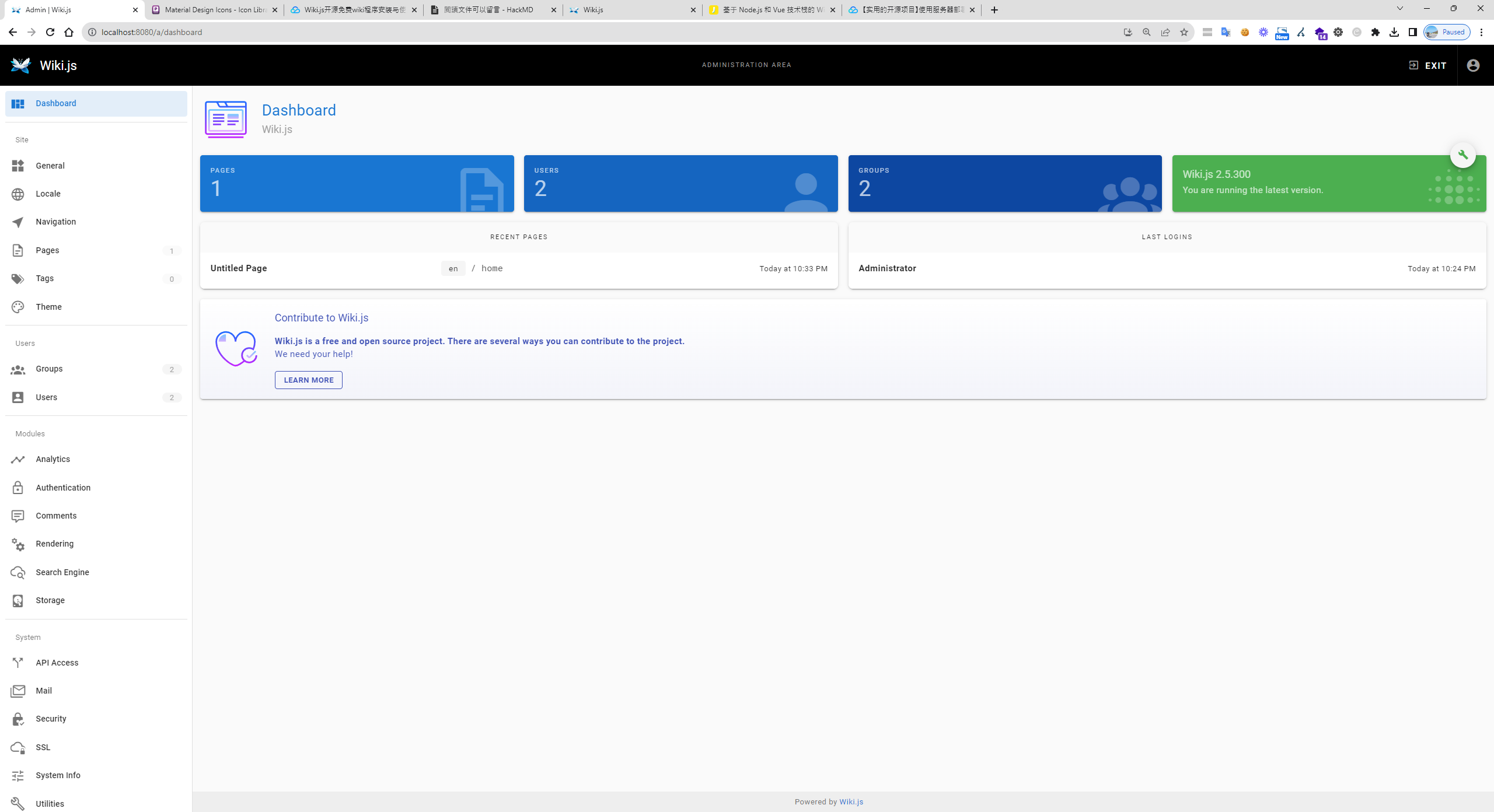
Wiki.js administration dashboard showing pages, users, groups, and version

Multi-language Support and Backend Features: Wiki.js supports multiple languages and offers a suite of powerful backend management features.
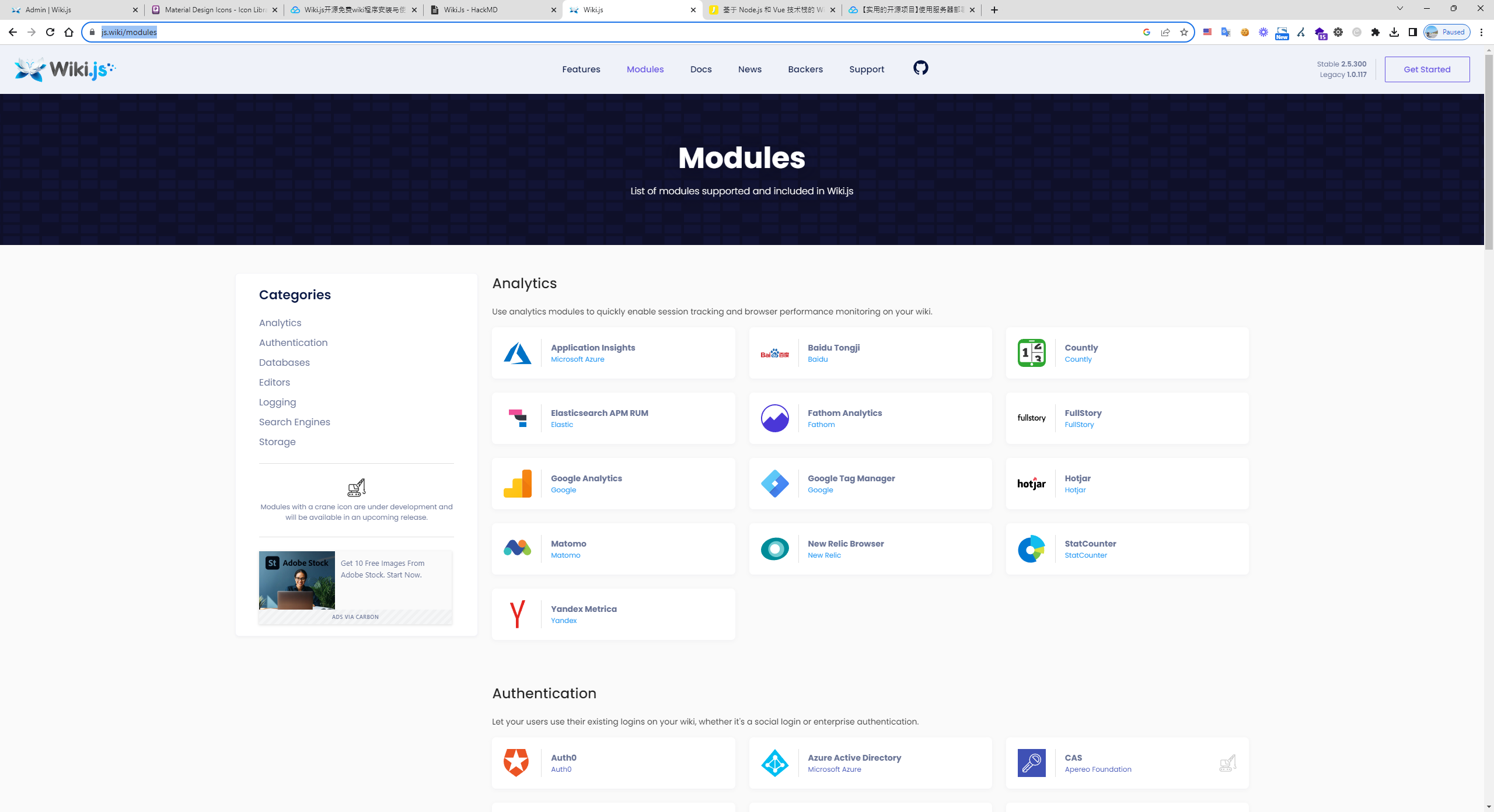
Wiki.js modules page showing analytics and authentication backend integrations

Customization and Extensibility

The frontend of Wiki.js uses Vue and Node.js, with MySQL as the database. It is highly customizable and has numerous plugins to choose from. See more modules Wiki.js Modules page listing various analytics and authentication integrations

Docker + MySQL Commands

docker run -d -p 8080:3000 --name wiki --restart unless-stopped -e "DB_TYPE=mariadb " -e "DB_HOST=192.168.0.106" -e "DB_PORT=33066" -e "DB_USER=wiki" -e "DB_PASS=password" -e "DB_NAME=wiki" ghcr.io/requarks/wiki:2

Author

Mark Ku

擁有 10+ 年經驗的資深軟體工程師,現為 AI 應用 Builder,專注於大型平台架構與簡化複雜系統設計,從電商系統到訂閱與收費平台,結合 AI Agent、AI 整合與自動化開發,打造高效率且可持續演進的產品技術基礎。Read More

Found this useful?

The author's free tools, daily podcasts and newsletter are all here.

Mark Ku · This article is licensed under CC BY 4.0. Credit the author and link back to the original when reusing it.

Comments

Subscribe to Newsletter

Subscribe to get new posts delivered instantly — never miss a tech share.

By submitting, you agree to receive emails. You can anytime.

Popular Posts

View all
Mark Ku
··602

Oracle Cloud Always Free Tier: Linux Host and Static IP for a $0 Cloud Solution

Oracle Cloud Always Free Tier: Linux Host and Static IP for a $0 Cloud Solution
Mark Ku
··492

Say Goodbye to Postman's Fee Trap! A Hands-on Guide to Bruno, the Open-Source Git-Native API Testing Powerhouse.

Say Goodbye to Postman's Fee Trap! A Hands-on Guide to Bruno, the Open-Source Git-Native API Testing Powerhouse.
Mark Ku
··334

A Free, Open-Source, Notion-like Knowledge Base — A Complete Guide to Deploying and Backing Up Outline Wiki

A Free, Open-Source, Notion-like Knowledge Base — A Complete Guide to Deploying and Backing Up Outline Wiki
Mark Ku
··268

Training Your Own AI Voice: Hardware Requirements, Open-Source Model Comparison, and LoRA Fine-Tuning

Training Your Own AI Voice: Hardware Requirements, Open-Source Model Comparison, and LoRA Fine-Tuning
Mark Ku
··218

Building an Efficient API Management Platform: Deploying Kong Gateway from Scratch - Part 1

Building an Efficient API Management Platform: Deploying Kong Gateway from Scratch - Part 1
Mark Ku
··217

Setting Up Samba on Ubuntu to Share Folders with Windows 11

Setting Up Samba on Ubuntu to Share Folders with Windows 11