
Powershell automatically syncs docker redis data
Problem
Because our development sever is in USA.
So In front-end development often many network delays and instability.
Solution concept
Use Windows Task Scheduler and Powershell to sync data with USA's redis
First. You need create auto-sync.ps1 script and put Powershell to D:\Powershell\ folder
## auto-sync.ps1
$masterRedisIp = 192.168.40.30 // usa redis
$masterRedisPort = 6399
$slaveRedisIp = 192.168.0.39  // taiwan redis
slaveRedisPort = 6400

$Logfile = "D:\Logs\proc_$env:computername.log"

function WriteLog
{
Param ([string]$LogString)
$Stamp = (Get-Date).toString("yyyy/MM/dd HH:mm:ss")
$LogMessage = "$Stamp $LogString"
Add-content $LogFile -value $LogMessage
}

WriteLog "The script is run"
docker exec -u 0 -it f08e2fc8c5a4 redis-cli -h $slaveRedisIp -p $slaveRedisPort slaveof $masterRedisIp $masterRedisPort

# Initial state
$syncCompleted = $false

# Monitor the replication status
while($syncCompleted -eq $false){
    Write-Host "Waiting for replication sync..."
    Start-Sleep -Seconds 10
    $replicaSyncStatus = docker exec -u 0 -it $containerId redis-cli -h $localRedis -p $localPort info replication | Select-String -Pattern "master_sync_in_progress:0"
    if($null -ne $replicaSyncStatus){
        $syncCompleted = $true
    }
}

docker exec -u 0 -it f08e2fc8c5a4 redis-cli -h $slaveRedisIp -p $laveRedisPort slaveof no one
WriteLog "The script is successfully executed"
Second, Create create-sync-redis-task.ps1 and run this power shell
$account='admin'
$password='password'
$Action = New-ScheduledTaskAction -Execute 'Powershell.exe' -Argument '-ExecutionPolicy Bypass -File D:\Powershell\sync-redis.ps1"'

$Trigger = New-ScheduledTaskTrigger -Daily -At 3am

$Settings = New-ScheduledTaskSettingsSet

$Task = New-ScheduledTask -Action $Action -Trigger $Trigger -Settings $Settings

Register-ScheduledTask -TaskName 'RedisSync' -InputObject $Task -User $account -Password $password
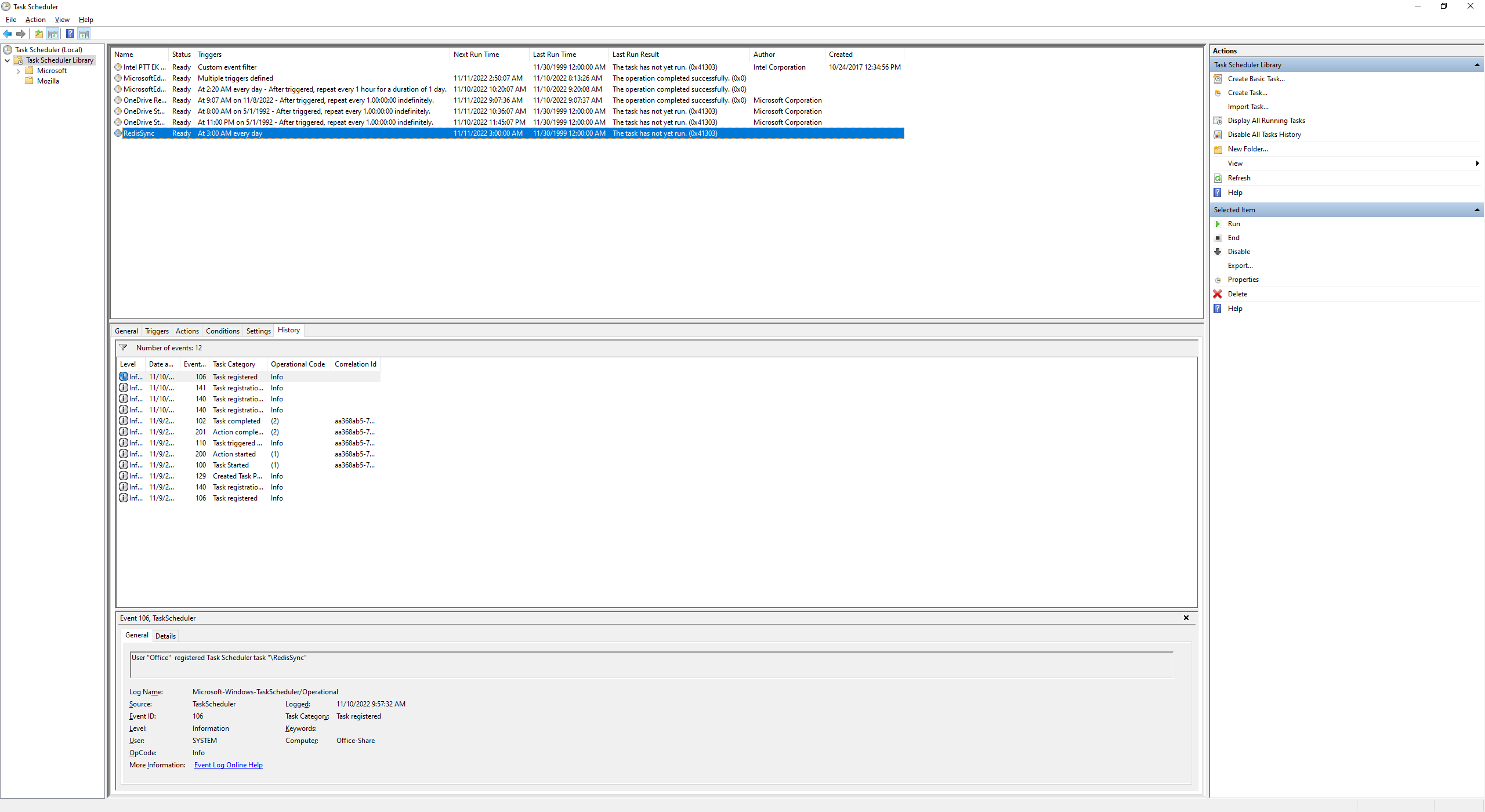
Open the Windows Task Scheduler. You will see the task you just created.


留言