


前言
最近發現有些網站有做 SEO,但都沒正常運行,所以就順手寫了一篇筆記,記錄如何驗證 SEO 功能面有辦法被 Google 爬蟲所收納。
方法一、最即時的方式,就是模擬爬蟲訪問網站
到 Chrome 市集安裝 user-agent-switch 套件
參考 Google Doc,得知 Google搜尋引擎的爬蟲,是採用什麼 useragent 來收錄你的網站
目前的 Googlebot 使用者代理程式
行動版:
Mozilla/5.0 (Linux; Android 6.0.1; Nexus 5X Build/MMB29P) AppleWebKit/537.36 (KHTML, like Gecko) Chrome/41.0.2272.96 Mobile Safari/537.36 (compatible; Googlebot/2.1; +https://www.google.com/bot.html)

電腦版:
Mozilla/5.0 (compatible; Googlebot/2.1; +https://www.google.com/bot.html)

「或」

Mozilla/5.0 AppleWebKit/537.36 (KHTML, like Gecko; compatible; Googlebot/2.1; +https://www.google.com/bot.html) Safari/537.36
透過 chrome 套件 user-agent-switch,模擬 google bot 的訪問你的網站
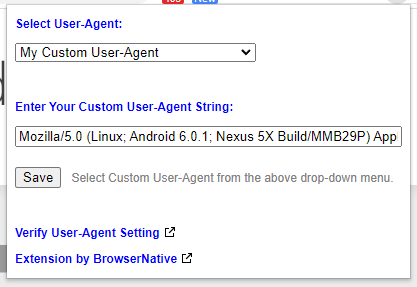
結果發現被 Cloud Flare 擋下來了
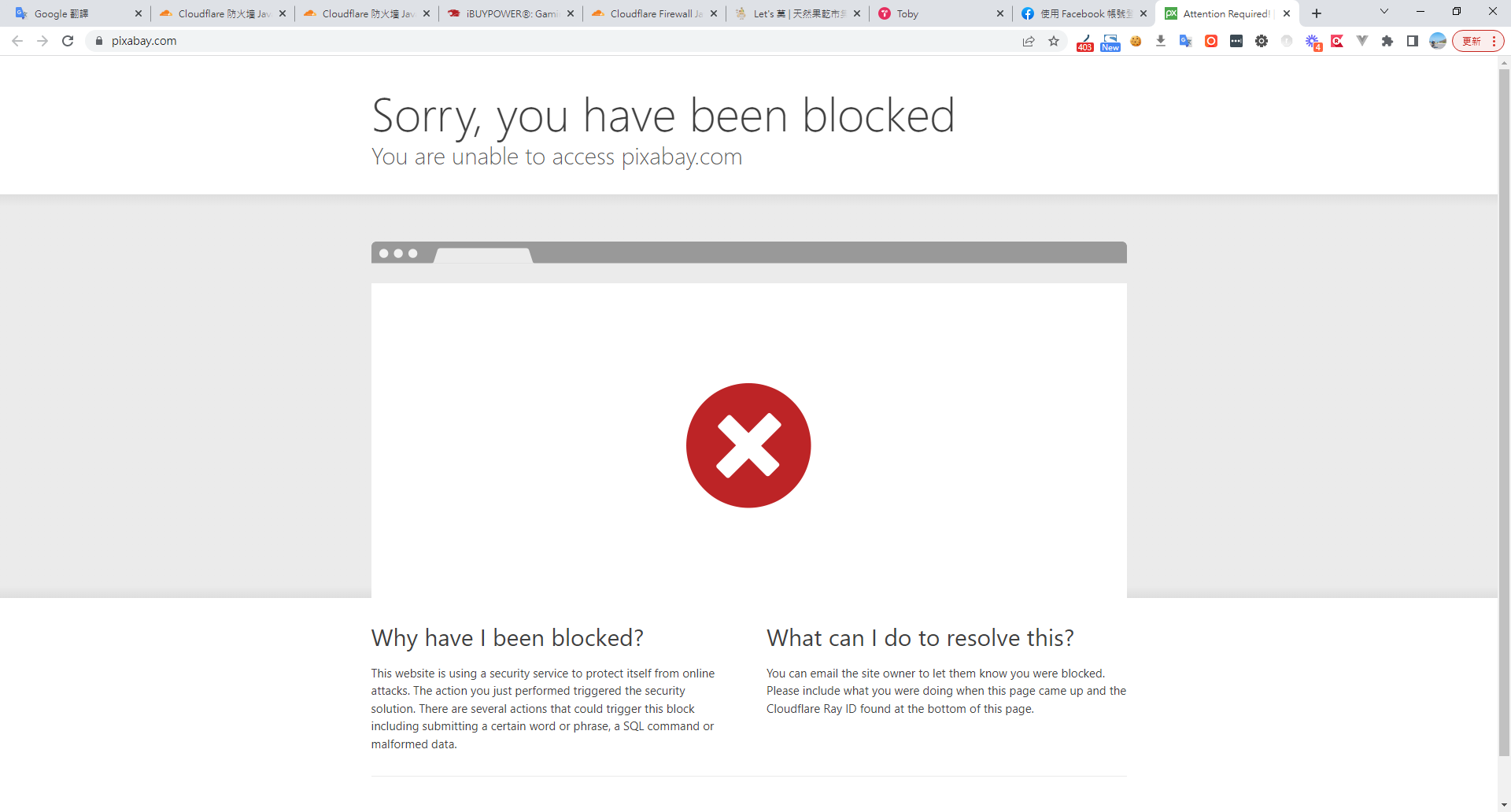
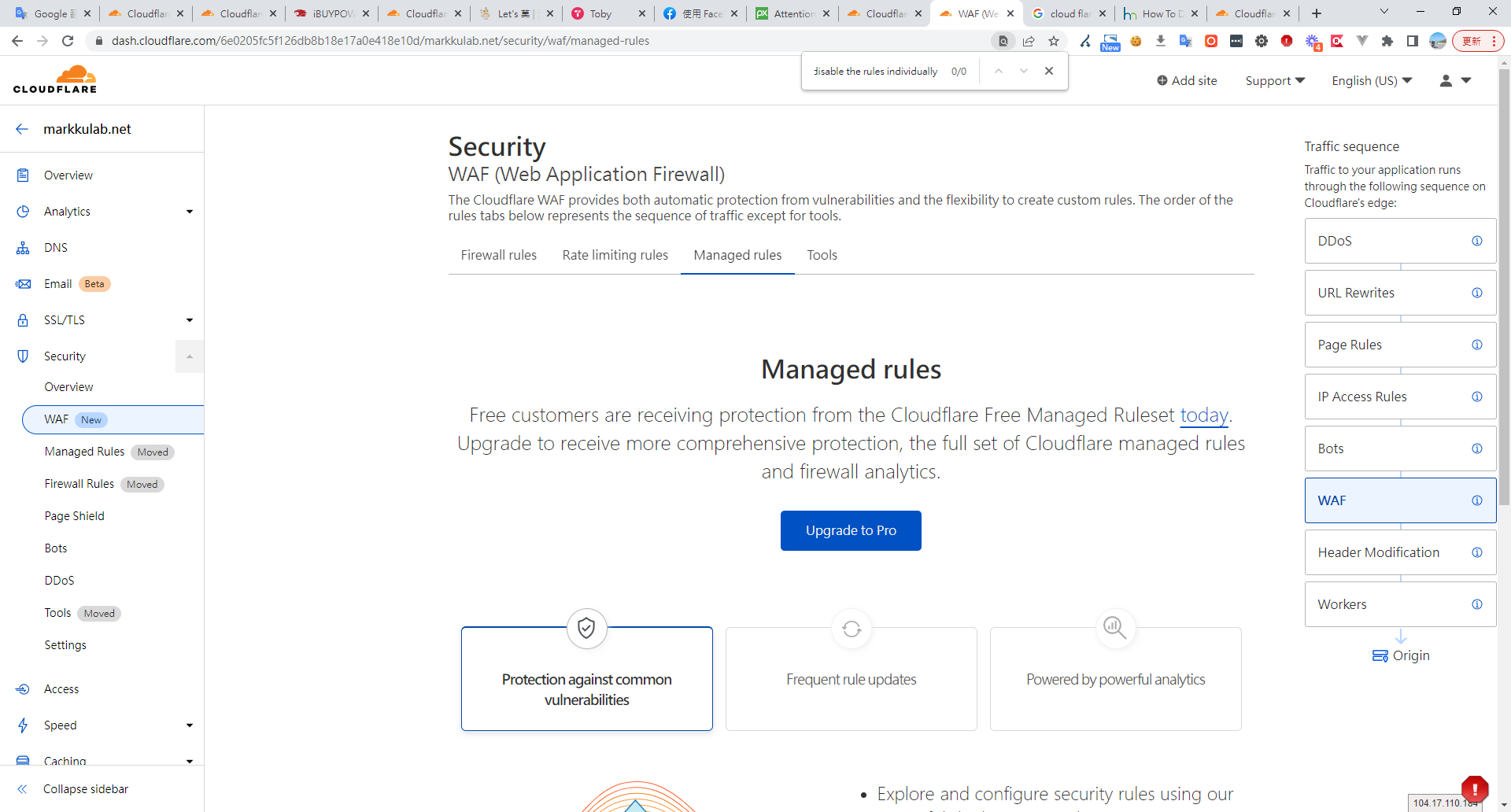
我參考了Cloud falre社群的討論,得知看起來是他的規則造成的
Workaround
As @cs-cf said, the best thing to do is to disable the rules individually so you don’t lose all the other Cloudflare Specials benefits.

Step-by-step
Click the Firewall tab
Click the Managed Rules sub-tab
Scroll to Cloudflare Managed Ruleset section
Click the Advanced link above the Help
Change from Description to ID in the modal
Search for 100035 and check carefully what to disable
Change the Mode of the chosen rules to Disable
Rules matching the search
100035 - Fake google bot, based on partial useragent match and ASN
100035B - Prevent fake bingbots from crawling
100035C - Fake google bot, based on exact useragent match and DNS lookup
100035D - Fake google bot, based on partial useragent match and DNS lookup
100035U - Prevent fake BaiduBots from crawling
100035Y - Prevent fake yandexbot from crawling
A seventh rule related to fake bots was deployed during the incident:

100035_BETA - Fake google bot, based on partial useragent match and ASN
但這解法,礙於免費版不能管理這個規則,猜測是 Pro 版的預設規則所造成
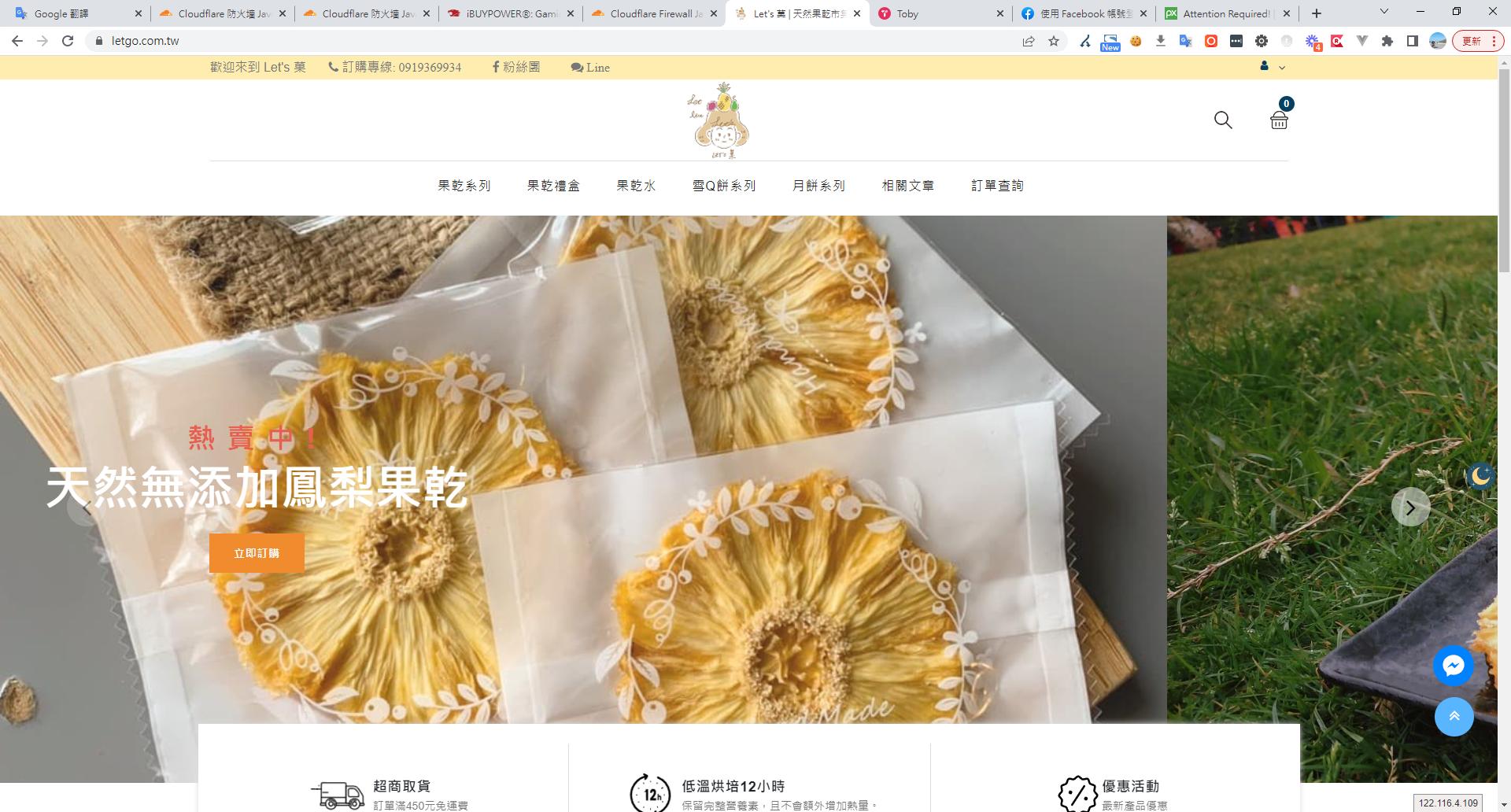
如果 SEO 正常,就會顯示正常的頁面
方法二、驗證頁面有沒有正確被 google 收錄,這不是立即就生效,需要時間等待 Google 收錄。
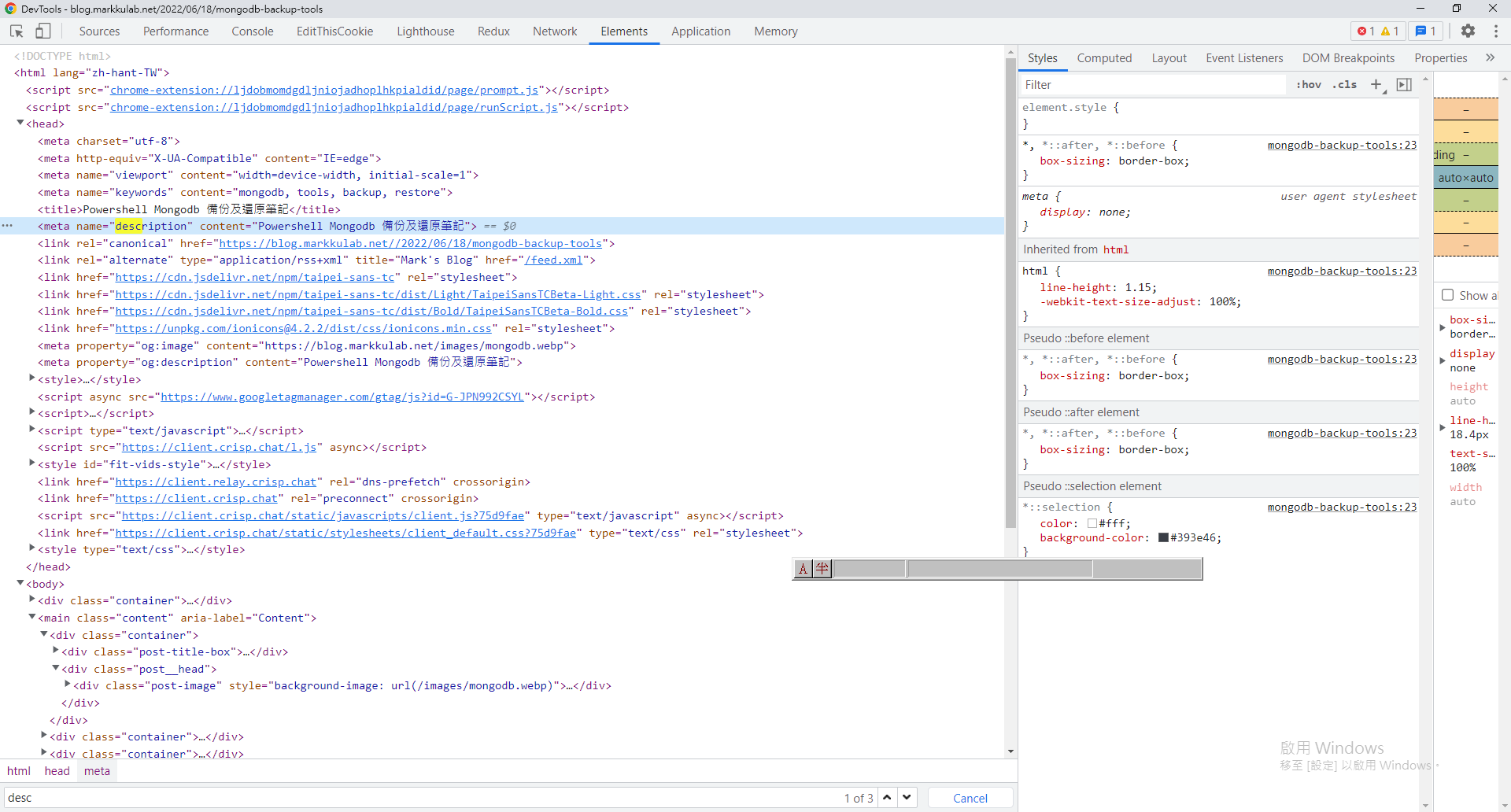
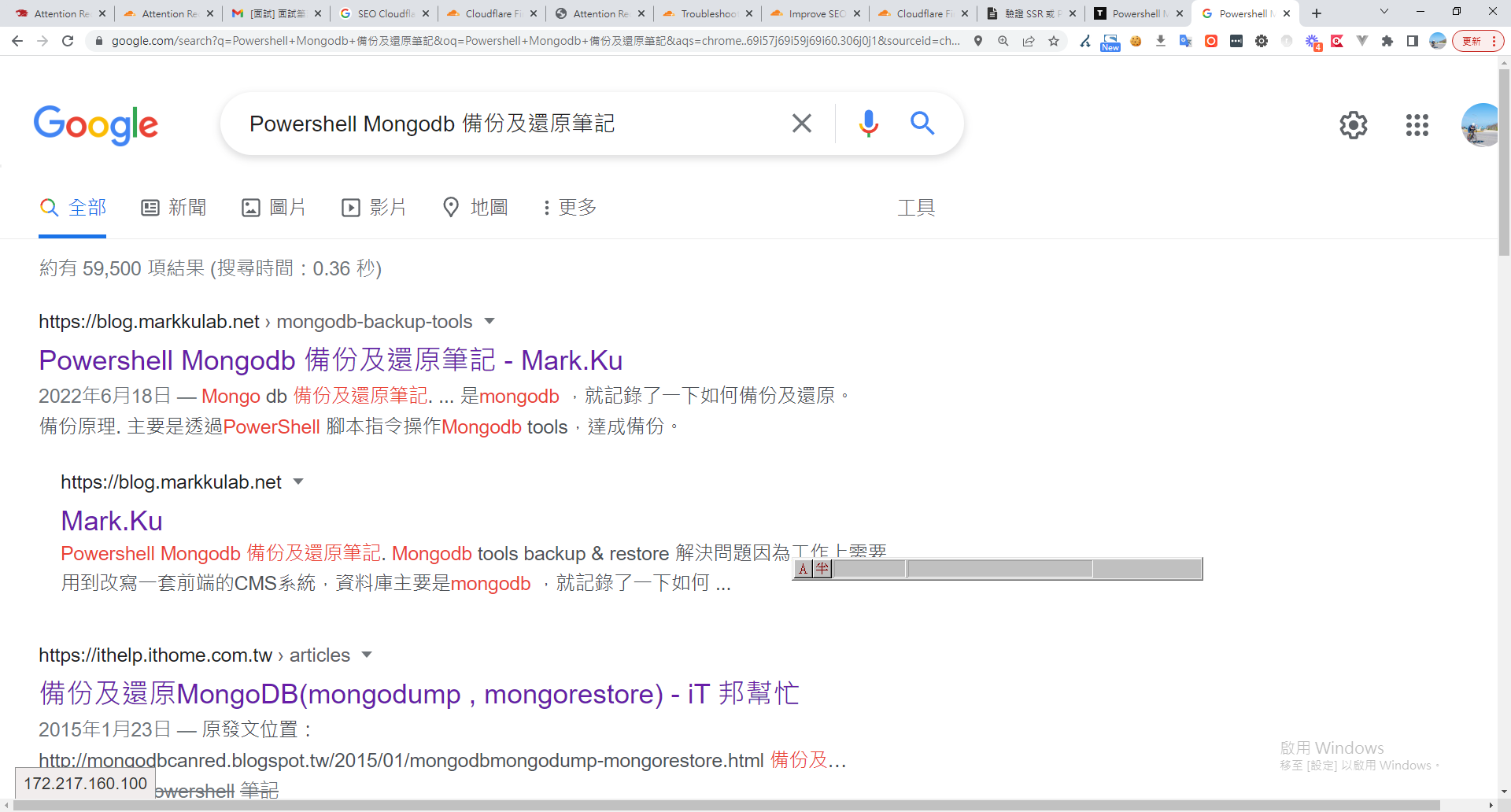
訪問該網站,從 html 中取得 head description ,並拿去 google 搜尋
確認是否有沒有被正確收錄
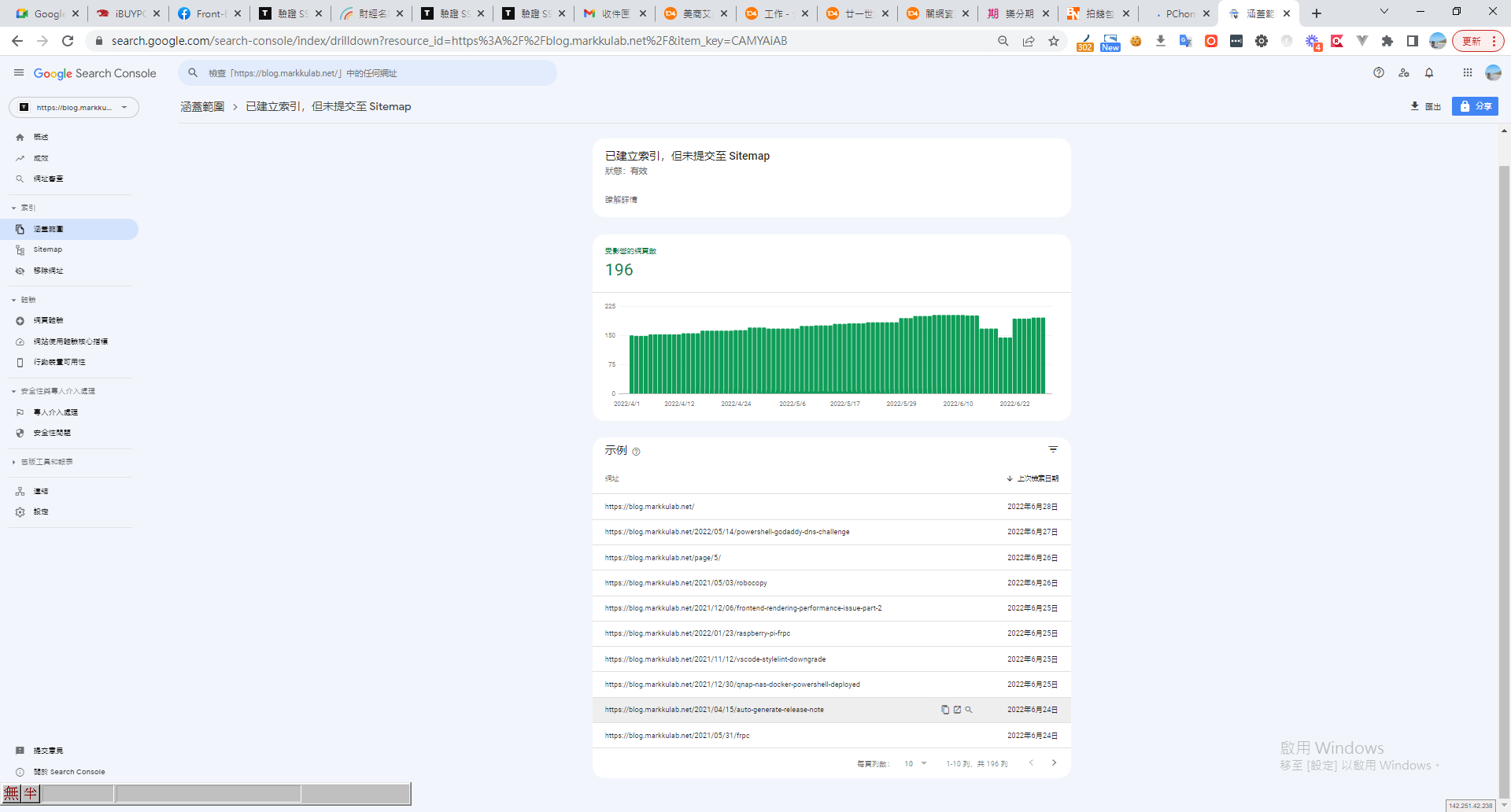
方法三、查看 Google Search Console 收錄狀態


留言