
背景說明
過去使用 Azure Open AI 來優化 SEO,但由於 Azure Open AI 每月僅有 $150 美金的額度,常在月底因 MSDN 額度不足而被停用。因此,我們開始尋找其他替代方案,最終選擇了 Facebook 開源的 Ollama。
安裝及設定
首先,建立 Docker Compose 檔案 (GPU 版本) - docker-compose.yml
2025/06/01 更新
version: '3.8'
services:
  ollama:
    image: ollama/ollama:latest
    ports:
      - 11434:11434
    volumes:
      - .:/code
      - ./ollama/ollama:/root/.ollama
    container_name: ollama
    pull_policy: always
    tty: true
    restart: always
    networks:
      - ollama-docker
    deploy:
      resources:
        reservations:
          devices:
            - capabilities: [gpu]

  open-webui:
    image: ghcr.io/open-webui/open-webui:main
    container_name: open-webui
    depends_on:
      - ollama
    ports:
      - 8088:8080
    environment:
      - 'OLLAMA_API=http://ollama:11434/api'
    extra_hosts:
      - host.docker.internal:host-gateway
    restart: unless-stopped
    networks:
      - ollama-docker

networks:
  ollama-docker:
    external: false
建立啟動容器應用
docker compose up -d
訪問 loclahost:8080
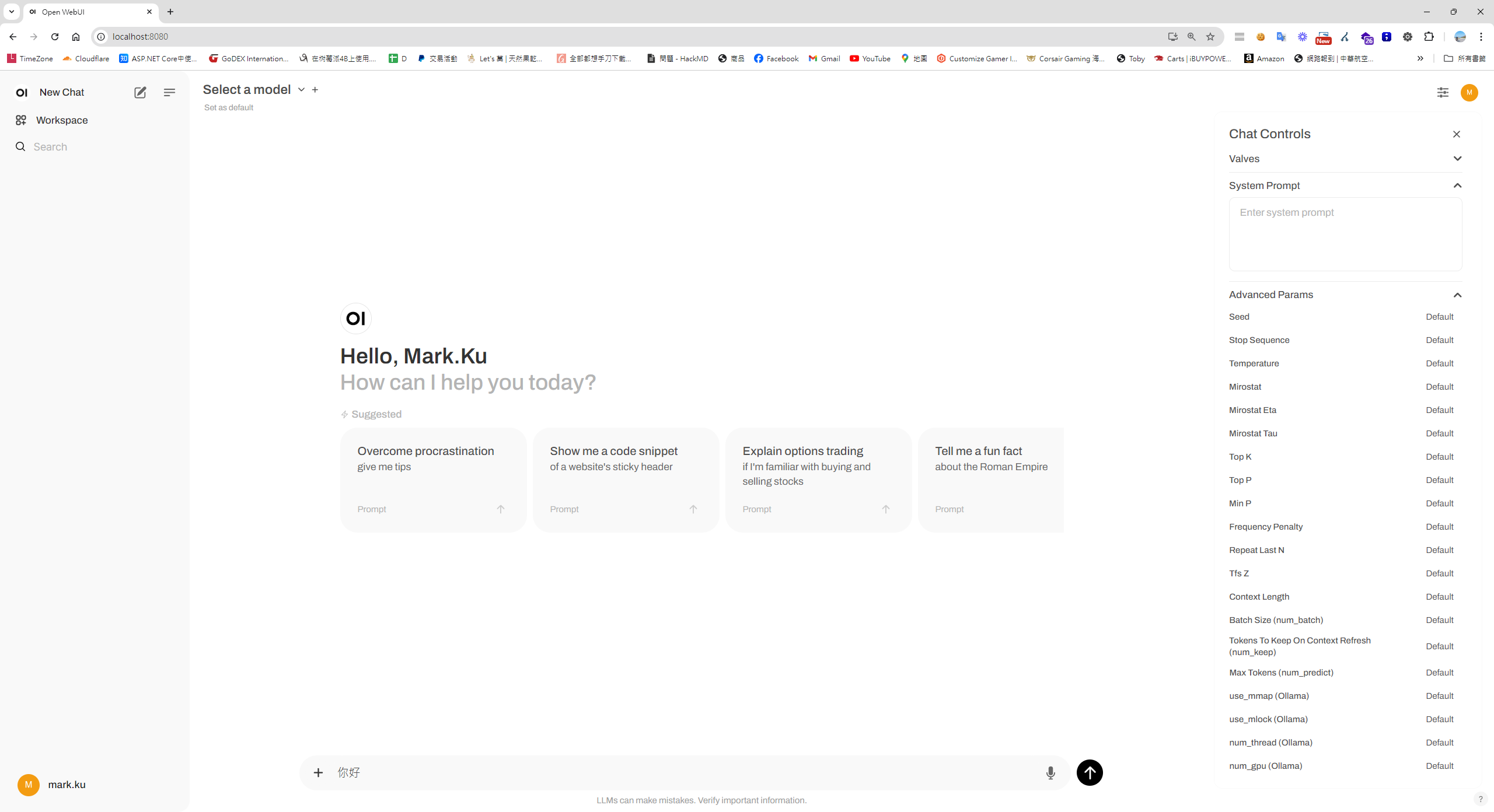
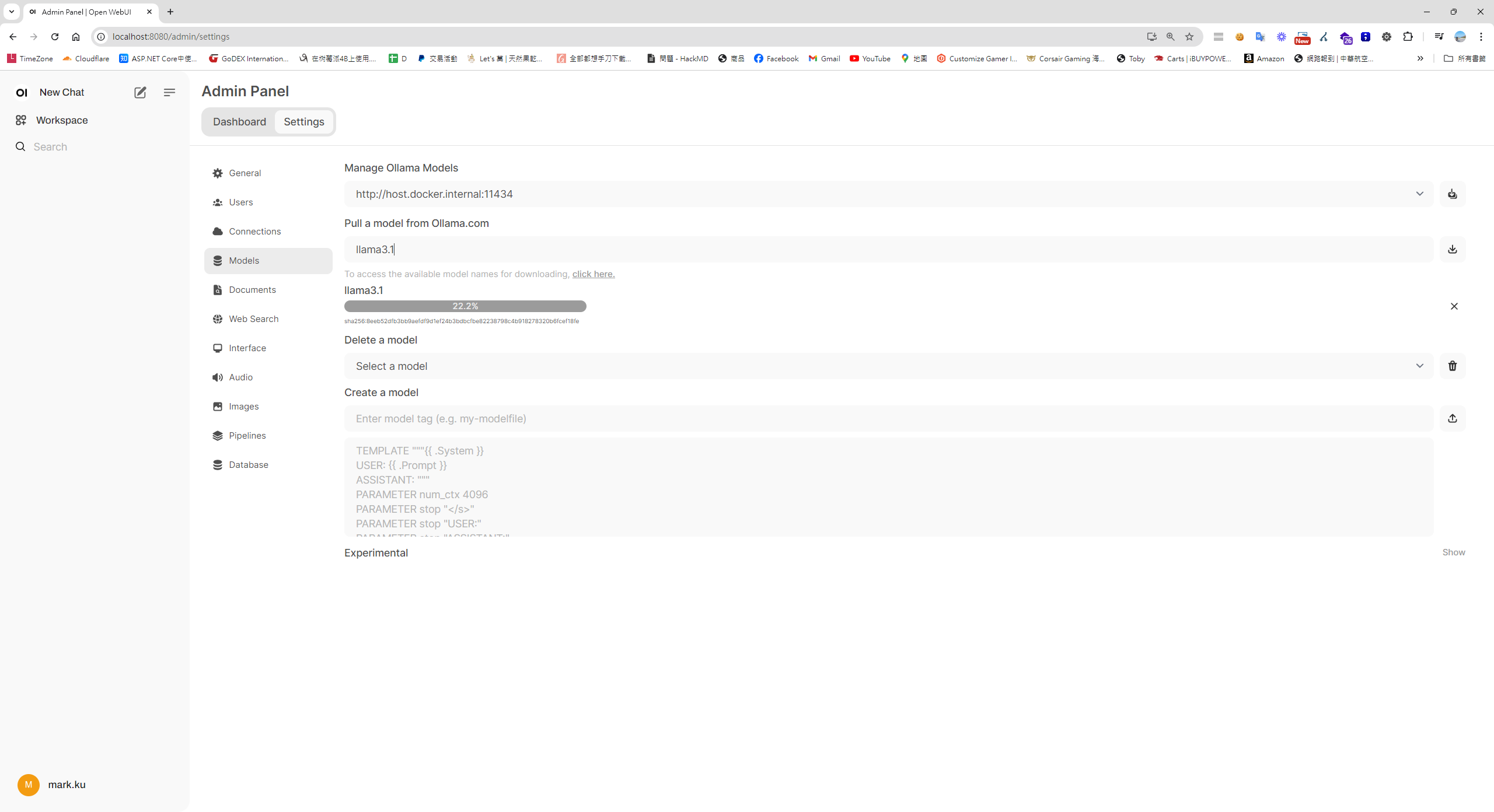
設定>下載及安裝模型
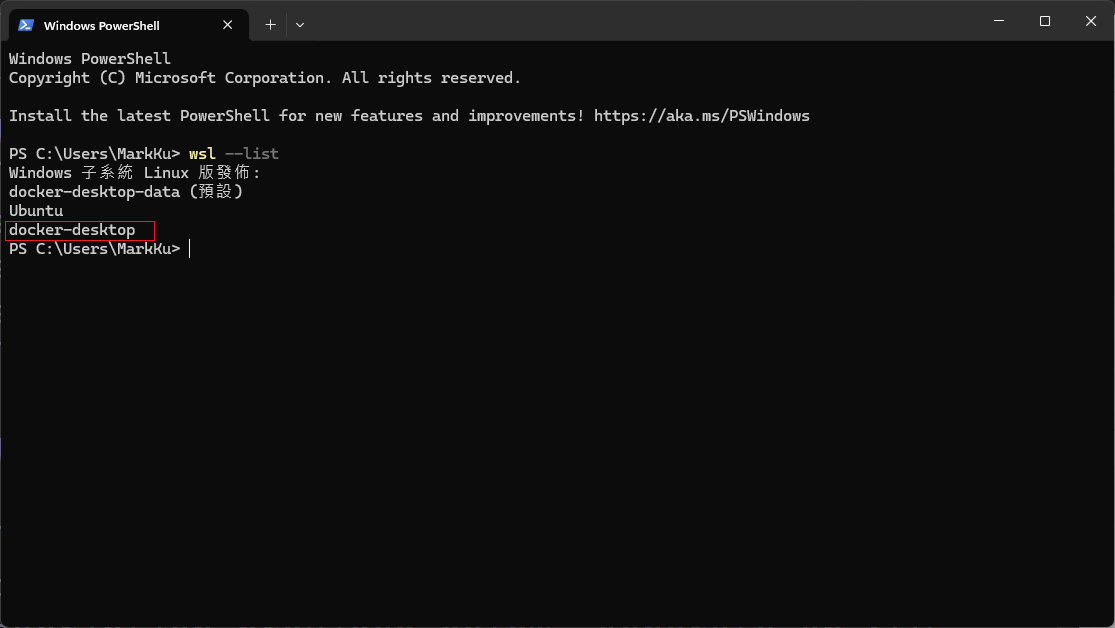
安裝 Linux 子系統 (Windows PowerShell)
wsl --version
wsl --update
wsl --install
wsl --list
接著,開啟 Ubuntu
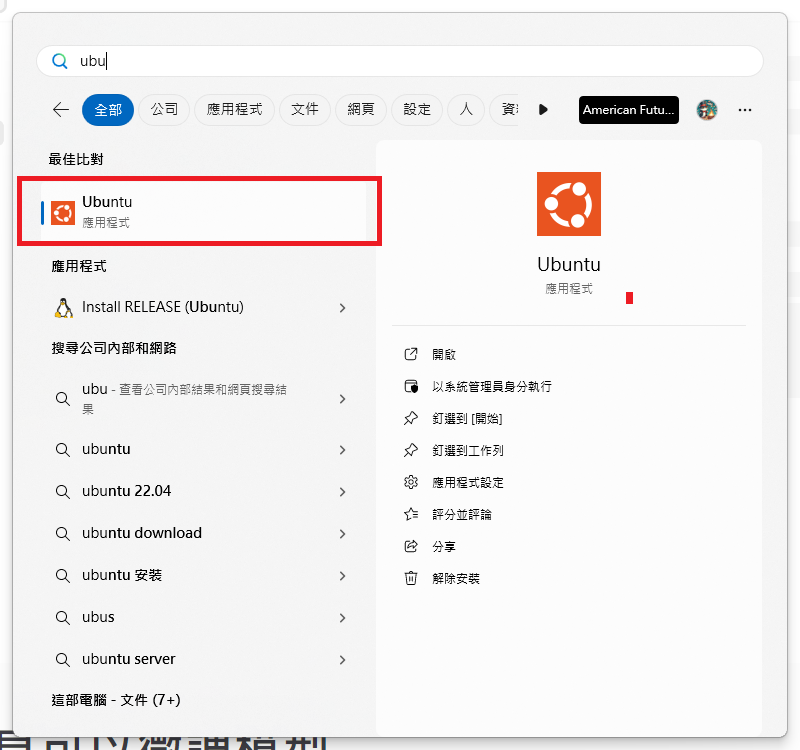
在 Ubuntu 中執行以下命令
在 Ubuntu 中,執行以下命令來配置 NVIDIA 容器工具包:
sudo apt-get update
sudo apt-get install -y nvidia-cuda-toolkit nvidia-container-toolkit
在 Docker 中設定支援 GPU
 * 確保 Docker「**啟用 WSL2 整合**」
 * 打開 Docker Desktop → Settings → Resources → WSL integration → 打開 Ubuntu
 * Docker 新版 Enable GPU support** (預設啟用) => 這就不用設定了
 * Docker enging 設定
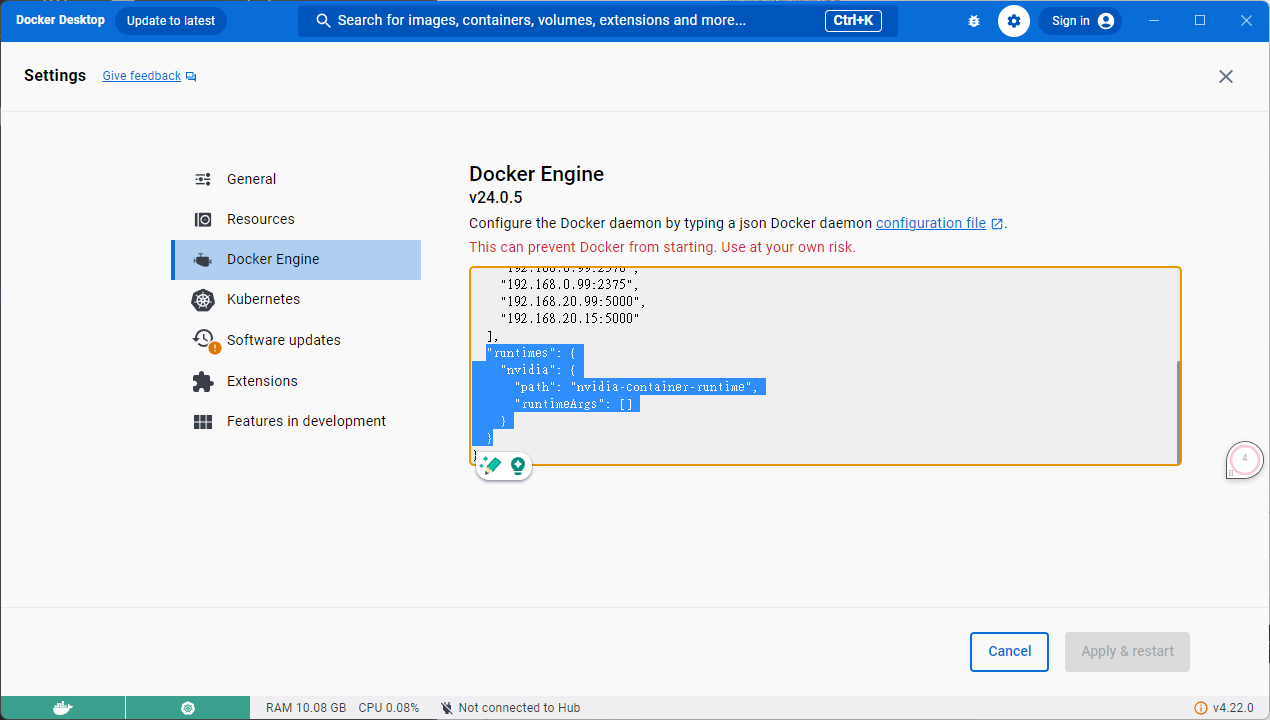
"runtimes": {
    "nvidia": {
      "path": "nvidia-container-runtime",
      "runtimeArgs": []
    }
  }
測試 GPU 整合
確認 GPU 整合是否成功:
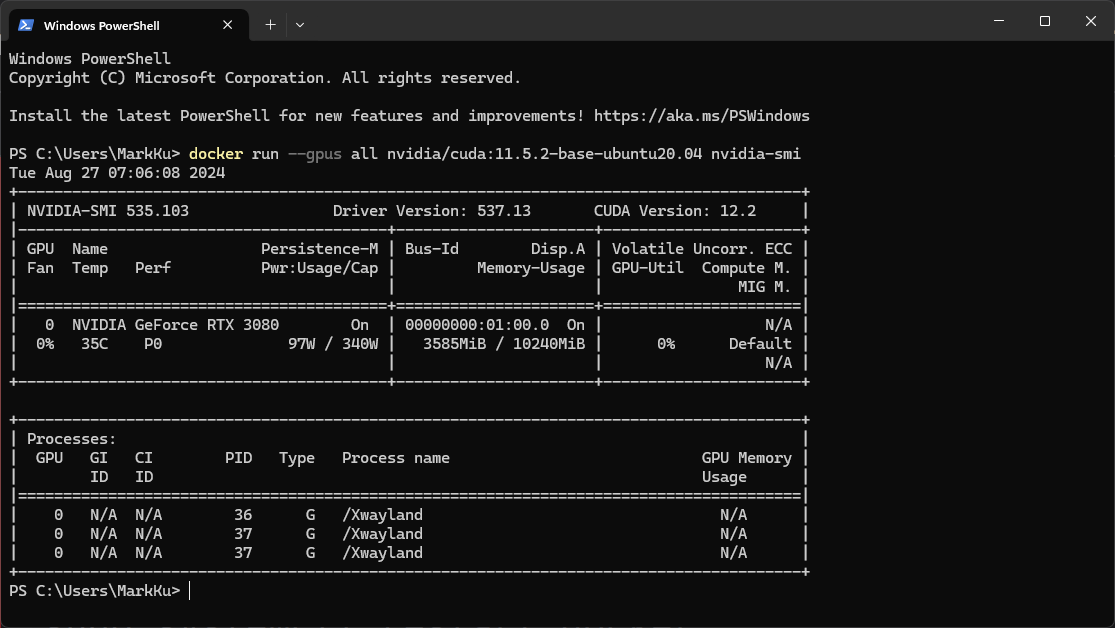
docker run --gpus all nvidia/cuda:11.5.2-base-ubuntu20.04 nvidia-smi
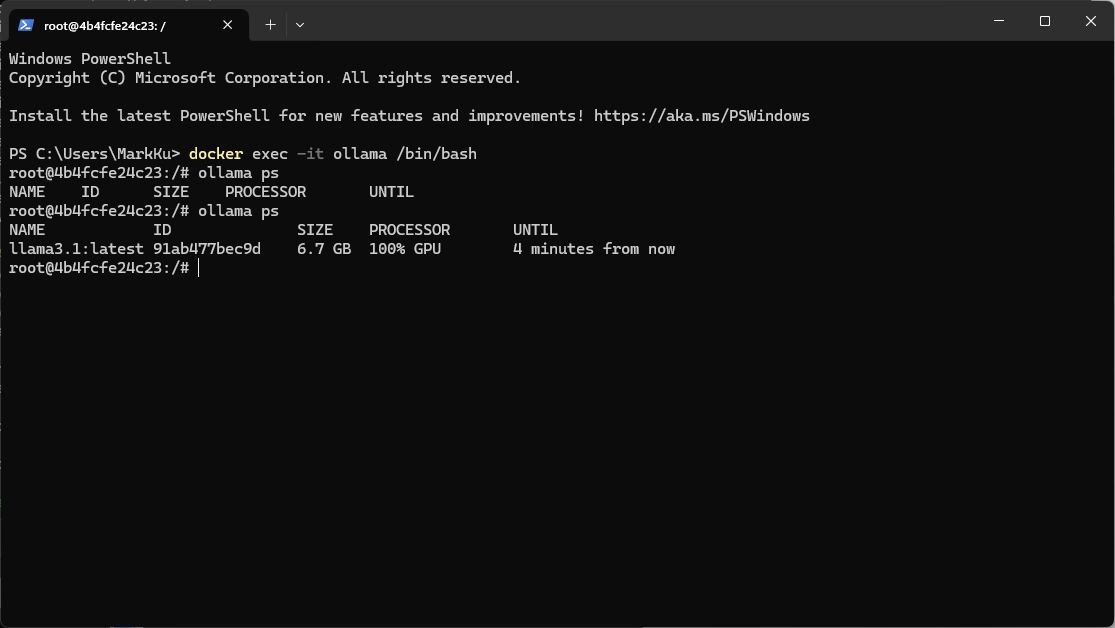
如何確定 Ollama 使用GPU 做運算,回到宿主機執行以下指令
docker exec -it ollama /bin/bash
ollama ps
實測結果
硬體規格: CPU 13900K + Nvidia TUF RTX 3080 + 64 GB + WIN 11
將先前給 Azure Open AI 產生SEO 的 prompt,去餵給Ollama 。
You are an SEO expert. Based on the page description provided below, generate an SEO-optimized title, meta description, and keywords. Ensure that the title is engaging and concise, the meta description summarizes the product effectively while enticing users to learn more, and the keywords are relevant to the product's features and market segment. Additionally, translate all content into the language specified by the given language code.
Company:Your company Desc ...
Ecommerce Page Description: Case: NZXT H5 Flow Gaming Gehäuse - Schwarz Processor: AMD Ryzen 5 5600X Processor (6x 3.7GHz/32MB L3 Cache) Memory: 16GB DDR4/3200MHz Memory(G.Skill ,Corsair,Kingston) Storage: Video Card: NVIDIA GeForce RTX 3050 - 8GB GDDR6X (VR-Ready) Motherboard: ASRock B450 PRO 4 ATX USB 3.1, SATA3, 1x M.2
Translate Target Language Code: en
FormatInstructions: Only the title, description and keywords of the json structure are returned. example :{"title":"","description":"","keywords":""} Please delete any other unnecessary information. Such as python code, Python Flask API, etc. Give me json result. Do not send back any other information such as python code, Python Flask API, etc.
性能比較
- CPU 版:1 分 10 秒 ~ 1 分 30 秒
- NVIDIA RTX MSI 2060 OG GPU 版: 30 秒左右
- NVIDIA RTX TUF 3080 GPU 版:不到 3 秒


留言